



 Official manufacturer image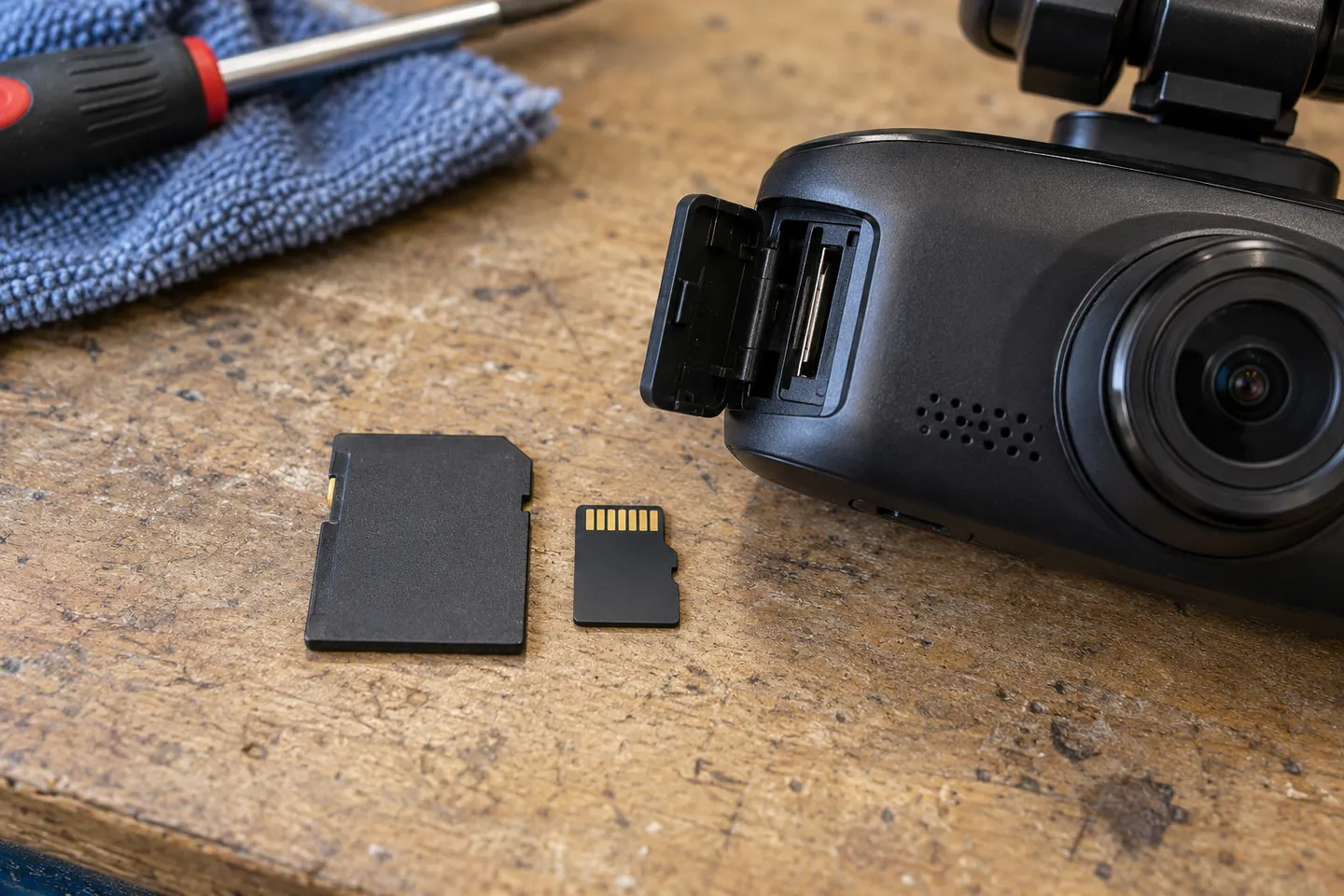
Our picks
Top picks
Official manufacturer image Official manufacturer image
VIOFO A229 Plus 2CH
Check price on Amazon AU Official manufacturer image
Garmin Dash Cam Mini 3
Check price on Amazon AUBy feature
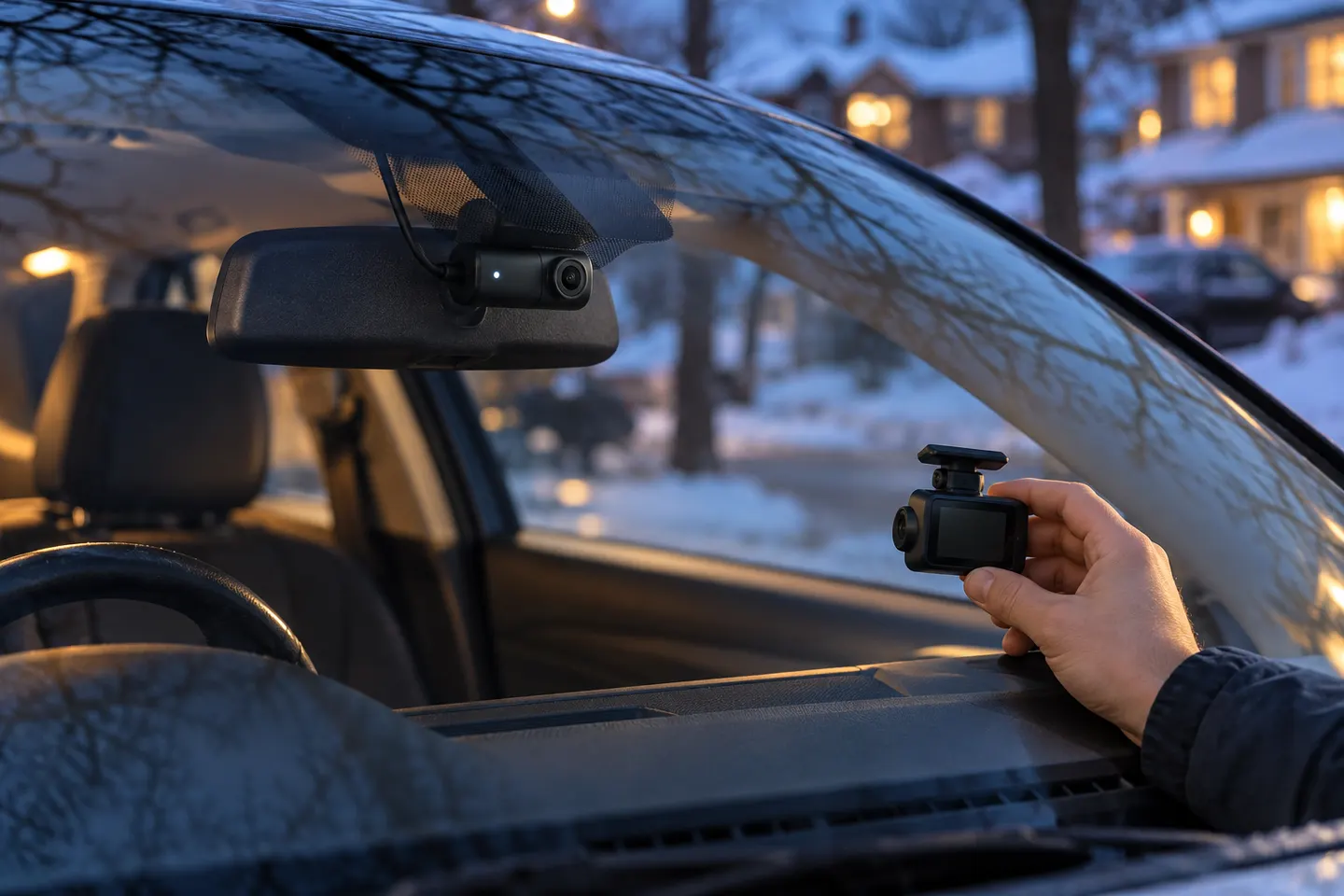 Mini
MiniInstallation and accessories
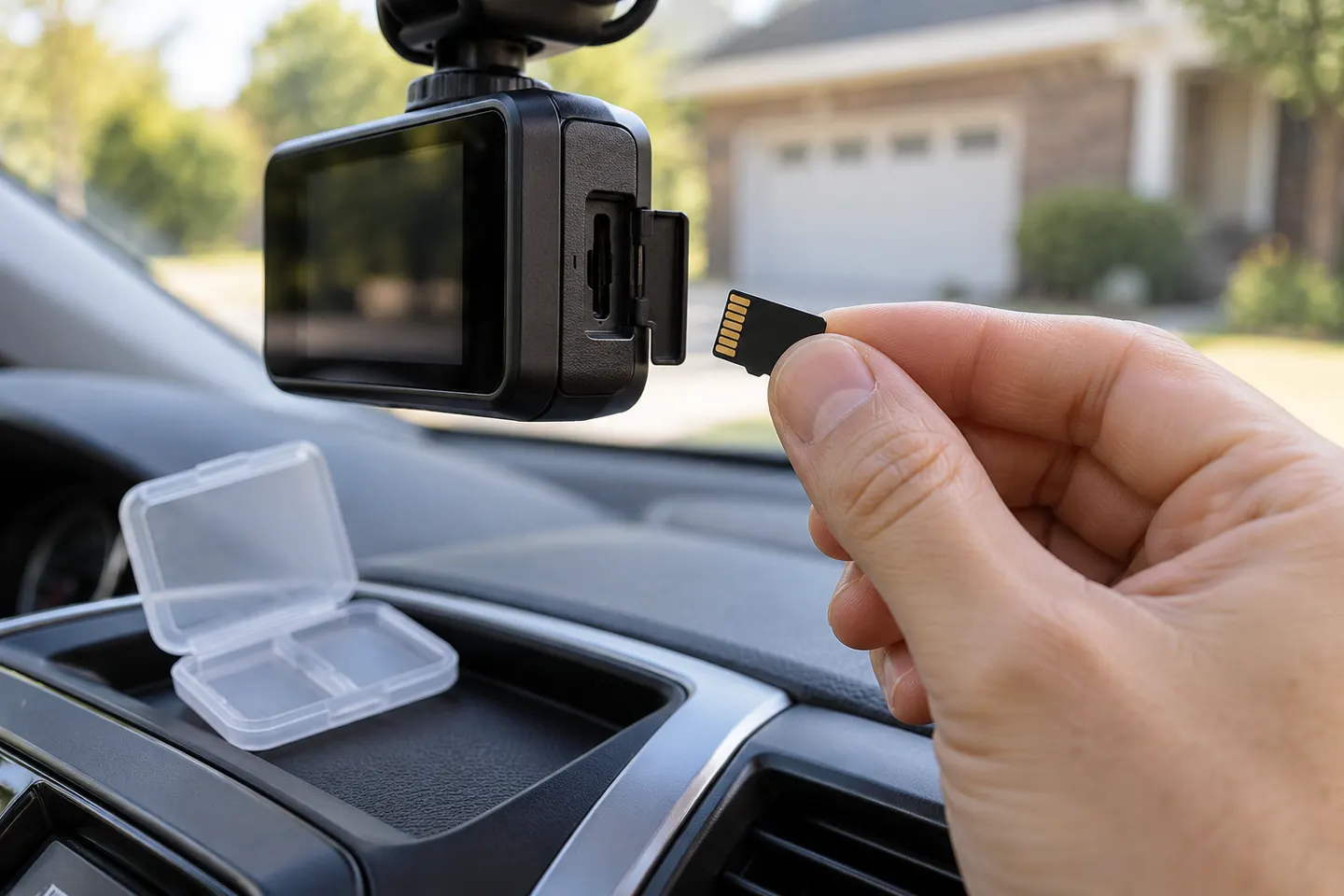 Sd card
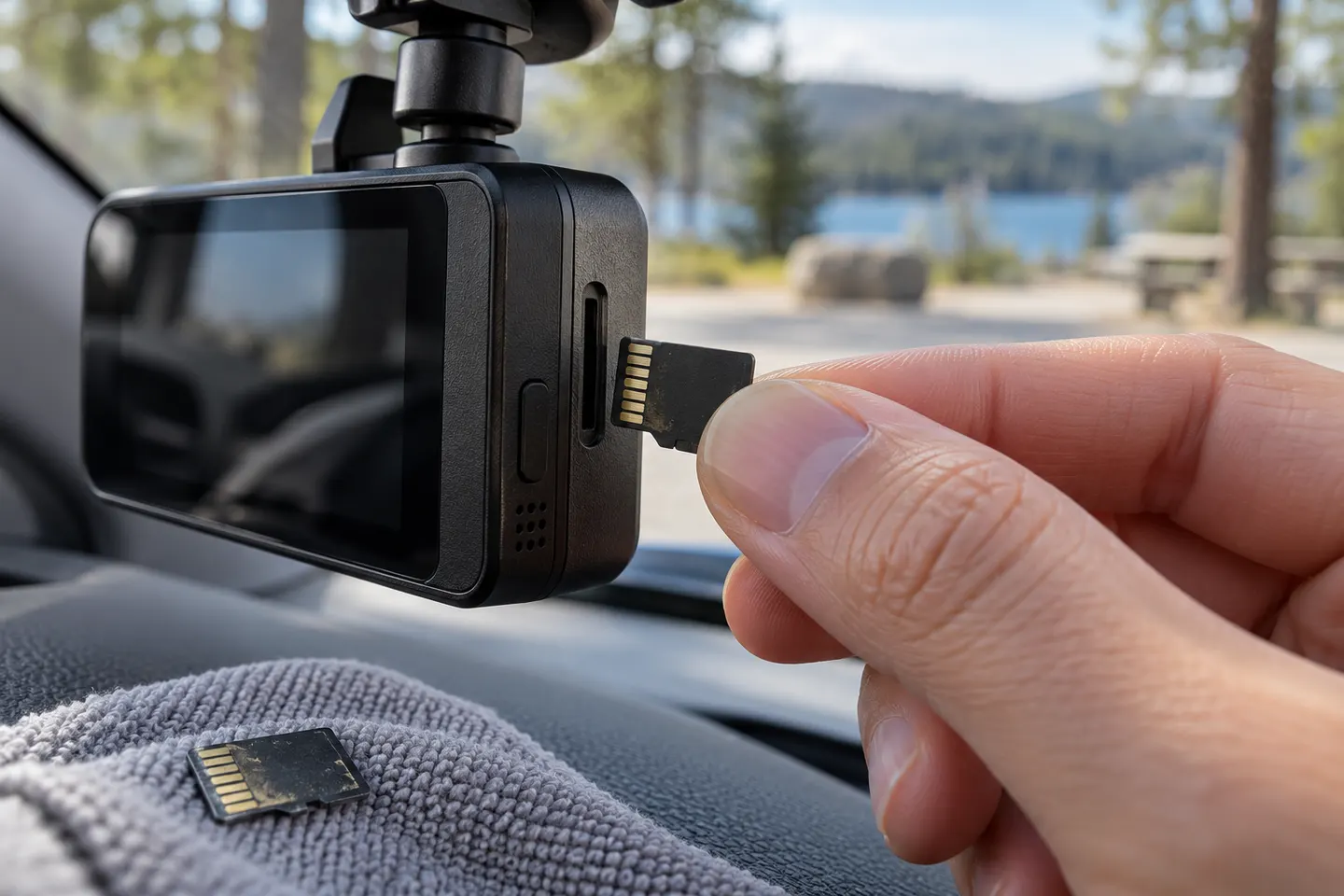 Micro sd card
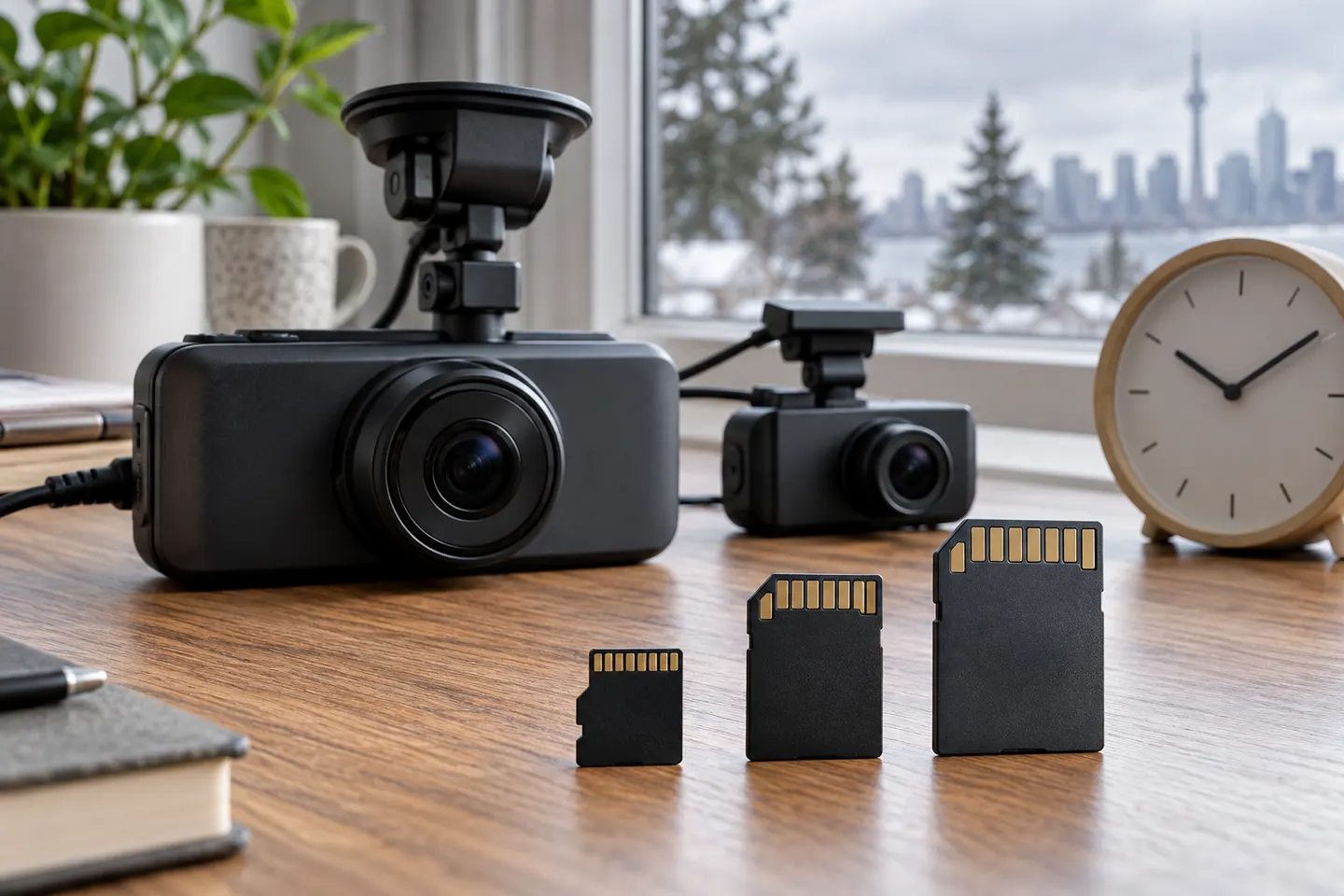 Memory card
Common questions
Questions before you buy
Is miniSD the same as microSD for a dash cam?
No. They are different physical formats. Most current dash cams use microSD, but the camera manual is the deciding source.
What speed class does a dash cam memory card need?
Use the class specified by the camera manufacturer. SD speed symbols describe minimum write-performance categories, but the host and card must be compatible.
Does a larger memory card record for longer?
Within the camera's supported range, greater capacity generally holds more loop footage. Resolution, channels and recording mode also affect retention.
Why does a dash cam say the memory card is full?
Protected event files, formatting issues, card wear or incompatible capacity can interrupt normal loop recording. Back up important clips and follow the manual's format procedure.
How often should I format a dash cam card?
Follow the camera and card manufacturer's guidance. Regularly check that recent footage opens correctly rather than assuming the recording indicator proves file health.