Choose a setup location first
For initial setup, plug the NETGEAR extender into an outlet near the router. A close starting position makes it easier to pair and complete configuration before you optimize placement.

 Best picksBest Meat Thermometers in Canada for 2026
 Best picksThe Best Dash Cam Cameras for Different Drivers
 Best picksBest WiFi Extenders in Canada for Different Home Networks
 Best picksBest Air Purifier for Bedroom in the Canada: Quiet Models Compared
Gearjury may earn a commission when you buy through links on this page. This does not affect our editorial choices.
Guide
Pair the extender close to your router, complete the model-specific setup, and move it only after you confirm a stable connection.
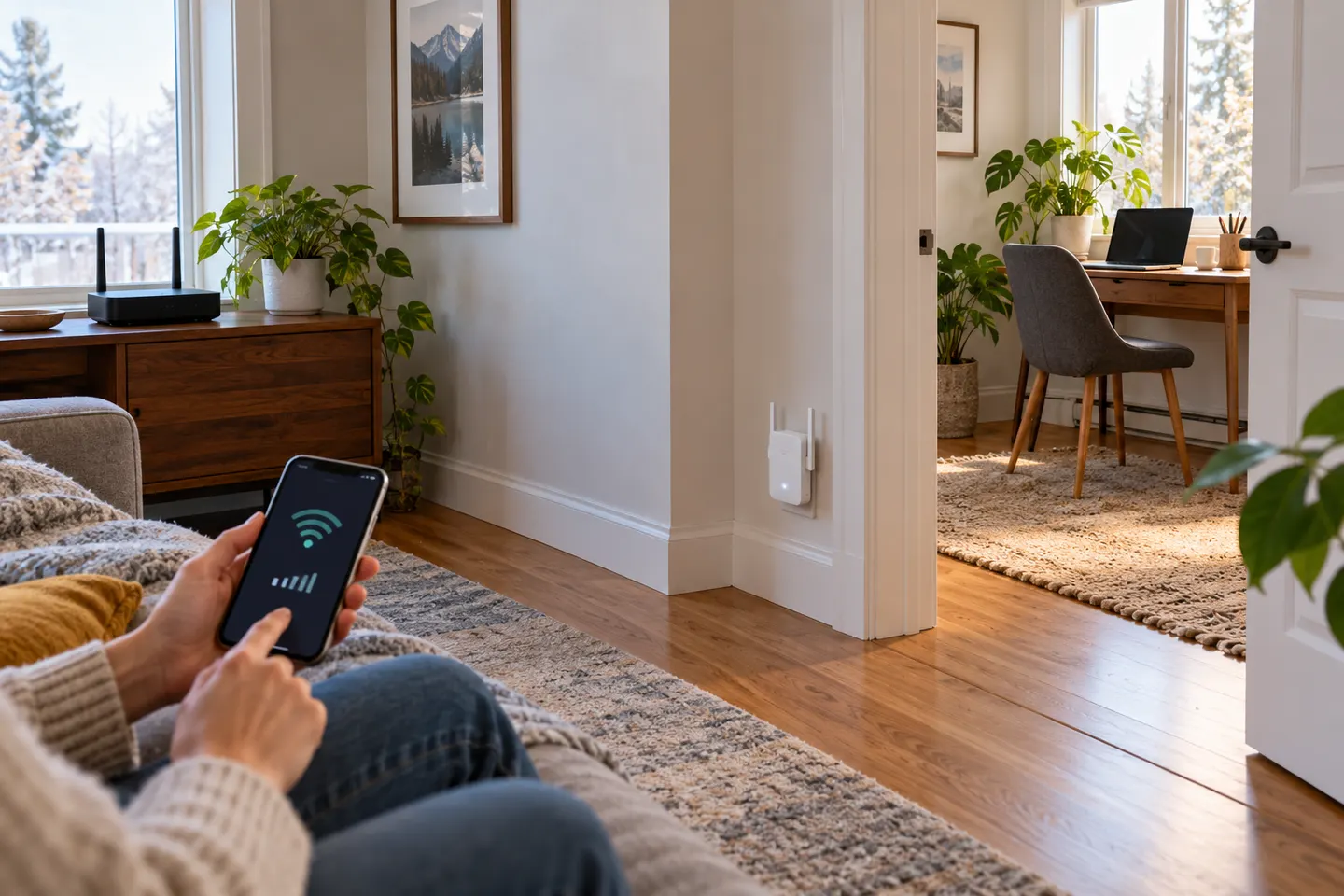
For initial setup, plug the NETGEAR extender into an outlet near the router. A close starting position makes it easier to pair and complete configuration before you optimize placement.
Wait for the power light, press WPS on the router, then press WPS on the extender as directed by its guide. A successful connection is shown by the extender?s link indicator; light meanings vary by model.
When WPS is not available or you prefer guided setup, connect to the extender?s temporary Wi-Fi and open the Nighthawk app or the model?s setup page. Select your home network and enter its password.
Place the device partway toward the weak-coverage room, not at the far edge where the router signal has already disappeared. Check its link indicator and try a nearby outlet if the connection is poor.
Reconnect a phone or laptop and test the previously weak area. If the extender uses a separate network name, select it where needed; check the manual for options to copy or share the router name.
Common questions
Plug it in near the router, then use WPS, the Nighthawk app or browser setup as supported by your model. After pairing, move it to an intermediate location with a solid router link.
No. WPS or a web browser may be available, depending on the model. The app is one guided setup option rather than a universal requirement.
Start near the router to configure it, then relocate it toward the dead zone while preserving a reliable signal from the router. Do not place it where it cannot receive the source network.
Light meanings differ across NETGEAR models. Use the model?s manual to identify power, router-link and client-link indicators rather than assuming one colour code applies to every extender.
Keep exploring
The TP-Link RE705X is a strong feature-led starting point, with WiFi 6, AX3000 class and a Gigabit port. Consider NETGEAR EAX15 for mesh-style WiFi 6 or simpler plug-in models for a basic dead zone.

NETGEAR’s Canadian range includes WiFi 6 mesh extenders and older AC models. Check each model’s port, generation and setup method before choosing.

A WiFi extender can carry an existing router’s signal into a weak-coverage area. Start with compatibility and placement, then compare a standalone repeater with a provider mesh system.

TP-Link’s Canadian range includes WiFi 7, WiFi 6 and older dual-band extenders. Match the model to your router, desired features and available placement.