




 Official manufacturer image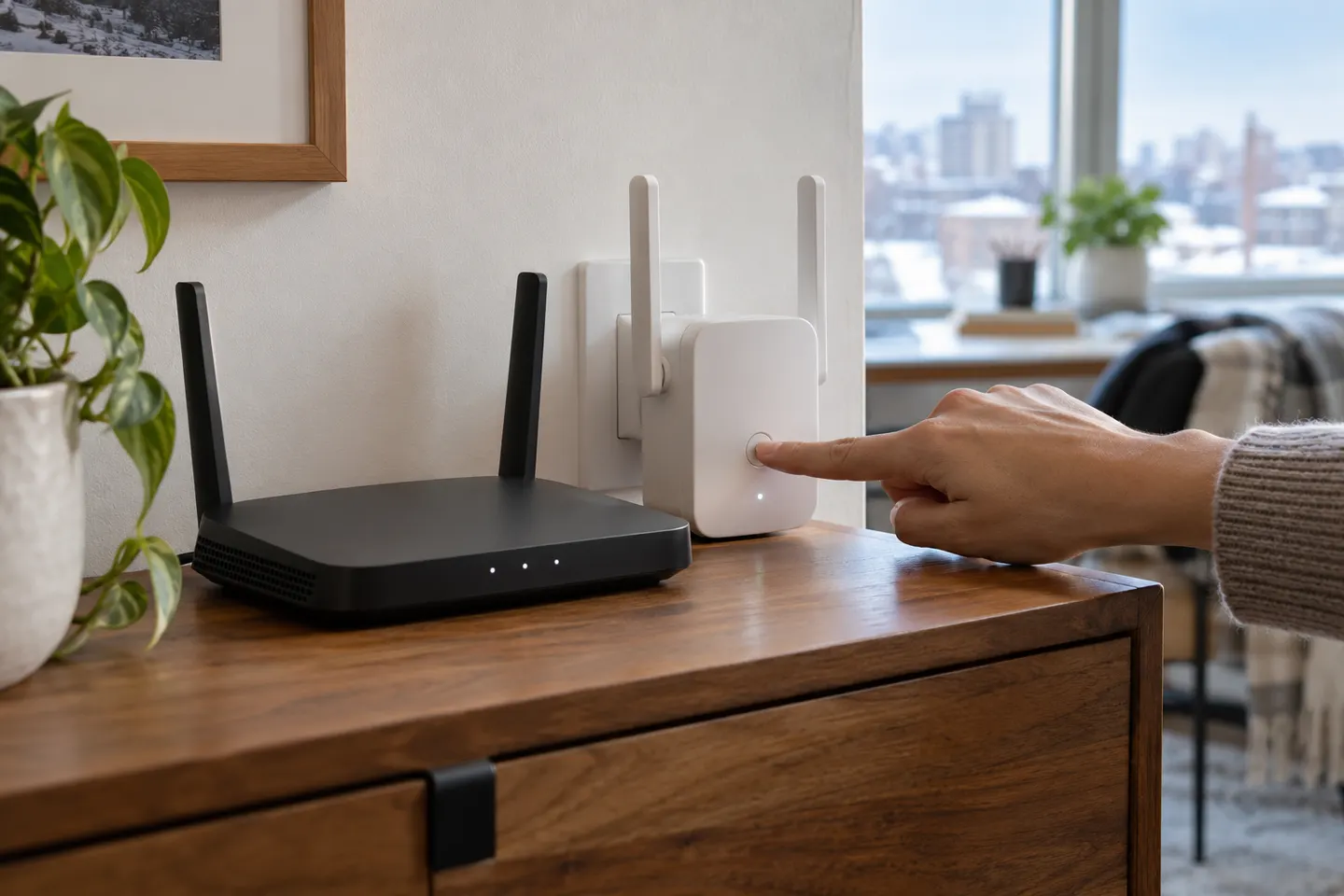
Our picks
Top picks
Official manufacturer image Official manufacturer image
NETGEAR EAX15
Check price on Amazon.ca Official manufacturer image
TP-Link RE605X
Check price on Amazon.caSetup and help
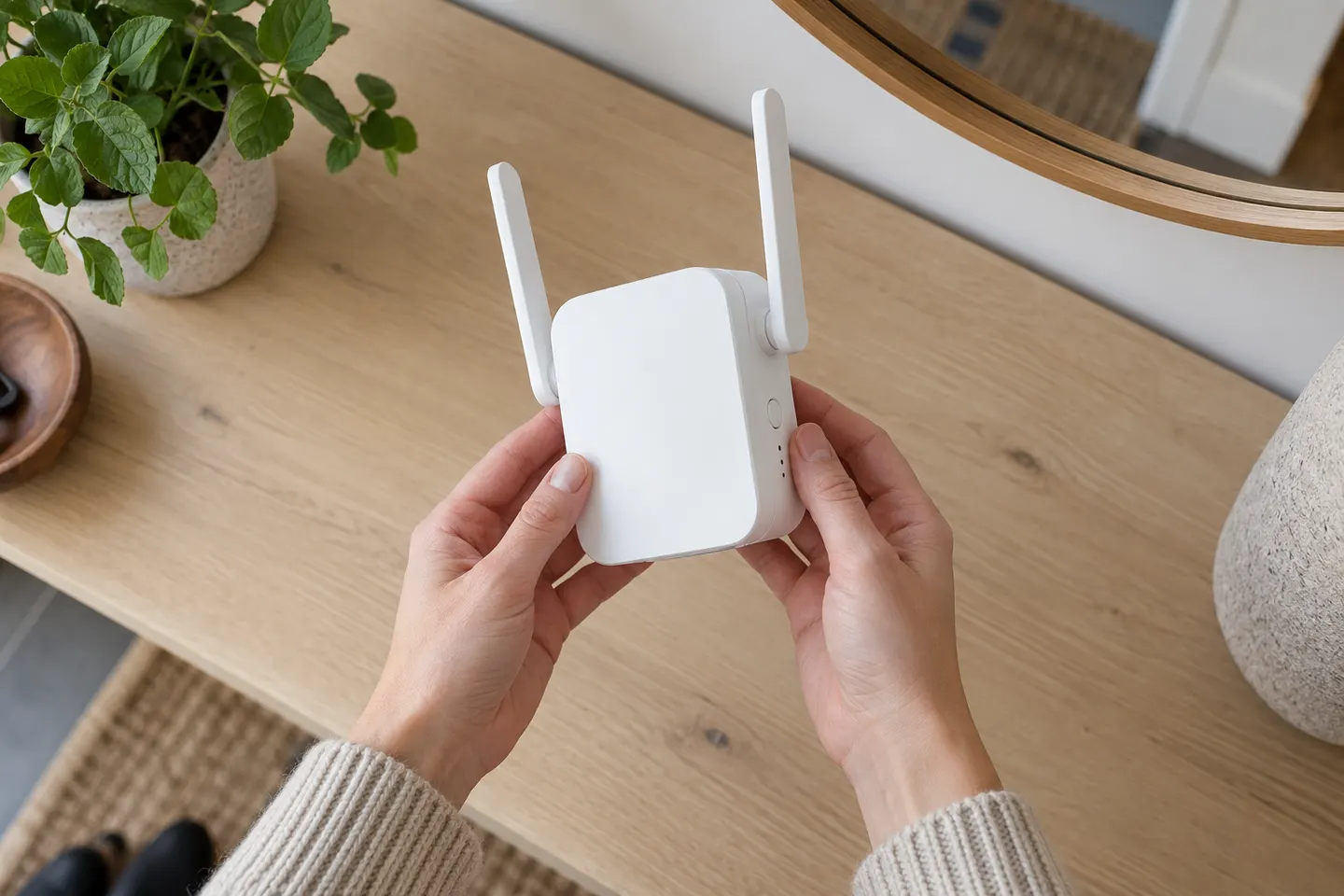 D link setup
How-to guides
 How to Set Up a TP-Link WiFi Extender Step by Step
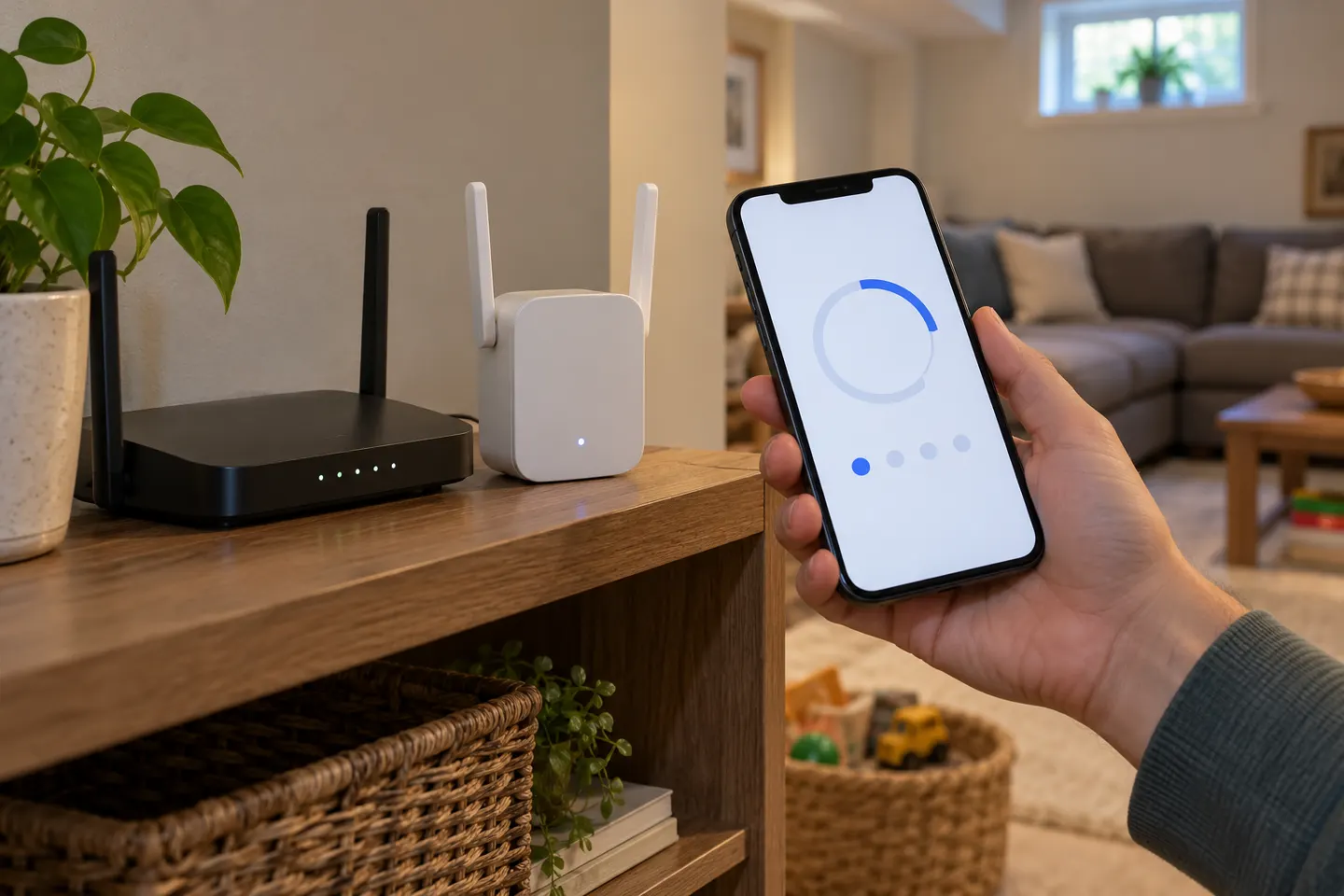 How to Set Up a NETGEAR WiFi Extender
Common questions
Questions before you buy
How do I set up a WiFi extender?
Plug it in near the router, connect with the manufacturer’s app, web page or WPS process, and follow the model instructions. After pairing, relocate it to a point between the router and the weak-signal area.
Can I set up a WiFi extender without WPS?
Yes. Most models provide an app or browser-based setup. Join the extender’s temporary network and follow the maker’s instructions to select your home WiFi and enter its password.
Where should I place a range extender?
Choose an outlet where the extender still receives a reliable router signal and is closer to the area you want to cover. Avoid hiding it behind large objects or placing it inside a cabinet.
Why is my extender not connecting to the router?
Check the WiFi password, band compatibility, setup steps and distance from the router. Restart both devices and consult the correct hardware-version manual if the status light continues to indicate a failed connection.