




 Official manufacturer image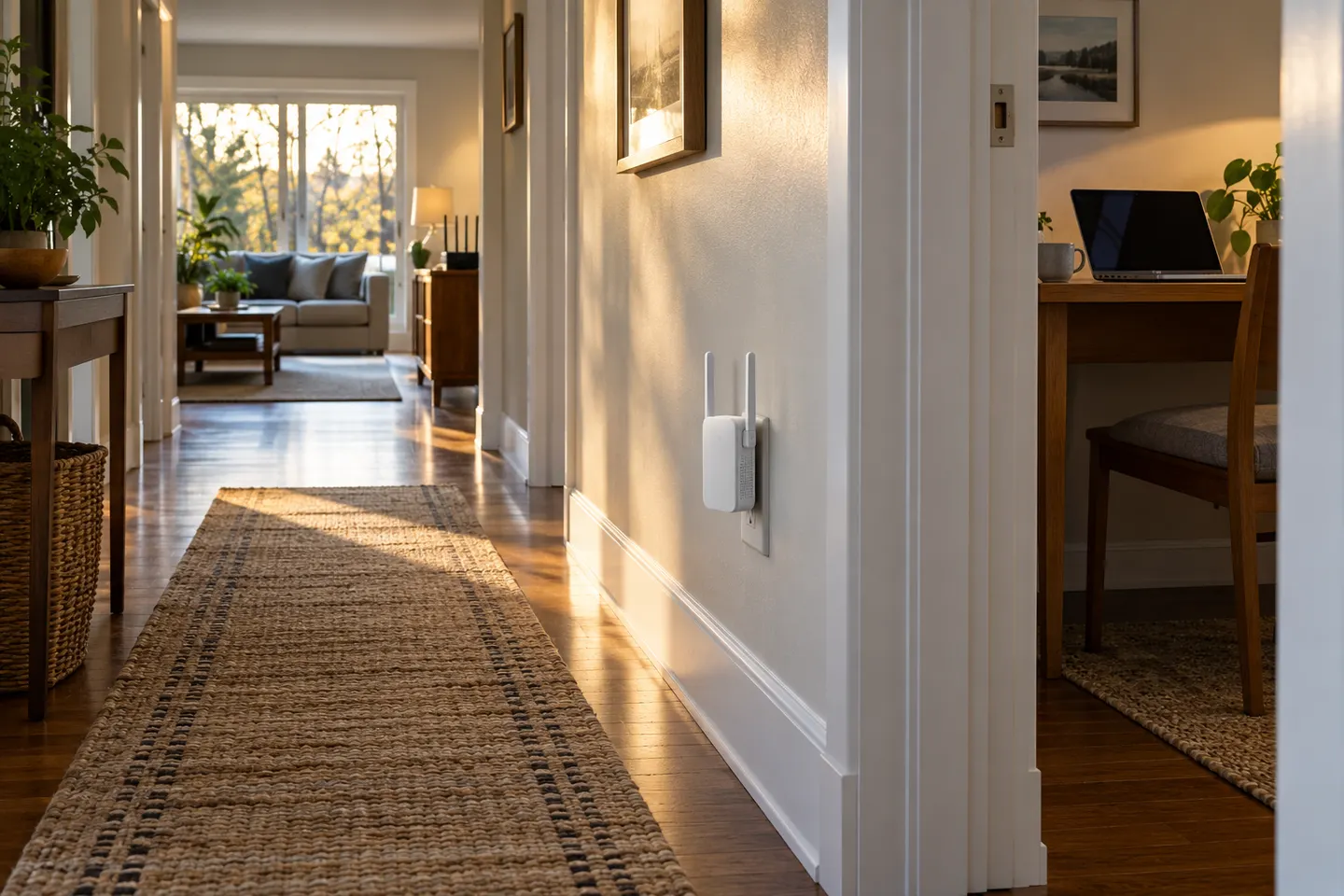
Our picks
Top picks
Official manufacturer image Official manufacturer image
NETGEAR EAX15
Check price on Amazon.ca Official manufacturer image
TP-Link RE605X
Check price on Amazon.caCommon questions
Questions before you buy
What is a WiFi extender for home?
It is a device that connects to your existing router over WiFi or Ethernet and relays or rebroadcasts network access into another area. It improves reach where its link back to the router remains usable.
Will a WiFi booster work throughout my house?
Coverage depends on home size, construction, router placement and device location. One extender may help a nearby room, while a multi-floor layout may need mesh nodes or wired access points.
Where should I put a home WiFi booster?
Start between the router and the room with poor reception. Avoid cabinets, appliances and locations where the extender itself shows a weak link.
Should I get a mesh system or an extender for my home?
Choose an extender for a localized gap when your router is otherwise adequate. Mesh is designed to coordinate multiple coverage points and may be easier for roaming across a larger home.