




 Official manufacturer image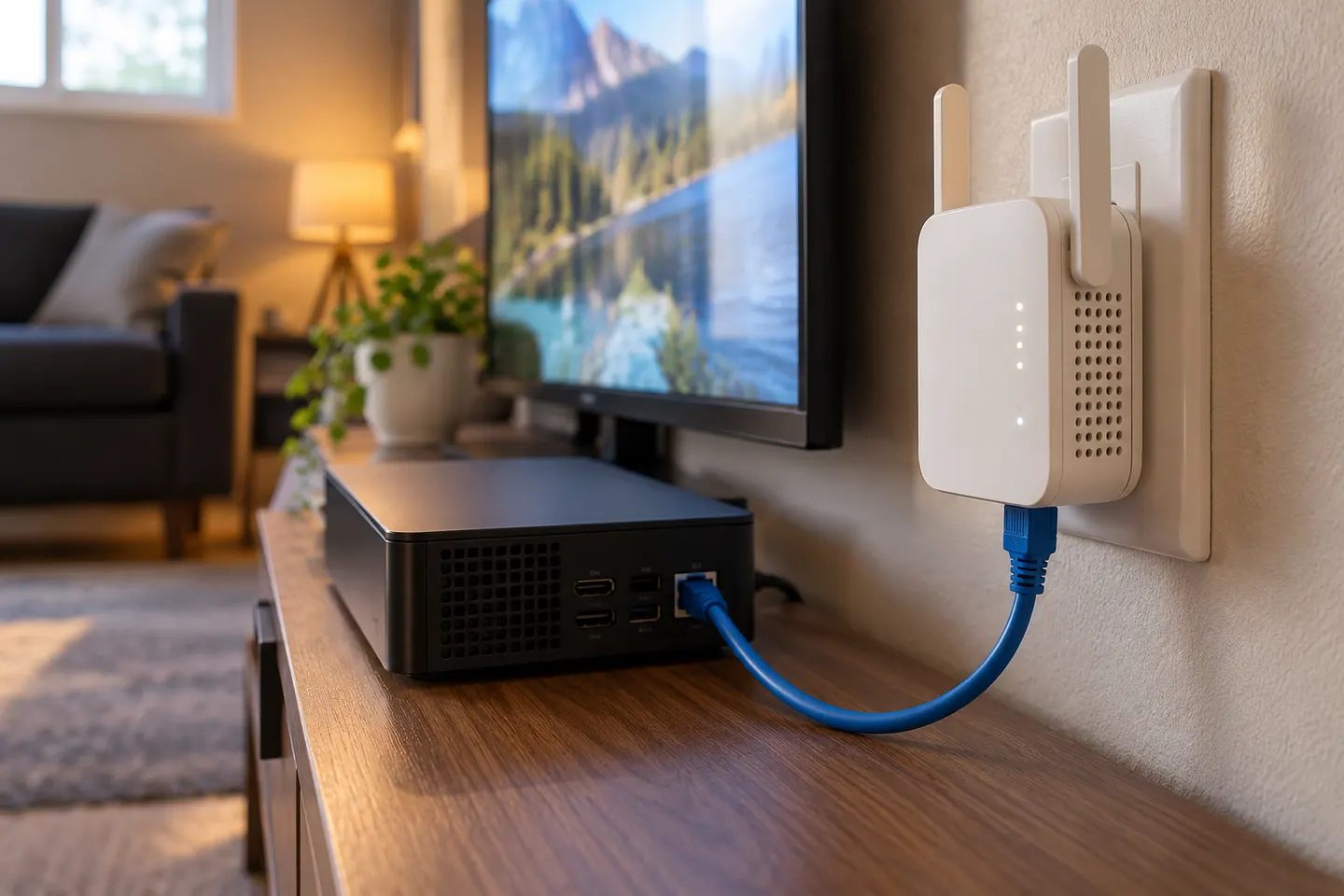
Our picks
Top picks
Official manufacturer image Official manufacturer image
NETGEAR EAX15
Check price on Amazon.ca Official manufacturer image
TP-Link RE605X
Check price on Amazon.caBy type
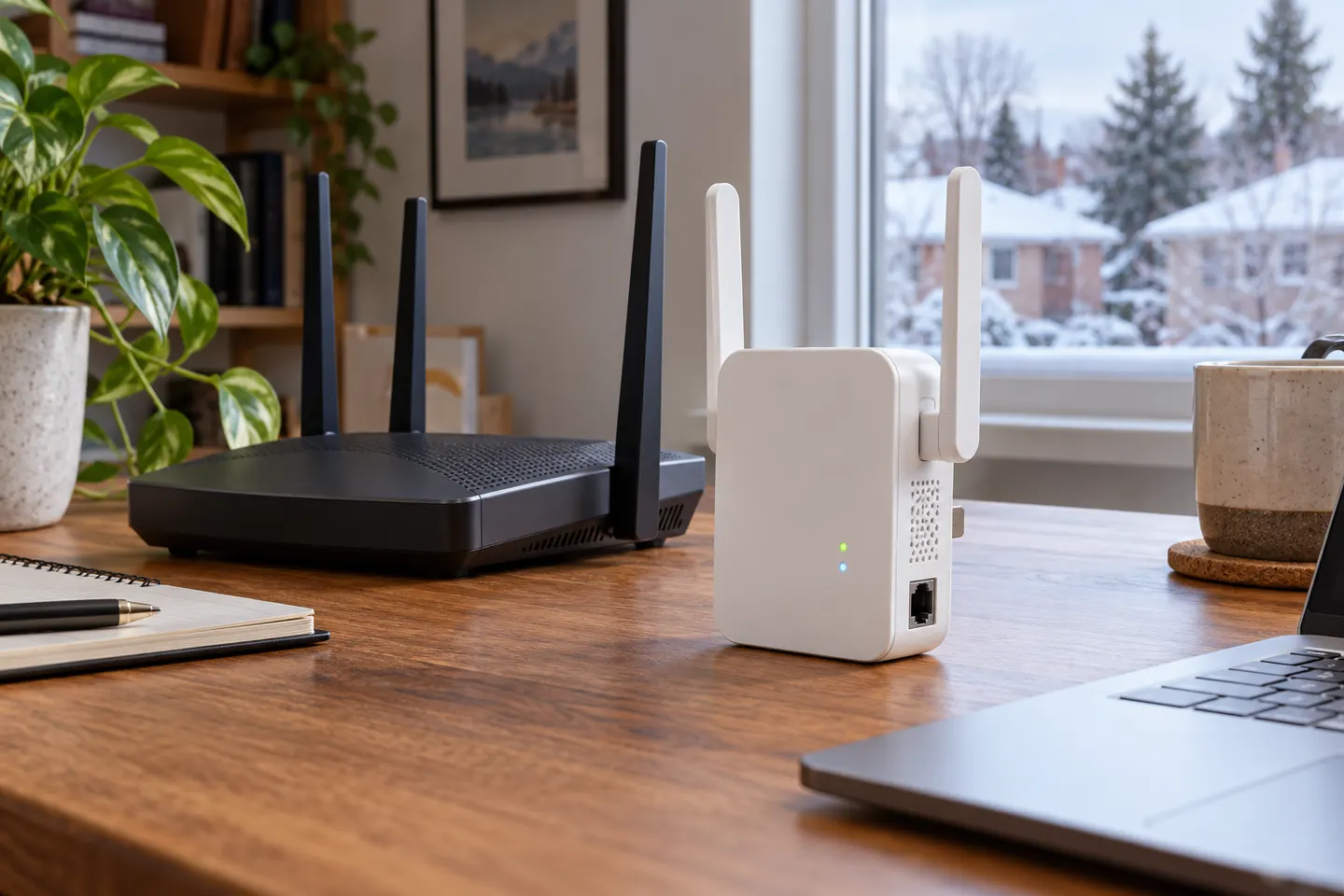 Ethernet
Common questions
Questions before you buy
What does the Ethernet port on a WiFi extender do?
It can connect a wired client to the extended network or support access-point mode when the model provides that feature. The upstream connection may still be wireless unless the product is configured as an access point.
Is a WiFi extender with Ethernet better?
It is useful if you need a wired connection for a device or want access-point operation. For ordinary wireless coverage, the port may not matter; compare wireless standard and placement too.
Can I plug a WiFi extender into Ethernet?
Some models support access-point mode when connected by Ethernet to a router or wired network. Follow the model’s instructions, since not every extender accepts Ethernet as an uplink.
Can a WiFi booster use Power over Ethernet?
Only if the manufacturer explicitly lists PoE input. A regular Ethernet socket does not mean it can be powered over the cable; check the product’s power and PoE specifications.
What is the difference between Fast Ethernet and Gigabit Ethernet on an extender?
Fast Ethernet has a lower wired link rate than Gigabit Ethernet. Choose Gigabit if your wired devices or access-point uplink need more headroom, while remembering that internet speed also depends on the rest of the network.