




 Official manufacturer image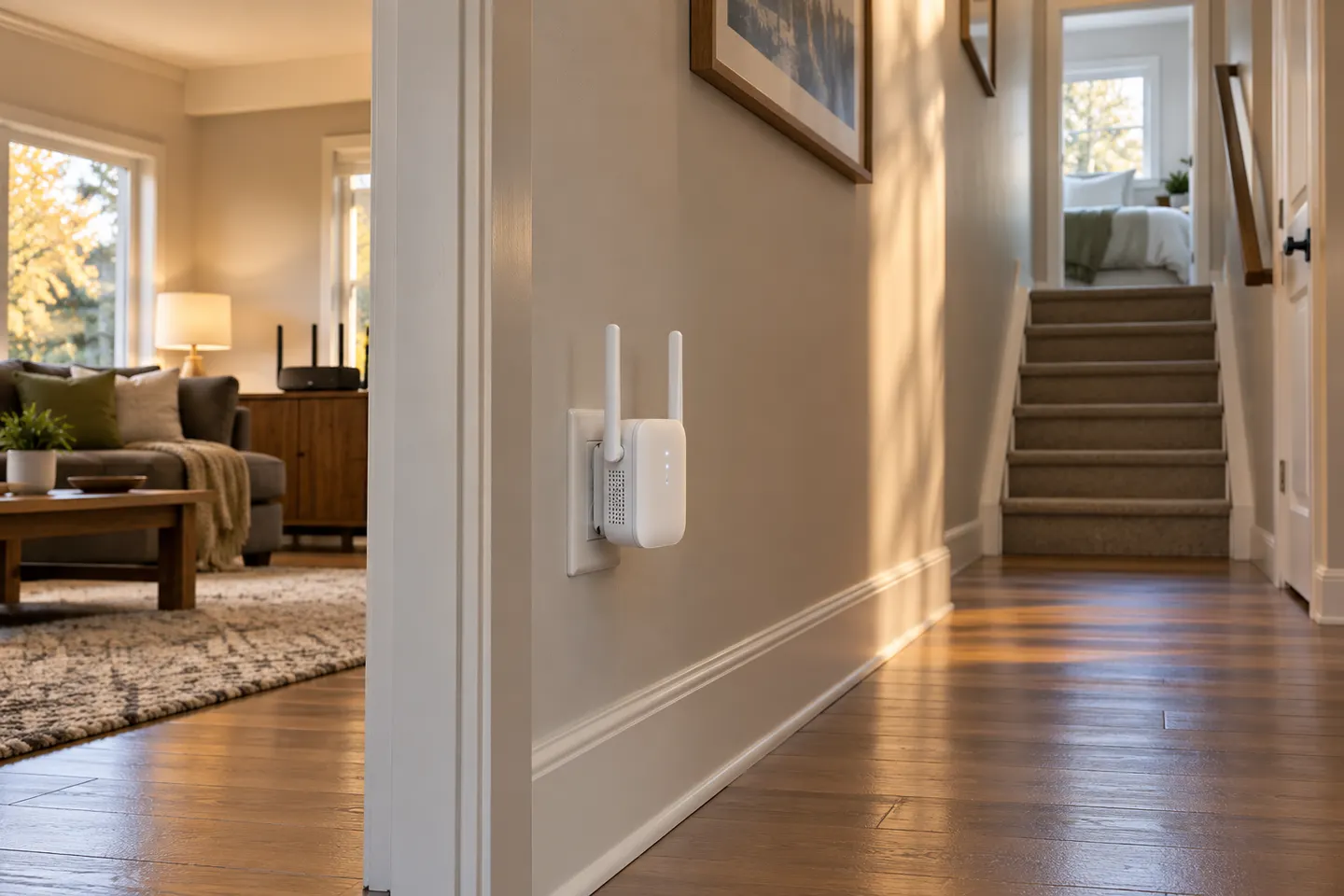
Our picks
Top picks
Official manufacturer image Official manufacturer image
NETGEAR EAX15
Check price on Amazon.ca Official manufacturer image
TP-Link RE605X
Check price on Amazon.caCommon questions
Questions before you buy
Where should I plug in a Wi-Fi booster?
Plug it into an outlet between your router and the weak-coverage area, where the router signal remains strong. Avoid cabinets and large obstructions, and use its signal light or app to fine-tune the spot.
Can a plug-in extender go in a power bar?
Use a wall outlet when possible and follow the model manual. A power bar may affect access, heat clearance or performance depending on its design and the product.
Will a plug-in extender work with any router?
Many extenders support standard Wi-Fi routers, but confirm wireless standards and security modes in the manual. Provider gateways with custom features may need extra setup.
Does a plug-in booster need to be near the router?
It needs a dependable connection back to the router, so a halfway point is a useful start. Putting it directly in the dead zone leaves little signal to repeat.