




 Official manufacturer image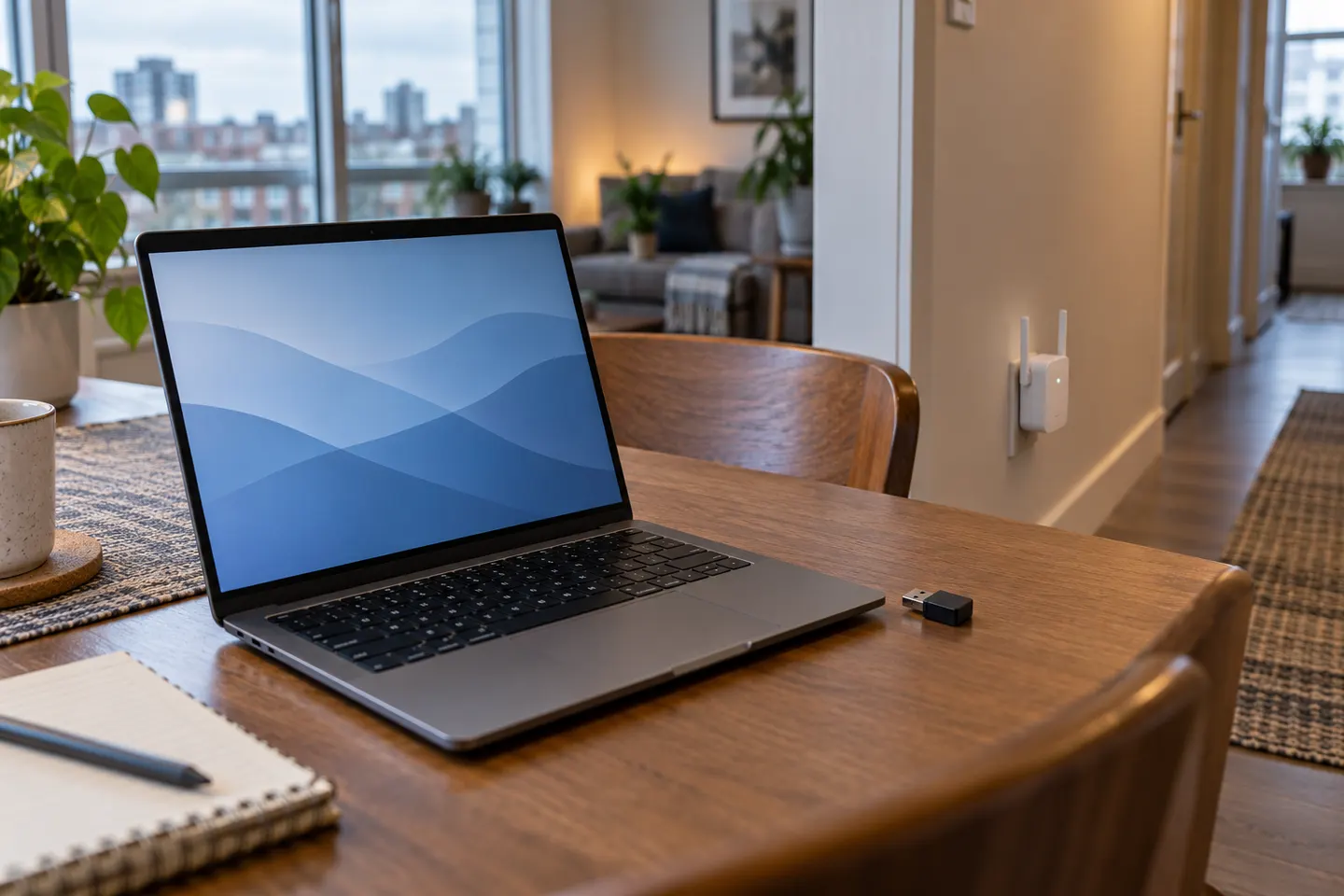
Our picks
Top picks
Official manufacturer image Official manufacturer image
NETGEAR EAX15
Check price on Amazon.ca Official manufacturer image
TP-Link RE605X
Check price on Amazon.caCommon questions
Questions before you buy
Do I need a Wi-Fi extender or USB adapter for my laptop?
Choose a range extender when the location has weak coverage for several devices. Consider a USB Wi-Fi adapter when the laptop alone has reception trouble or its built-in wireless hardware is outdated.
Can a Wi-Fi extender connect directly to a laptop?
A typical extender joins the router network and rebroadcasts Wi-Fi for nearby devices, including laptops. Some models also have Ethernet ports for a wired connection.
Will a USB Wi-Fi booster increase internet speed?
It may improve a laptop’s connection when its built-in radio is the limiting factor, but it cannot raise the internet plan speed or fix a weak signal throughout the room.
Where should I place an extender for a laptop?
Place it between the router and the laptop’s work area, keeping a dependable router connection. Avoid hiding it behind furniture or inside a cabinet.