




 Official manufacturer image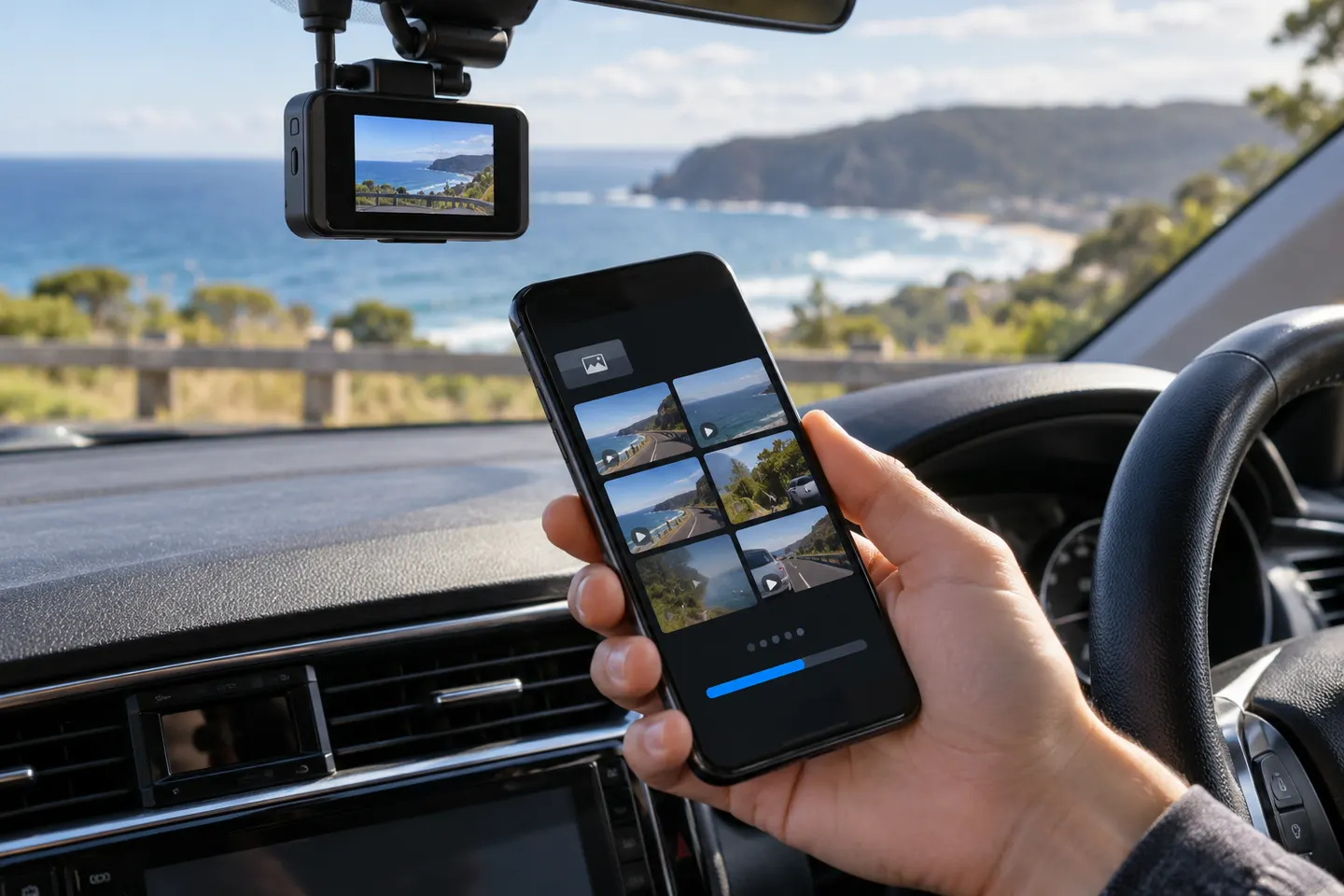
Our picks
Top picks
Official manufacturer image Official manufacturer image
VIOFO A229 Pro 2CH
Check price on Amazon Official manufacturer image
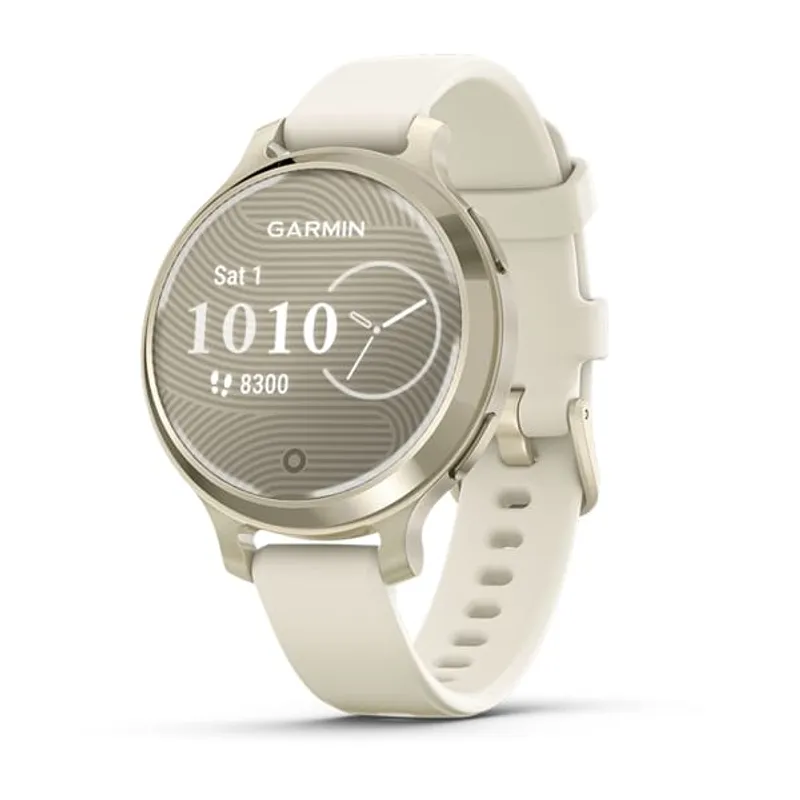
Garmin Dash Cam Mini 3
Check price on AmazonCommon questions
Questions before you buy
Can I use a dash cam app without mobile data?
Usually yes for a direct local Wi-Fi connection to the camera. Cloud backup, remote live view and alerts require internet access.
Can a dashcam app record using the phone camera?
Some standalone apps turn a phone into a recorder, but that is different from controlling dedicated hardware. Heat, storage, mounting and incoming calls can limit phone-only recording.
Why does my phone lose internet when connected to the dash cam?
The phone may prioritise the camera's Wi-Fi network even though it has no internet. Follow the app's connection steps and do not change network settings while driving.
Can I watch my car camera remotely?
Only models with a supported remote service and an internet connection can provide off-site live view. Local Wi-Fi alone works only when you are near the camera.
Are dash cam apps interchangeable?
No. Nexar, Thinkware, Garmin, Vantrue and other apps support specified hardware. Match the model to the official app listing and region.