Independent buying guidance · US editionHow we work
Gearjury
All categories
United StatesEnglish

Category hub

WiFi 6 Mesh Extenders for Compatible Home Networks

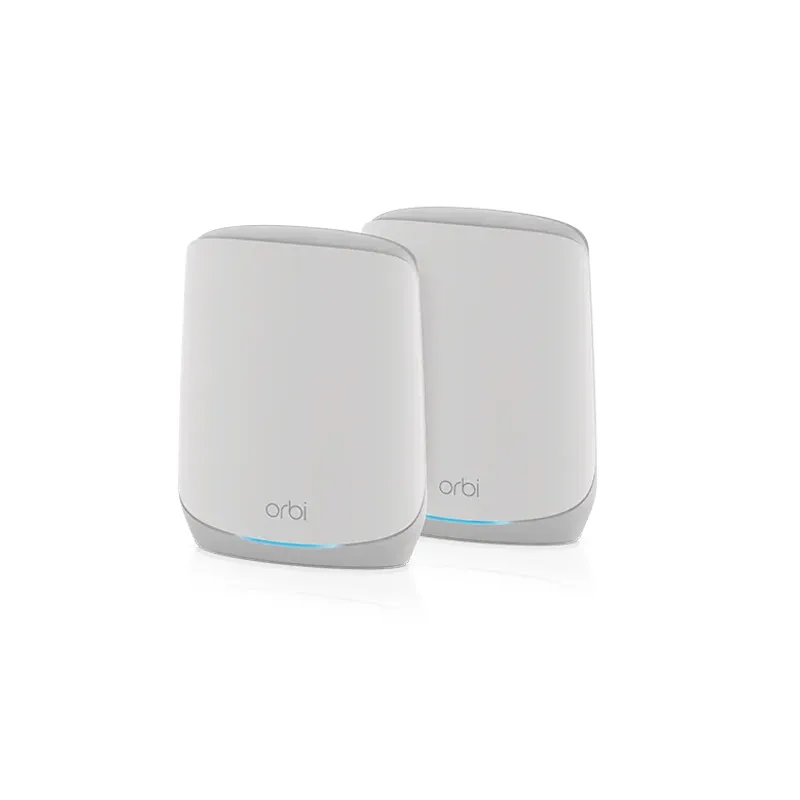
A WiFi 6 mesh extender can expand coverage while supporting coordinated roaming when paired with compatible equipment. Compare the mesh ecosystem, wired port, and placement tools; WiFi 6 alone does not make different brands form one mesh.

A WiFi 6 mesh extender combines the 802.11ax generation with features intended to extend a compatible network. The crucial purchase check is mesh compatibility: some extenders work with any router for basic repeating, while single-name roaming or coordinated management may require the same vendor mesh technology or an interoperable standard.

Start here

The essentials

What Is a Mesh WiFi Extender and How Does It Work?

What Is a Mesh WiFi Extender and How Does It Work?

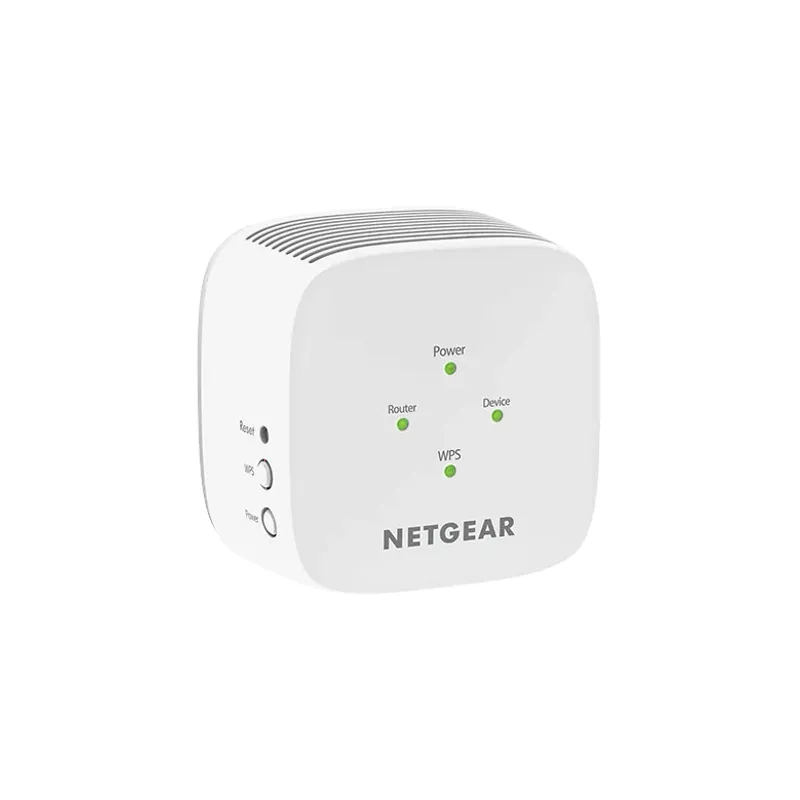
A mesh WiFi extender is a node that adds coverage while coordinating with a compatible router or mesh system. Unlike a basic repeater, it may share one network name and support smoother roaming, but these features depend on the ecosystem.

By type

4

How-to guides

1

Head to head

Comparisons

Common questions

Questions before you buy

Does a WiFi 6 extender need a WiFi 6 router?

It can often connect to older compatible WiFi routers, but WiFi 6 features require supported devices and network conditions. Mesh roaming may have separate compatibility requirements.

Do WiFi 6 mesh extenders work with any router?

Basic repeating may work across many standard routers, but unified mesh features can be limited to compatible systems. Check the model compatibility chart.

What is the difference between a mesh extender and a regular extender?

A mesh extender can coordinate with a compatible system for shared network management and roaming. A traditional repeater may broadcast a separate network name.

Where should I place a WiFi 6 mesh extender?

Place it between the router and weak area while keeping a reliable backhaul to the router. Use the model signal indicator or app assistant to refine placement.