




 Official manufacturer image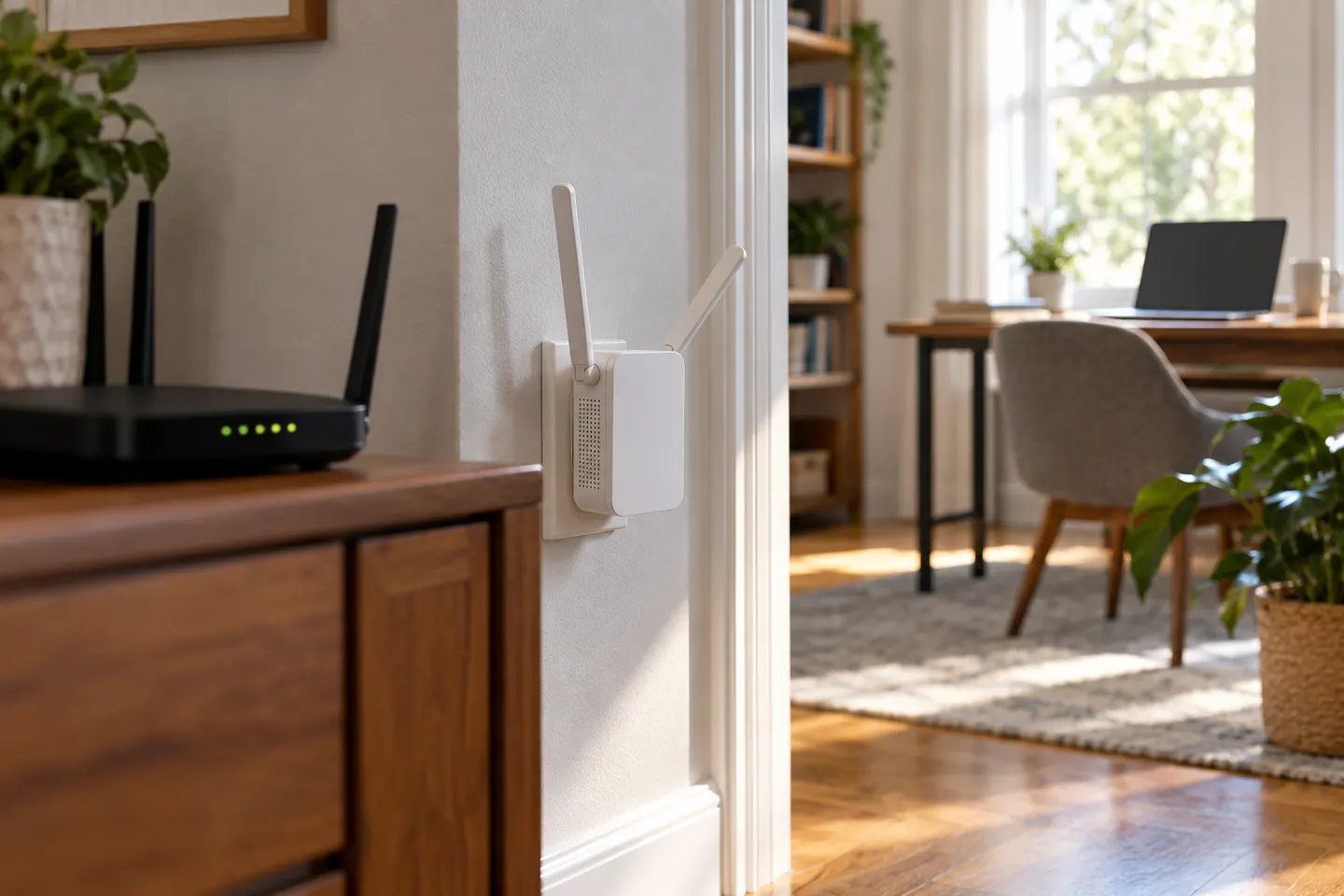
Our picks
Top picks
Official manufacturer image Official manufacturer image
NETGEAR EAX15
Check price on Amazon Official manufacturer image
TP-Link RE550
Check price on AmazonCommon questions
Questions before you buy
Do WiFi extenders with antennas work better?
External antennas can offer positioning flexibility, but overall results depend on radio design, placement and the router link. Antenna count alone is not a performance measure.
Can I replace the antenna on a WiFi extender?
Only if the manufacturer designed the specific model for replaceable antennas. Check its manual and connector specifications; many units have fixed antennas.
Should extender antennas point up or out?
Follow the model guide and adjust them to suit the router and client positions. If the unit allows it, test orientation while checking signal at the target device.
What is the difference between an extender antenna and a WiFi adapter antenna?
An extender antenna supports the extender-to-router or device radio link. A PC adapter antenna belongs to computer Wi-Fi hardware; the parts are not automatically interchangeable.