




 Official manufacturer image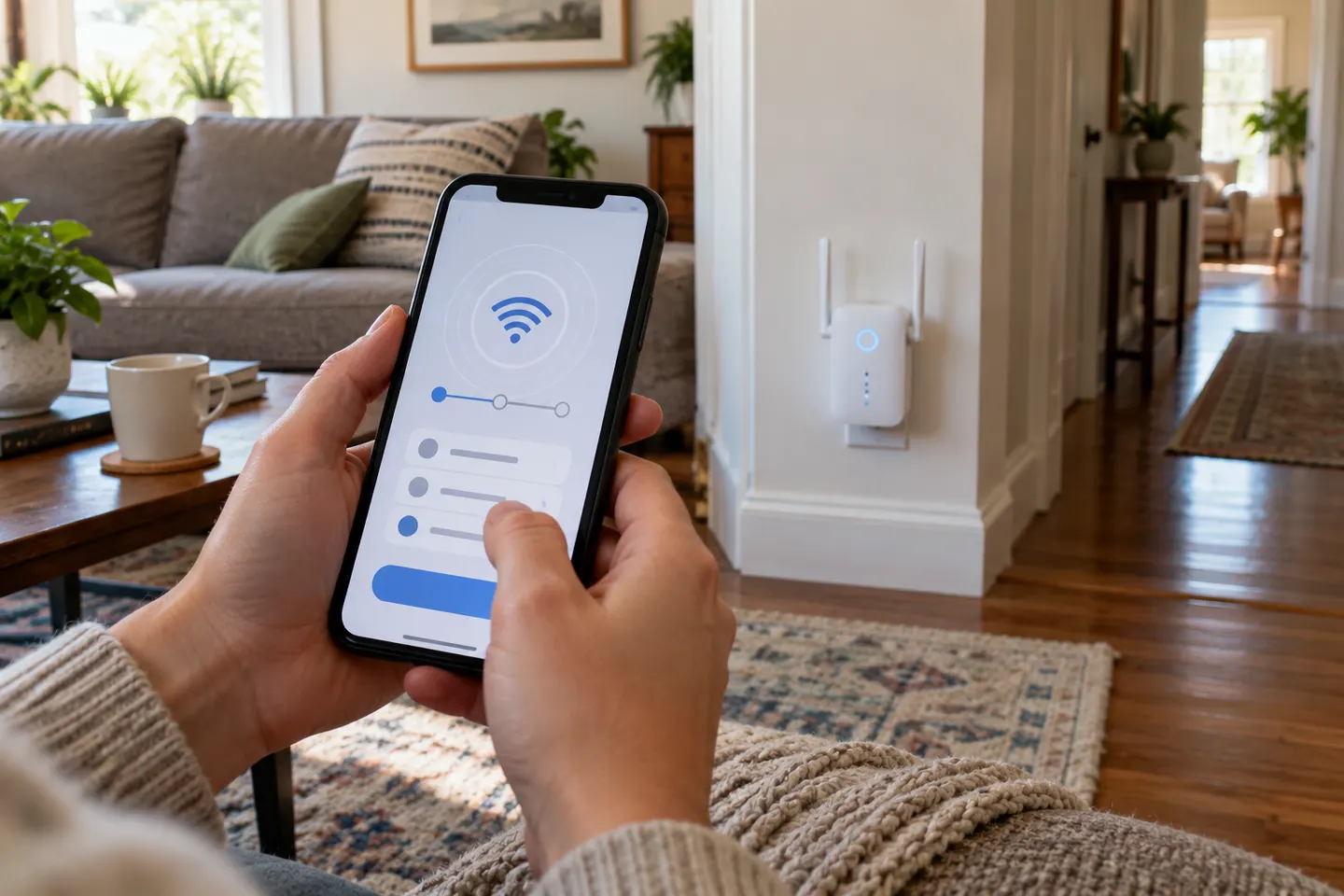
Our picks
Top picks
Official manufacturer image Official manufacturer image
NETGEAR EAX15
Check price on Amazon Official manufacturer image
TP-Link RE550
Check price on AmazonCommon questions
Questions before you buy
Which app should I use to set up a WiFi extender?
Use the app named by the extender manufacturer for your exact model. TP-Link lists Tether for compatible models, while NETGEAR supports its Nighthawk app on selected extenders.
Can I set up a WiFi extender without an app?
Often, yes. Many models also provide a WPS button or browser-based setup. Follow the manual for your model and hardware revision.
Can one WiFi extender app control every brand?
No universal control app is guaranteed across brands. Management features and compatibility depend on the extender maker and model.
Do Xfinity xFi Pods use a WiFi extender app?
Xfinity says its WiFi extenders and Pods are managed through its app and require an eligible Xfinity Internet account with a compatible xFi Gateway. Check current eligibility terms.