




 Official manufacturer image
Our picks
Top picks
Official manufacturer image Official manufacturer image
NETGEAR EAX15
Check price on Amazon Official manufacturer image
TP-Link RE550
Check price on AmazonMore topics
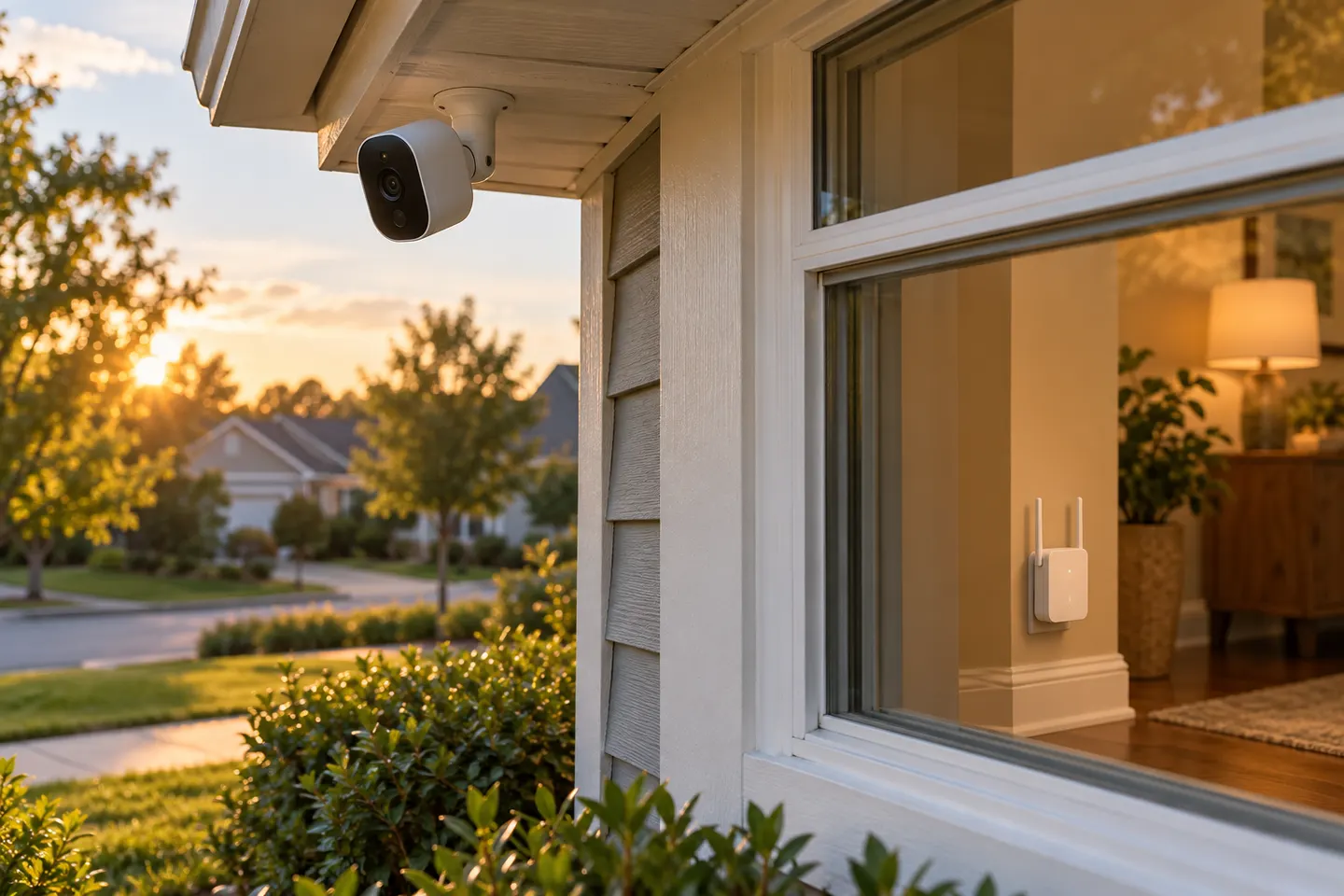 WiFi Extenders for Blink Cameras and Outdoor…
Common questions
Questions before you buy
Does Blink make a WiFi extender?
Blink support describes using a wireless extender with its cameras but does not identify a Blink-branded WiFi repeater. Choose compatible network equipment and follow the camera-specific instructions.
Can Blink cameras connect to a WiFi extender?
Blink Outdoor, Indoor second generation and Mini can detect an extender SSID with “_EXT” appended. Original Indoor, XT and XT2 cameras need the extender SSID to match the main network, according to Blink.
Should a Blink Sync Module connect to the extender?
Follow the instructions for your camera and network arrangement. Blink recommends keeping the Sync Module near the router for best signal in its network guidance.
Why is my Blink camera still offline with an extender?
Check that the camera is joined to the intended SSID, confirm the extender has a working router link and review the app signal indicator. Use Blink support troubleshooting for next steps.