




 Official manufacturer image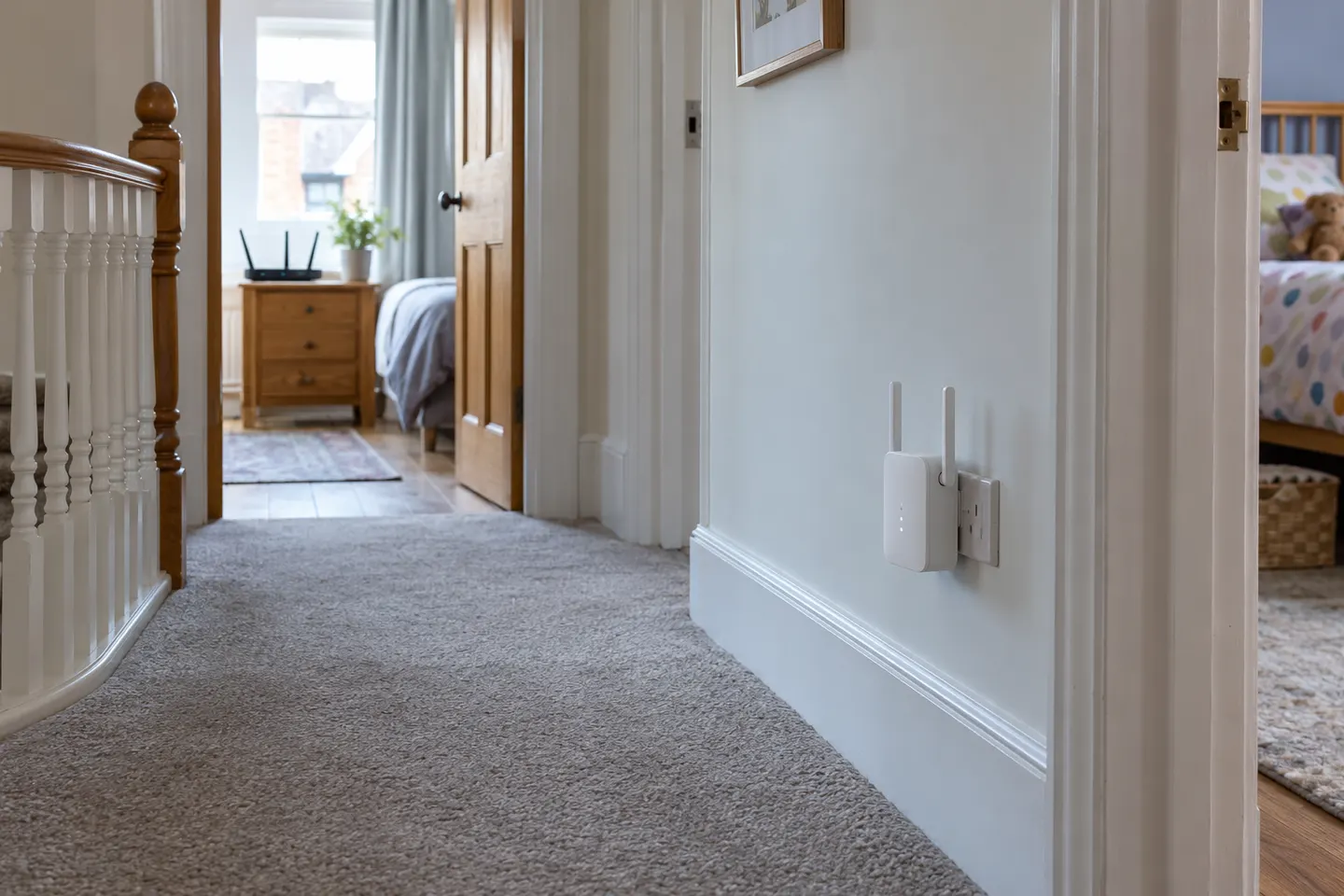
Our picks
Top picks
Official manufacturer image Official manufacturer image
NETGEAR EAX15
Check price on Amazon Official manufacturer image
TP-Link RE550
Check price on AmazonCommon questions
Questions before you buy
Does a Wi-Fi boost extender increase internet speed?
It can improve the wireless link in a weak-signal spot, but it does not increase the speed supplied by your broadband plan. Results depend on the connection back to the router and local interference.
Is a Wi-Fi booster the same as a range extender?
The terms are often used for devices that receive and rebroadcast an existing Wi-Fi network. Product modes and mesh compatibility still vary, so check the model details.
Where should I put a Wi-Fi booster?
Try a location between the router and the problem room where the router signal remains usable. Avoid placing the unit behind large obstacles or inside the dead zone itself.
Will a booster fix slow Wi-Fi everywhere?
It is designed to extend wireless reach, not solve every cause of slow service. Check the broadband connection, router load, interference and device performance as well.