




 Official manufacturer image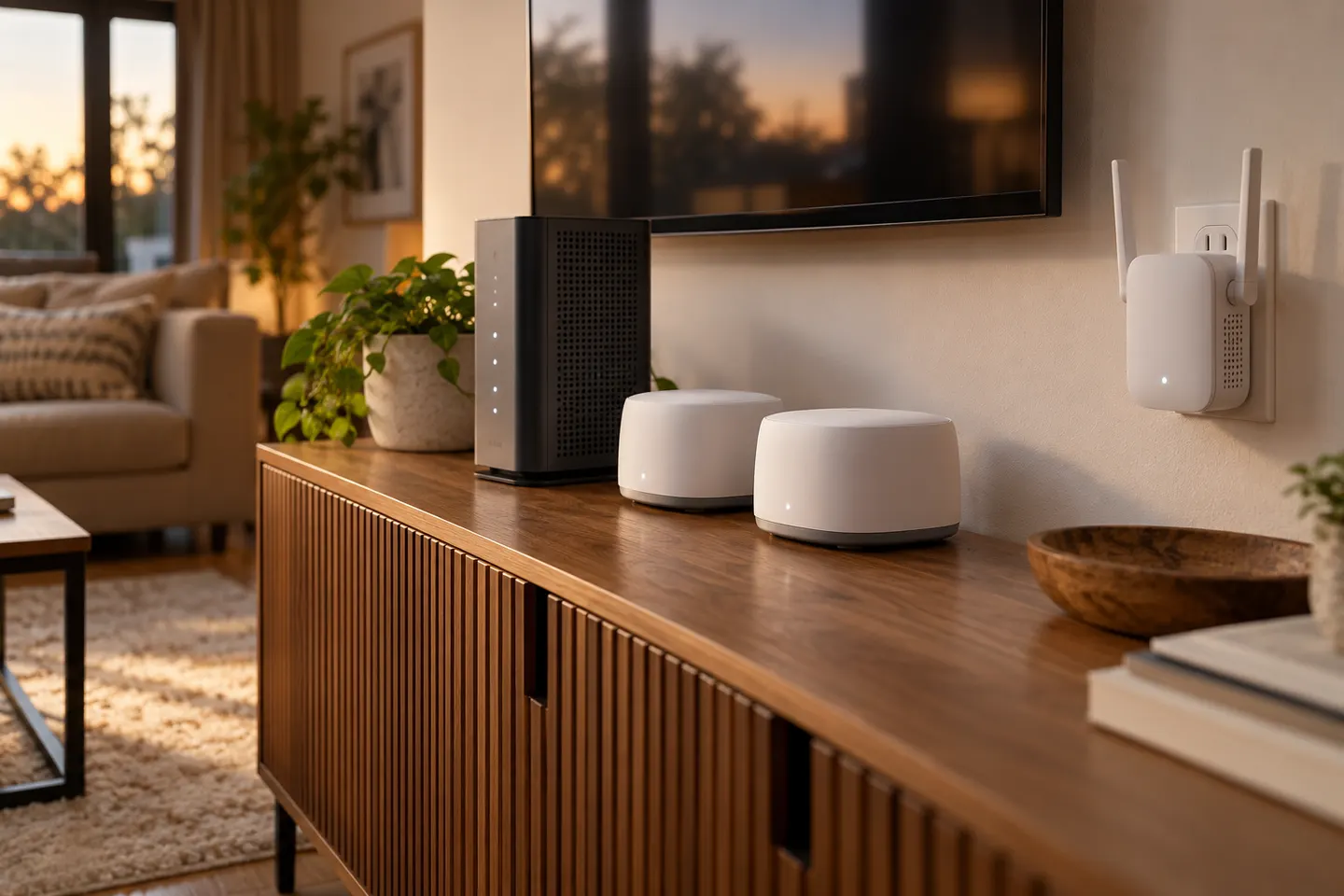
Our picks
Top picks
Official manufacturer image Official manufacturer image
NETGEAR EAX15
Check price on Amazon Official manufacturer image
TP-Link RE550
Check price on AmazonMore topics
 Choosing a WiFi Extender for Cox Cable Internet
Common questions
Questions before you buy
Can I use my own WiFi extender with Cox?
A third-party extender may connect to a Cox WiFi network, but app features and support may differ. Check the device and gateway instructions before buying.
How do I set up a Cox WiFi extender?
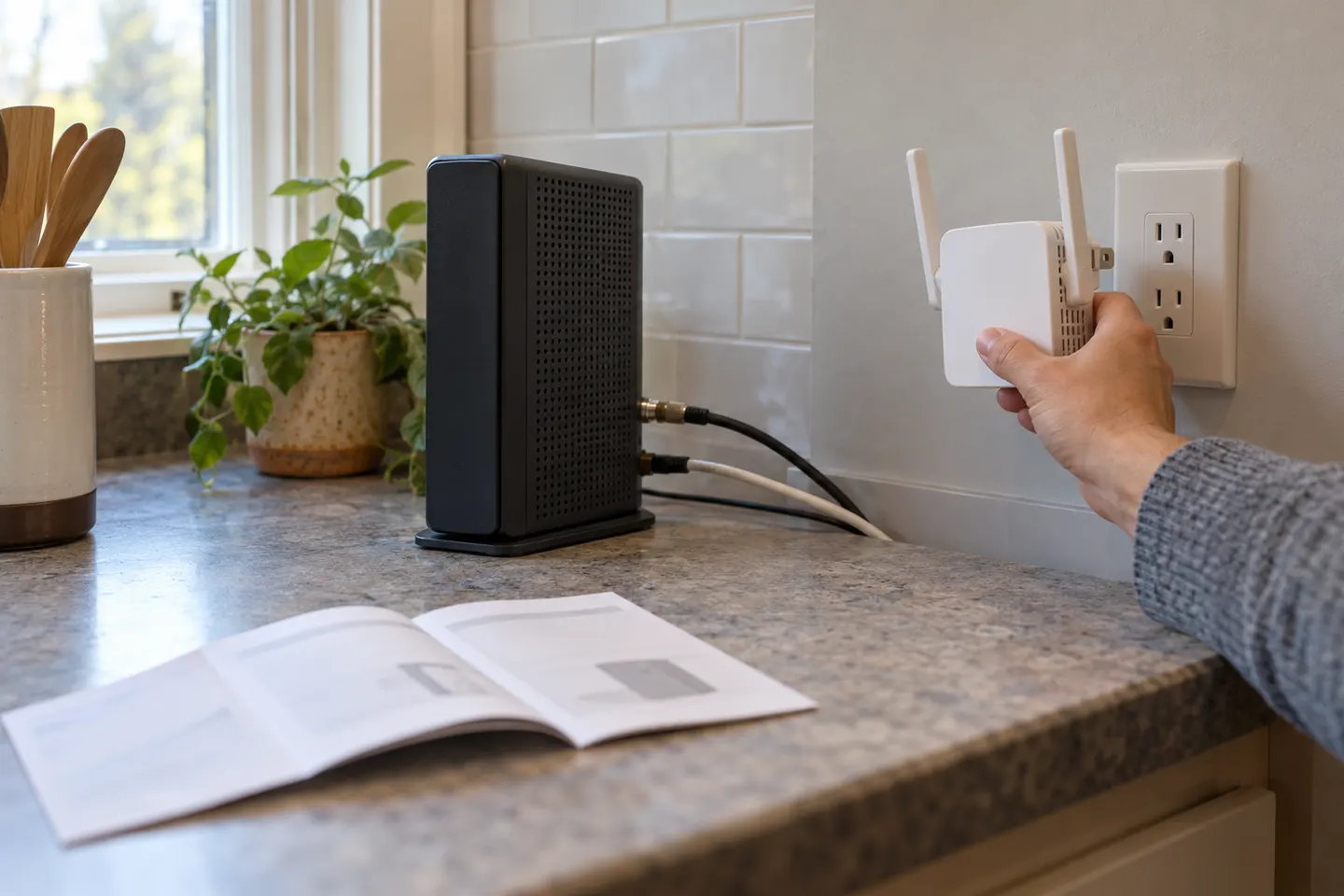
Cox directs users to activate a compatible extender in the Cox WiFi app after installing the Panoramic gateway.
Where should I place a Cox WiFi extender?
Cox advises placing the unit at least one room away and roughly 20?30 feet from the gateway, with space around it.
Will a Cox extender work if my gateway is in bridge mode?
Cox extender features may require a compatible Panoramic gateway with WiFi enabled. Confirm the requirements for your exact model.