




 Official manufacturer image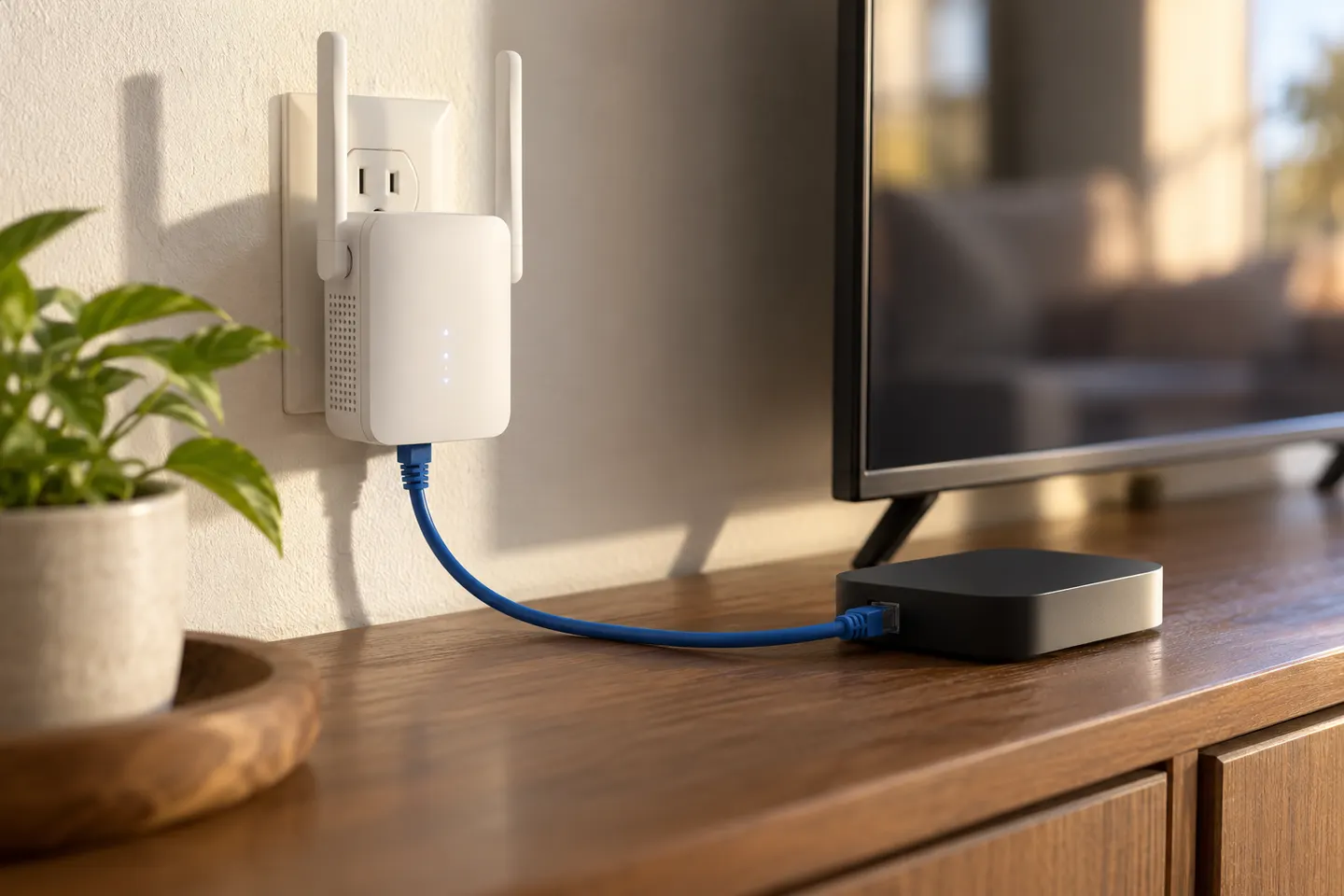
Our picks
Top picks
Official manufacturer image Official manufacturer image
NETGEAR EAX15
Check price on Amazon Official manufacturer image
TP-Link RE550
Check price on AmazonBy type
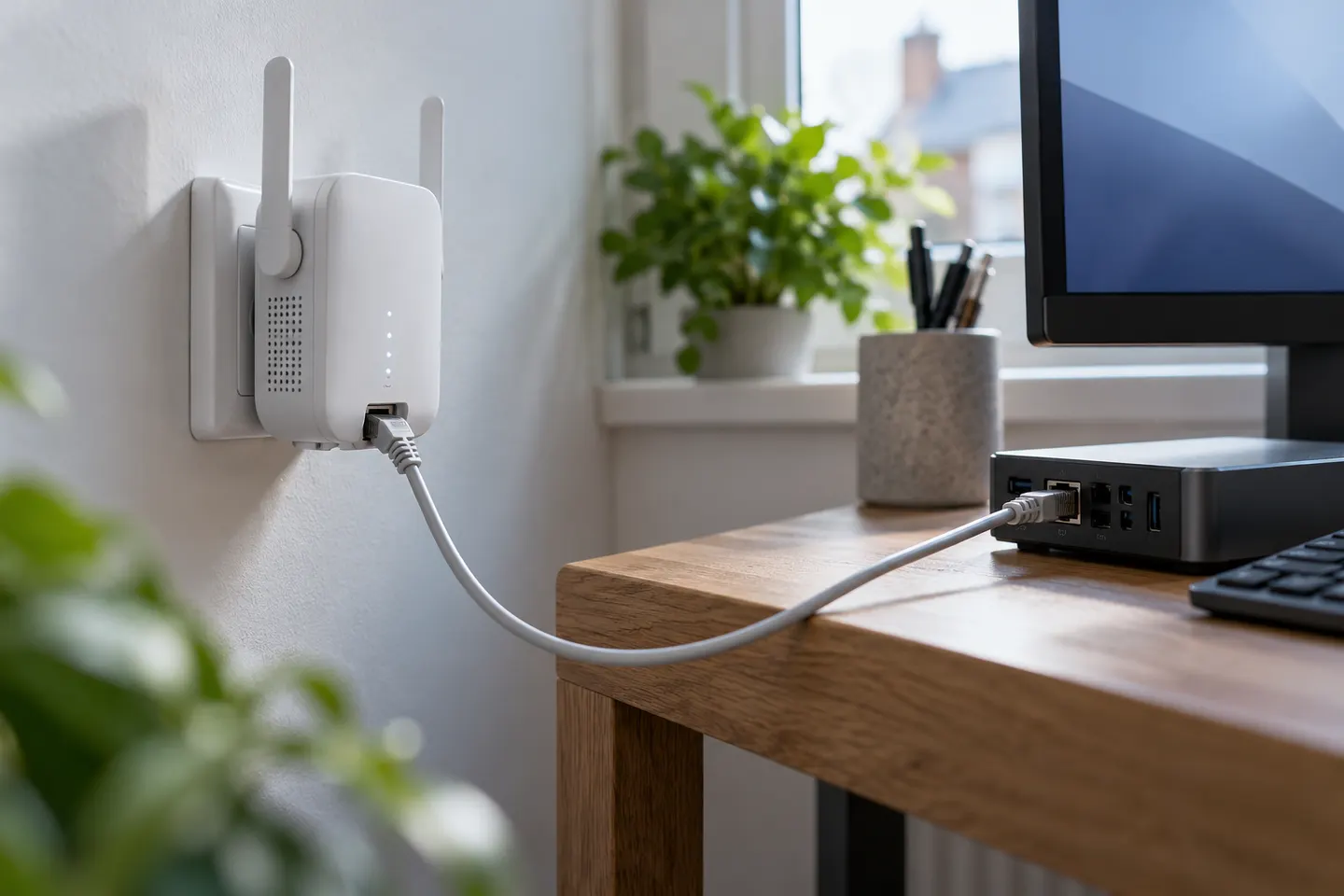 Ethernet port
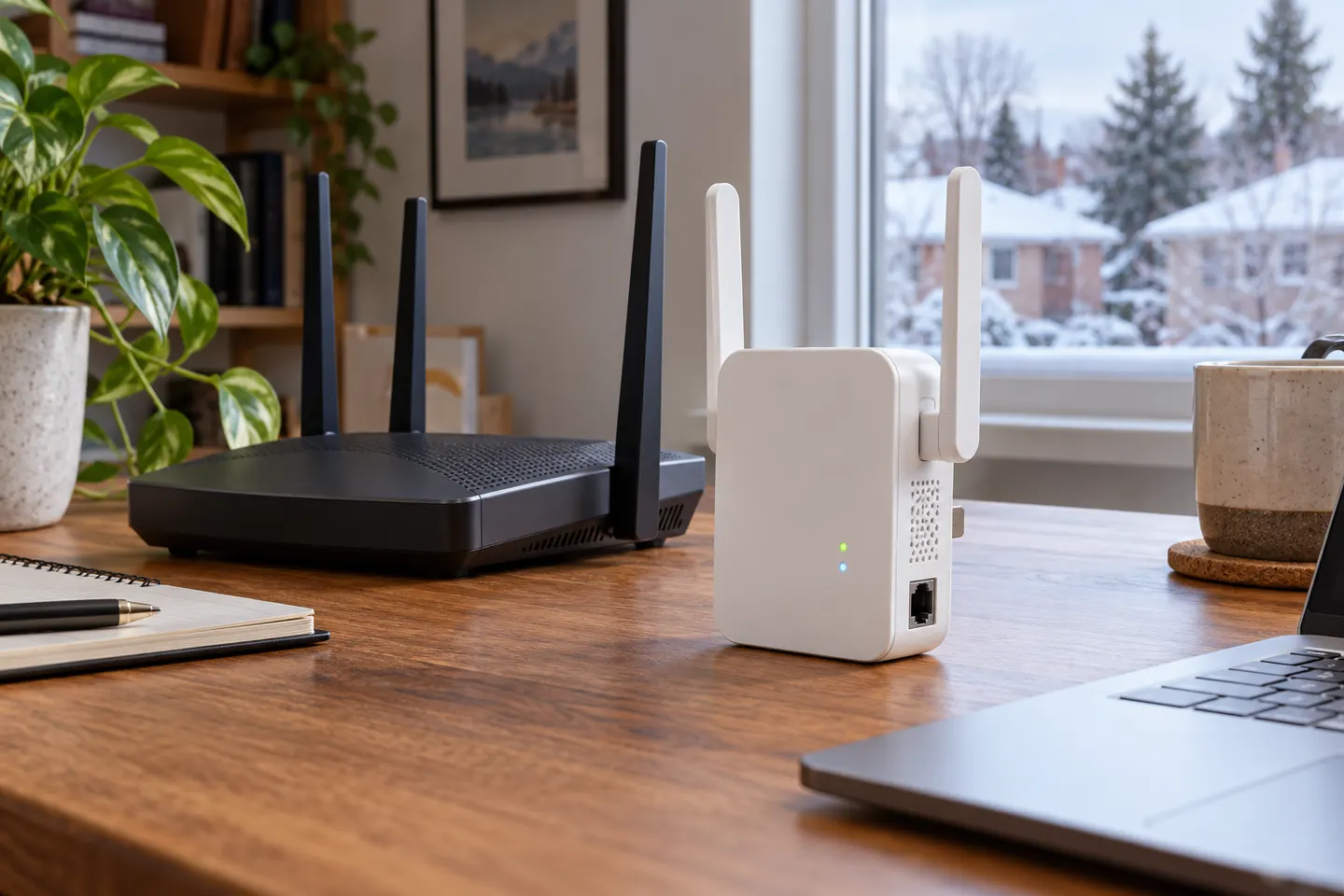 Ethernet
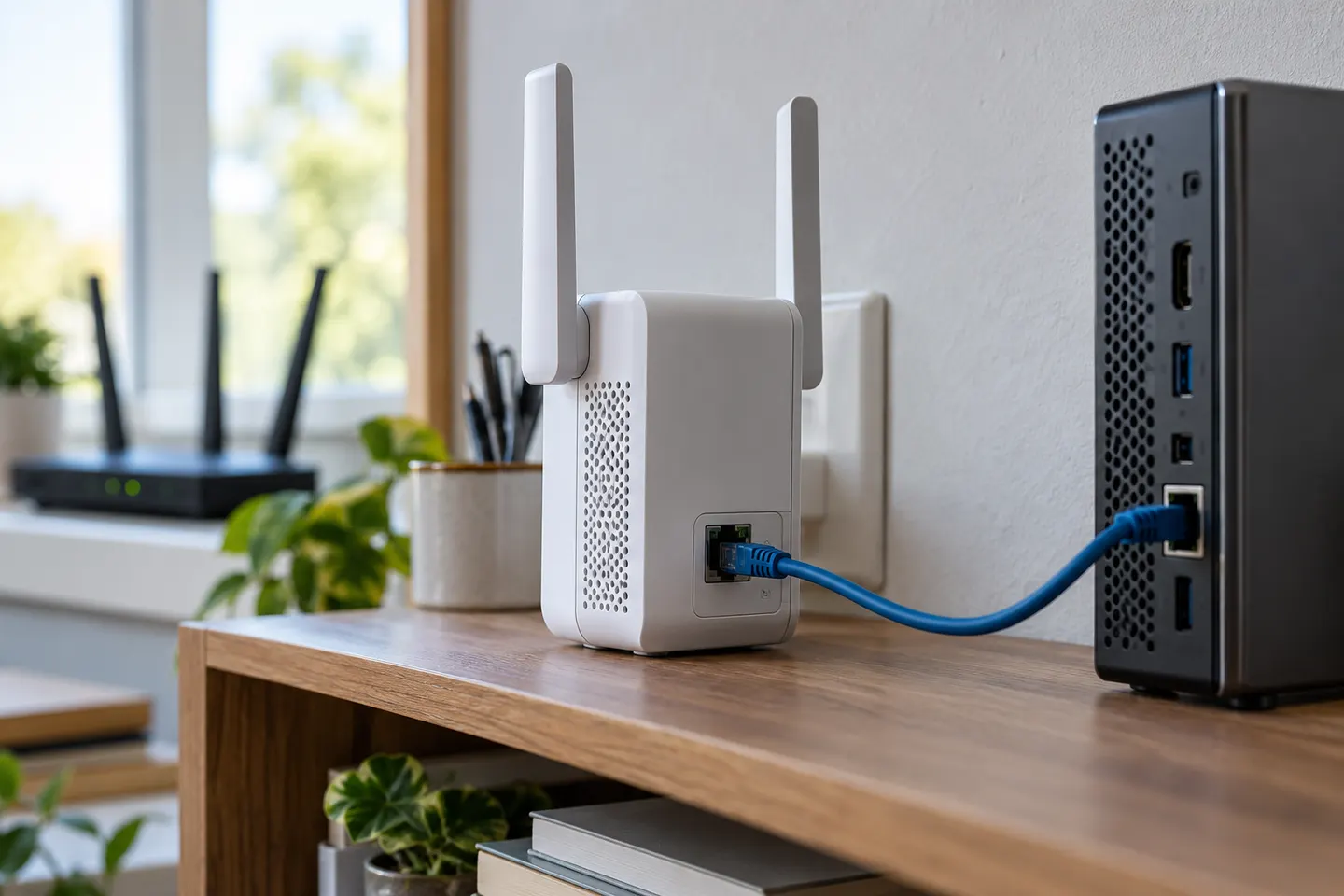 Ethernet connection
 Ethernet plug
Show all (5)
Common questions
Questions before you buy
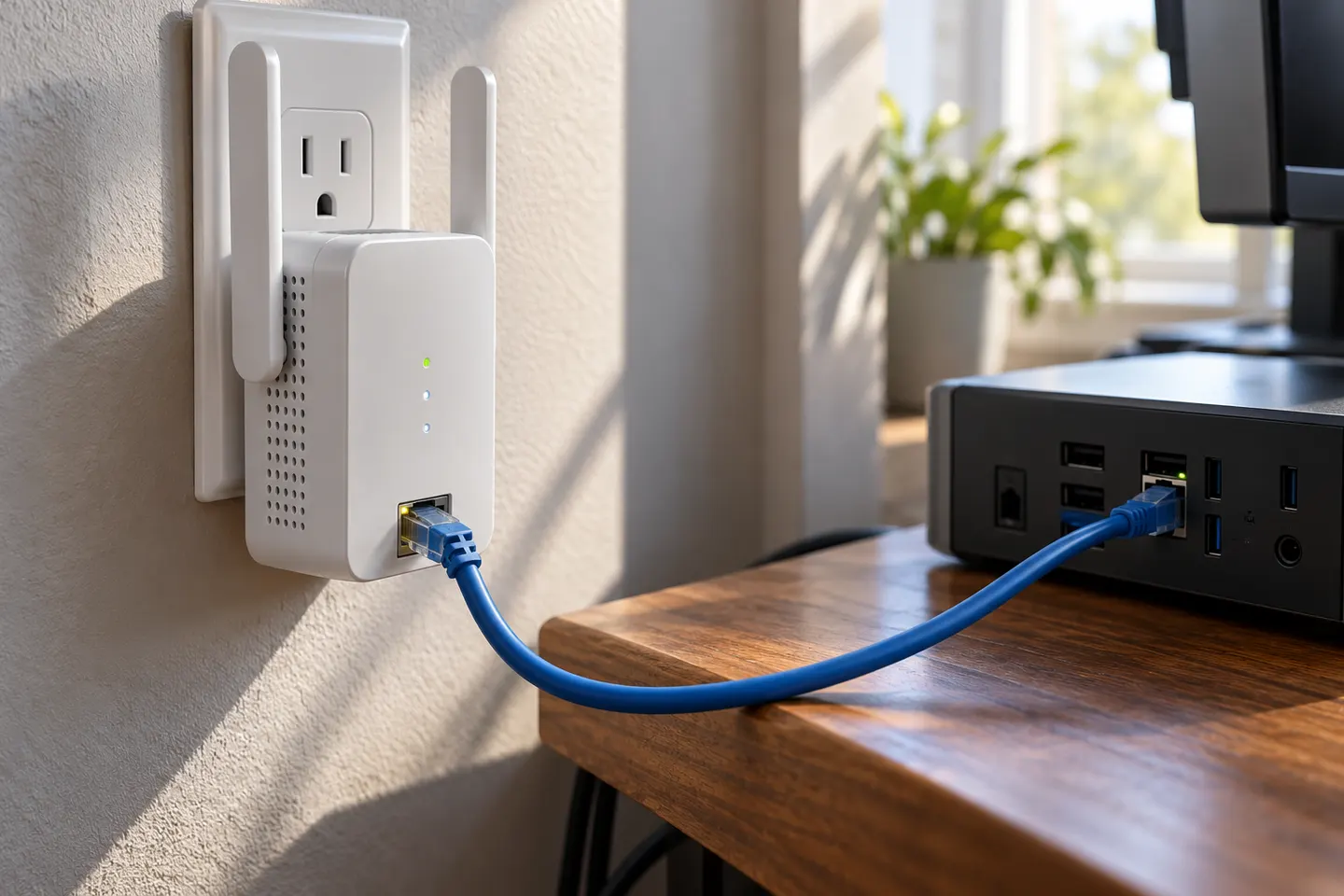
Can I plug an Ethernet cable into a WiFi extender?
Yes, if the extender has an Ethernet port. Depending on its mode, that port may connect a wired client to the extended network or connect the extender to the router for access point operation; check the model's manual.
Does Ethernet from an extender give a wired device internet access?
A compatible extender can bridge a wired device onto the network. The extender itself still needs a working connection to the router, either over WiFi in extender mode or by cable in access point mode.
Can I use an Ethernet cable between my router and WiFi extender?
Only when the extender supports access point mode or another wired-backhaul setup. Connect the cable to the specified Ethernet port and follow the manufacturer's mode and setup instructions.
Is a wired WiFi extender faster than a wireless one?
A cable between the router and access point avoids the wireless backhaul hop, but the result depends on the Ethernet port, cable, router, internet service and client device. A cable from an extender to a client does not make the extender's router link wired.