Gearjury may earn a commission when you buy through retailer links. This does not affect our editorial choices.
Guide
Does a Wi-Fi Extender Really Work in a Weak-Signal Room?
Yes, a Wi-Fi extender can improve coverage when it receives a usable signal from the router. It cannot repair a weak internet connection or make distant Wi-Fi perform like a wired link.
GGearjury editorial team · Updated October 15, 2026· 5 min
01
What a Wi-Fi extender actually changes
A range extender receives the router?s wireless network and retransmits it. It can make a connection available in an area the router reaches poorly, but the extender still depends on the quality of its link back to the router.
02
When a booster helps
It is most useful when a particular room has weak reception but a nearby spot still gets a stable router signal. A wired Ethernet backhaul, when supported, can avoid using Wi-Fi for the extender-to-router link.
03
Why speed may fall
The repeated link shares airtime with traffic going to and from the router. Walls, interference, congestion, the Wi-Fi generation and client devices also affect throughput, so advertised link rates are not a promise of real-world internet speed.
04
Where to place the unit
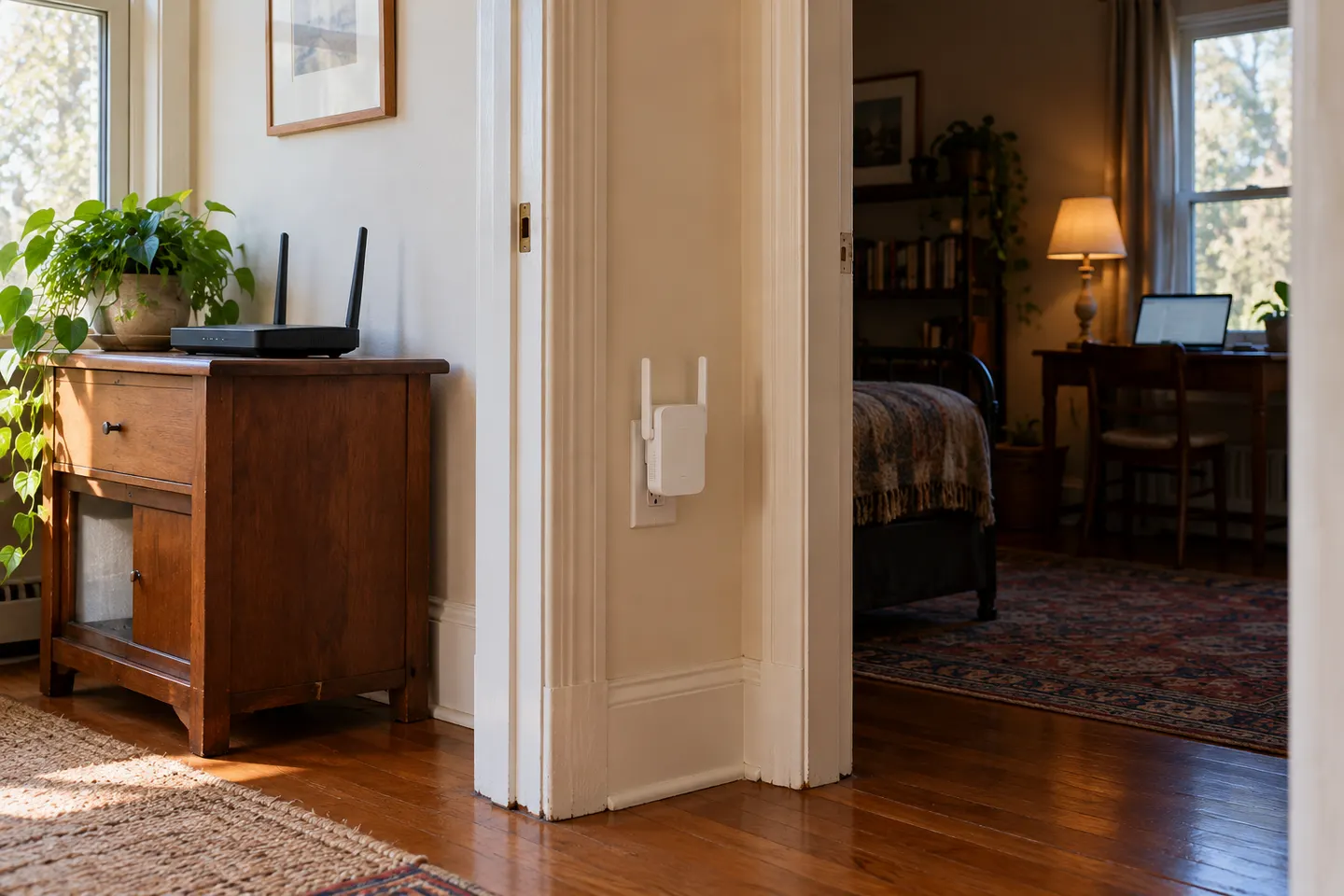
Choose an outlet between the router and the problem area, not at the far edge where the router signal has already disappeared. Use the model?s signal indicator or setup app, then check the connection where you actually use devices.
05
When mesh or Ethernet is a better answer
Mesh is worth comparing when coverage must move smoothly across several rooms or floors. Ethernet or a wired access point is preferable when you need dependable performance for a fixed device and a cable route is practical.
06
How to tell whether the fix worked
Compare connection stability and the same practical task in the weak room before and after setup. Test at the same location and time where possible, and remember that an ISP outage or overloaded internet plan will not be fixed by a repeater.
Common questions
Questions before you buy
Does a Wi-Fi extender really work?
It can improve local coverage when placed where it receives a usable router signal. Results vary with placement, walls, interference and the wireless link between the extender and router.
Does a Wi-Fi booster make internet faster?
It can improve a device?s connection to the home network in a weak area, but it does not increase the speed in your internet plan. Repeating Wi-Fi can also reduce available throughput compared with a direct connection.
Should I use an extender or a mesh system?
An extender can suit one isolated weak room. Mesh is designed to coordinate multiple access points across a larger area and can provide smoother roaming when compatible equipment is used.
Can I use an extender with any router?
Many standard range extenders work with routers from different manufacturers, but mesh features and setup methods may require compatible models. Verify the exact model?s requirements.
A WiFi extender can carry a router's signal into a nearby weak-signal area. Start by checking compatibility, placement and whether a wireless repeater or wired access point fits your home.
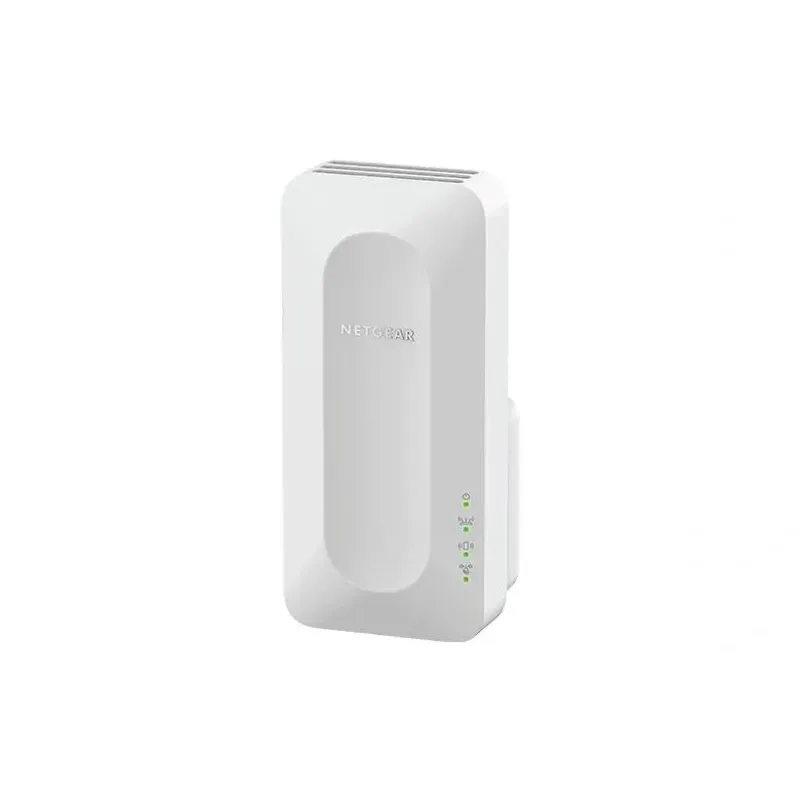
For a versatile WiFi 6 choice, consider TP-Link RE705X, which pairs dual-band WiFi 6 with a Gigabit Ethernet port. NETGEAR EAX15 suits an existing NETGEAR mesh setup, while TP-Link RE550 and NETGEAR EX6120 offer different WiFi 5 feature sets.
TP-Link offers WiFi 6 and WiFi 5 extenders with different port and mesh features. Check hardware version and router compatibility before choosing.
Your privacy
We use cookies and similar technologies. Necessary ones keep the site working. With your permission we also use statistics cookies (Google Analytics and Microsoft Clarity) to understand which guides help readers. You can accept all, reject all or choose. You can change your choice at any time from "Cookie settings" at the bottom of every page. Cookie policy