Start beside the router
Plug the extender into an outlet near the router for initial setup. Use the manufacturer app, web setup page or WPS method specified for the exact model.

 Best picksBest WiFi Extenders: Which Range Extender Should You Buy?
 Best picksGood Meat Thermometers for Every Kind of Cook
 Best picksBest Dash Cams for Cars in 2026
 Best picksBest Air Purifier for Bedroom in the US: Quiet Models Compared
Gearjury may earn a commission when you buy through retailer links. We select products using cited specifications and practical fit.
Guide
Pair the extender close to your router first, then move it toward the weak area and test the connection.
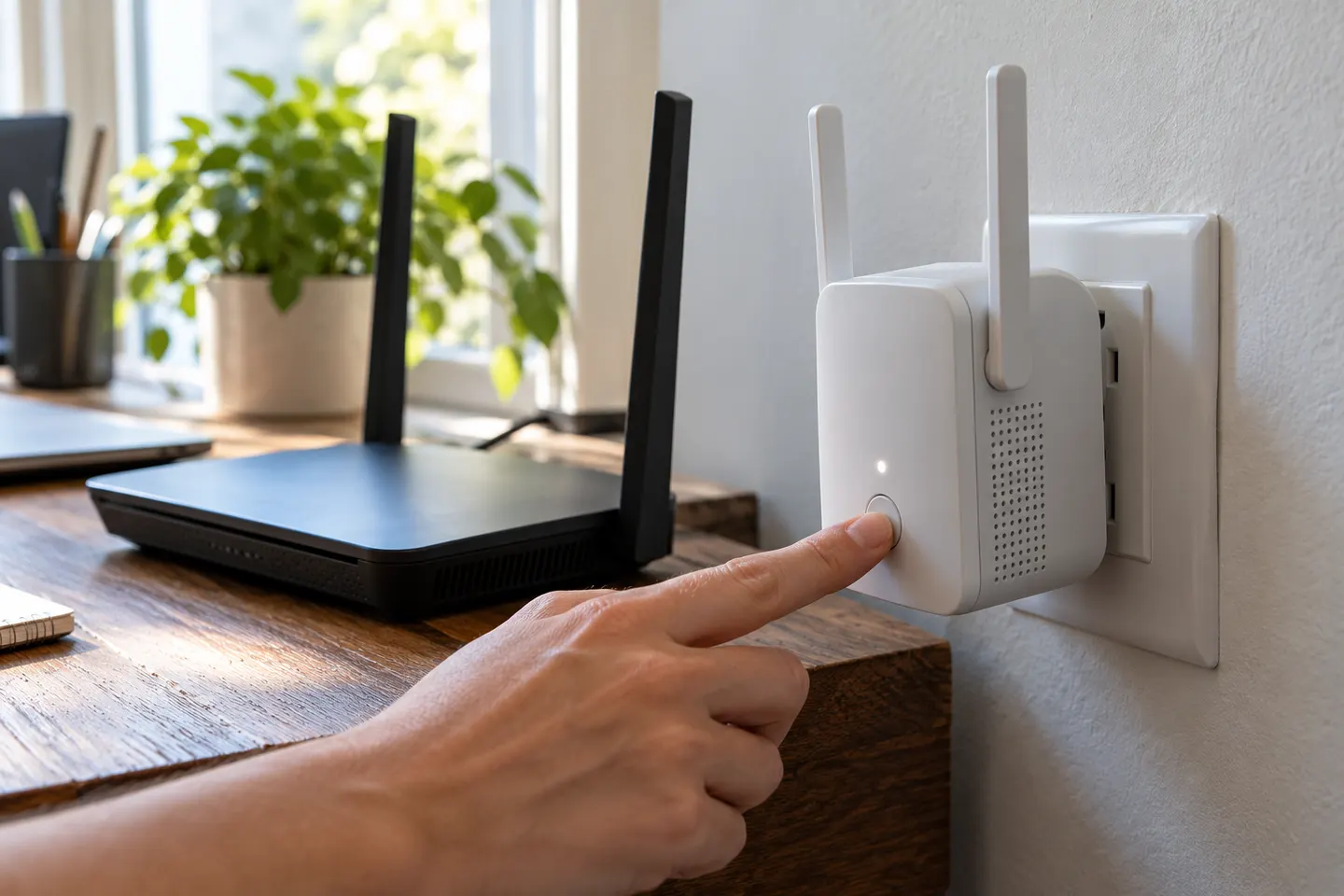
Plug the extender into an outlet near the router for initial setup. Use the manufacturer app, web setup page or WPS method specified for the exact model.
Select the home network and enter its current password when prompted. For WPS, start pairing on the router and then press the extender WPS control within the documented interval.
Some extenders copy the router network name; others create a separate extended name. Follow the setup flow and use a strong password, keeping security mode compatible with your devices.
After pairing, move the unit toward the weak-signal area while keeping a stable link to the router. Use its signal light or app to avoid placing it too far away.
Connect a phone or laptop near the target room and check browsing or streaming. If setup fails, confirm the password, restart both devices, update firmware and check whether the router uses a compatible security setting.
If the extender supports access-point mode and you can connect Ethernet from the router, select that mode in its app or web interface. The wired link lets it create a Wi-Fi access point without relying on a wireless relay.
Common questions
Place it near the router, connect through the model app, web setup or WPS, then move it to an intermediate outlet with a stable router signal. Finish by checking the target room.
Follow the manufacturer same-name setup or use a distinct extended network name if you prefer to identify it manually. Roaming behavior varies by model and router.
Recheck the network password and security compatibility, bring the extender closer for setup, and restart both devices. Consult the exact model manual if the router uses a hidden network or managed access settings.
Usually yes. Many models provide setup through a mobile app or browser, although the steps and default network name vary by manufacturer.
Keep exploring
For a versatile WiFi 6 choice, consider TP-Link RE705X, which pairs dual-band WiFi 6 with a Gigabit Ethernet port. NETGEAR EAX15 suits an existing NETGEAR mesh setup, while TP-Link RE550 and NETGEAR EX6120 offer different WiFi 5 feature sets.
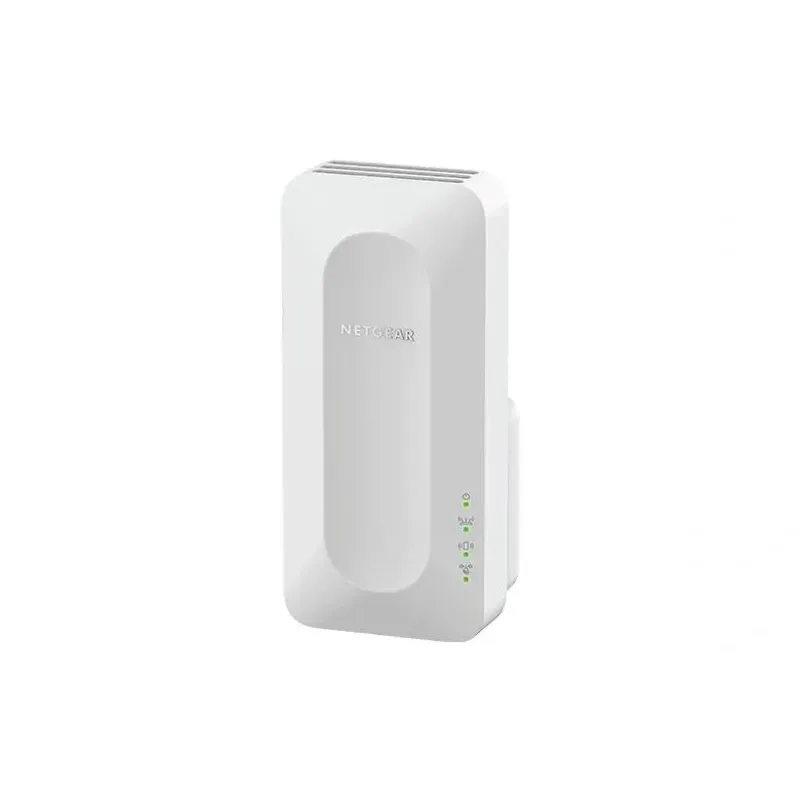
NETGEAR sells plug-in extenders across WiFi generations. Compare exact model features and check whether mesh behavior suits your router.

TP-Link offers WiFi 6 and WiFi 5 extenders with different port and mesh features. Check hardware version and router compatibility before choosing.

A WiFi extender can carry a router's signal into a nearby weak-signal area. Start by checking compatibility, placement and whether a wireless repeater or wired access point fits your home.