Gearjury may earn a commission from qualifying purchases made through retailer links.
Guide
How to Set Up a Verizon WiFi Extender with Your Router
Set up a compatible Verizon extender beside the gateway first, then move it toward the area with weak WiFi. The button sequence and status lights depend on the model, so this guide uses Verizon’s E3200 instructions.
GGearjury editorial team · Updated October 18, 2026· 4 min
01
Identify the hardware before connecting it
Verizon has multiple WiFi extender models and gateway combinations. For the E3200, consult Verizon’s compatibility list and make sure the gateway is online. If your equipment has a different model number, use its own instructions because pairing buttons and indicators can differ.
02
Plug the extender in near the gateway
Start with the E3200 close to the compatible gateway and wait for its startup light. This gives the extender a strong nearby connection for the initial pairing process.
03
Pair over WiFi
Hold the E3200 Unified button for three seconds. Within two minutes, press the Pair button on the Verizon gateway. Both units blink blue while pairing; wait for the documented paired state before unplugging the extender.
04
Choose Ethernet when a cable is practical
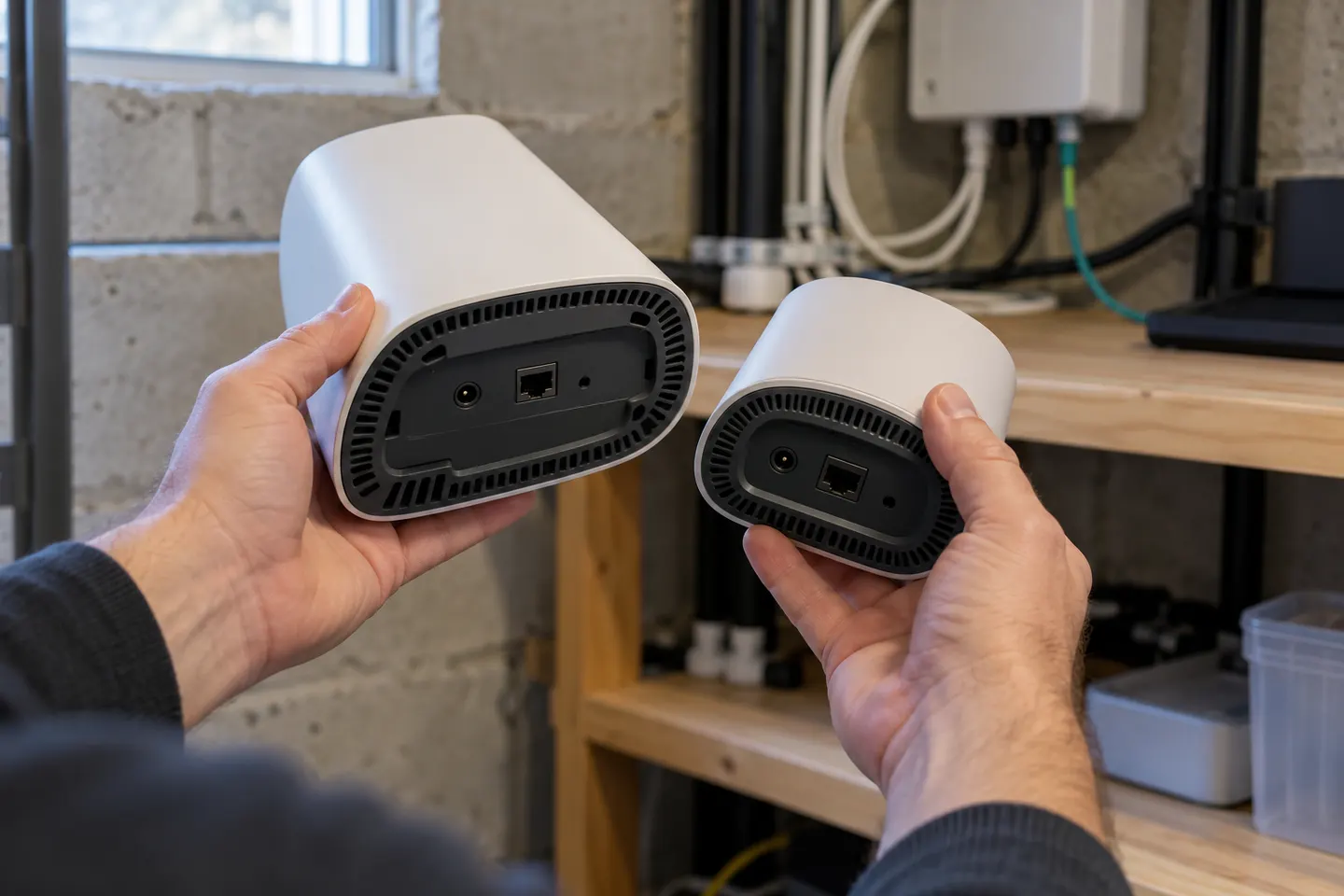
The E3200 can also pair by Ethernet. Connect it to a LAN port on the router or gateway, then power it on and allow the startup process to finish. This avoids using WiFi for the connection between the gateway and extender.
05
Find a useful position
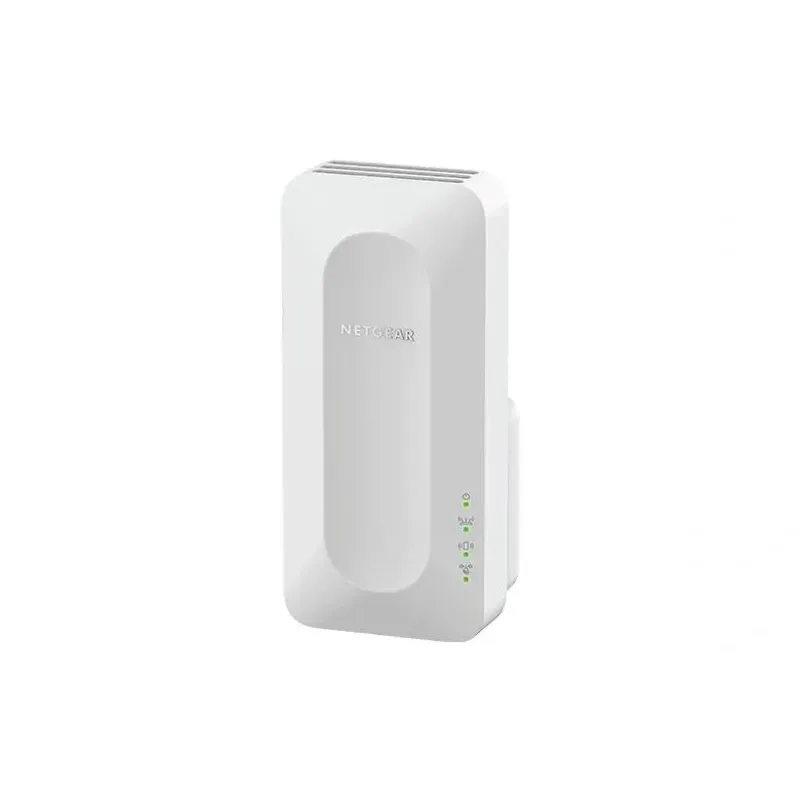
Move the paired extender to a spot between the gateway and the room or area with weak coverage. Verizon’s E3200 guidance uses the yellow light as a placement clue: fast blinking means try farther from the gateway; slow blinking means try closer. Solid white means setup is complete.
06
Resolve common setup problems
If the devices do not pair, verify model compatibility, bring the extender back near the gateway and retry the button sequence. If setup succeeds but coverage remains poor, adjust the location and check Verizon’s app-based Wi-Fi Health Check eligibility for your equipment.
Common questions
Questions before you buy
How do I set up a Verizon E3200 extender with WPS?
Verizon calls the E3200 process wireless pairing: hold the extender’s Unified button for three seconds, then press the gateway Pair button within two minutes. Follow the light indicators in Verizon’s setup page.
What do the E3200 yellow lights mean during placement?
Verizon says fast-blinking yellow means move the extender farther from the gateway, while slow-blinking yellow means move it closer. A solid white light signals completed setup.
Can I set up a Verizon extender without pressing Pair?
For the E3200, Verizon documents wireless pairing with the Unified and gateway Pair buttons, as well as wired pairing through Ethernet. Use the route supported by your gateway and model.
Why will my Verizon extender not pair with my router?
A gateway may not be compatible, or the extender may be too far away or not fully started. Check Verizon’s model list and retry the model-specific steps with the devices nearby.
For a versatile WiFi 6 choice, consider TP-Link RE705X, which pairs dual-band WiFi 6 with a Gigabit Ethernet port. NETGEAR EAX15 suits an existing NETGEAR mesh setup, while TP-Link RE550 and NETGEAR EX6120 offer different WiFi 5 feature sets.
A WiFi extender can carry a router's signal into a nearby weak-signal area. Start by checking compatibility, placement and whether a wireless repeater or wired access point fits your home.
Your privacy
We use cookies and similar technologies. Necessary ones keep the site working. With your permission we also use statistics cookies (Google Analytics and Microsoft Clarity) to understand which guides help readers. You can accept all, reject all or choose. You can change your choice at any time from "Cookie settings" at the bottom of every page. Cookie policy