Gearjury may earn a commission when you buy through retailer links. This does not affect our editorial choices.
Guide
Do Wi-Fi Extenders Really Work for Home Coverage?
They can, provided the extender has a strong enough connection to the router. Think of one as a coverage relay, not a cure for every Wi-Fi or broadband problem.
GGearjury editorial team · Updated October 15, 2026· 5 min
01
Start with the problem you are trying to solve
If one room has a poor wireless signal while the router and internet service work elsewhere, a relay may help. If every room is slow, check the broadband connection, router condition and service plan before adding another wireless hop.
02
Understand the extender?s two links
A repeater communicates with the router and with your phone, laptop or other client. Both links need to work. A strong signal from the extender to your phone is not useful if the extender itself has a weak connection upstream.
03
Expect trade-offs from wireless repeating
Wireless traffic must travel over the air between the router and extender, then onward to the client. Congested channels and building materials can make that path less reliable; dual-band and tri-band designs handle traffic differently, so check the product documentation rather than relying on a headline speed.
04
Place it before the coverage drops out
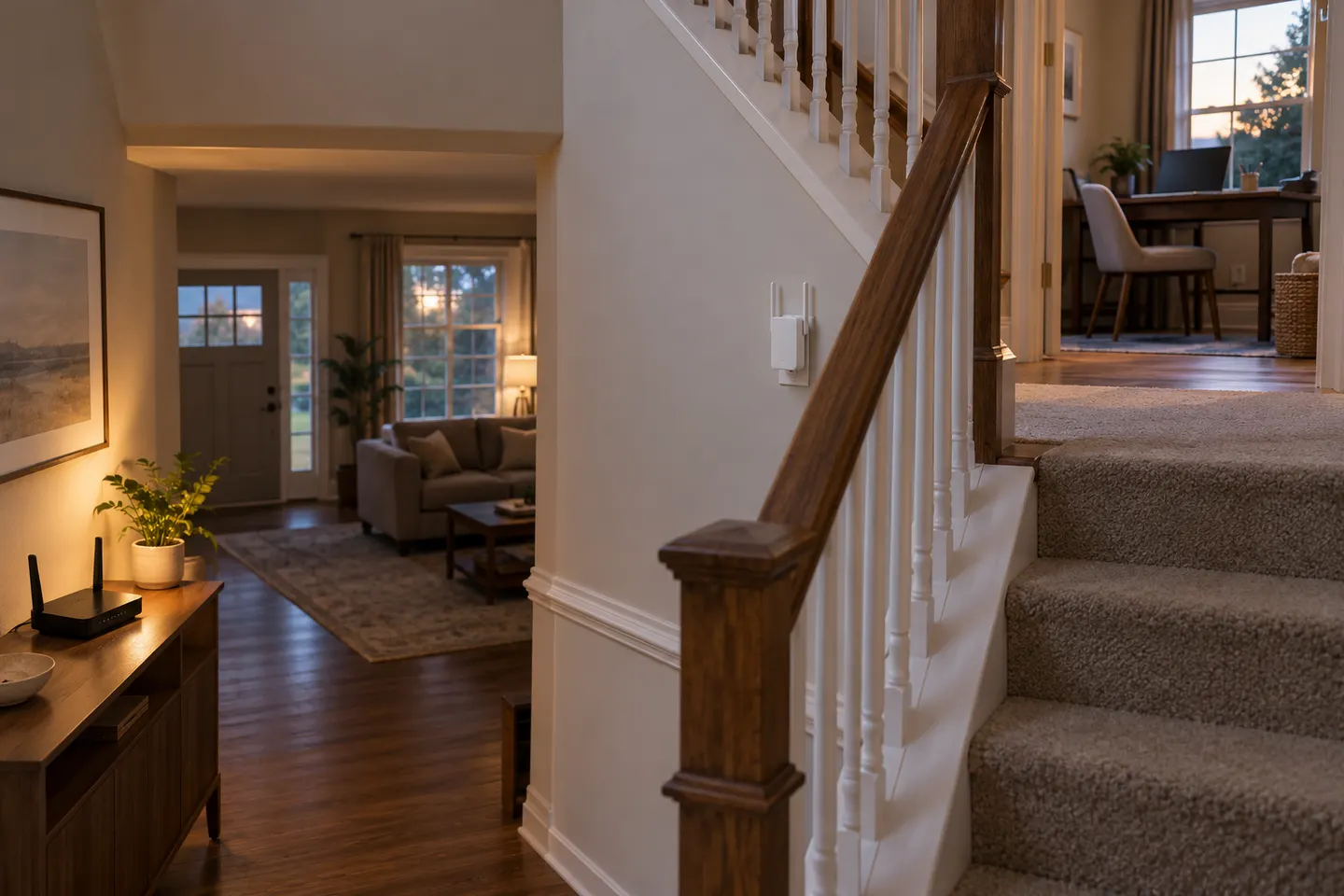
Try a location that still has a stable router connection and is nearer the target room than the router. Avoid cabinets, floor-level obstructions and places behind dense walls where the extender cannot maintain its backhaul.
05
Know when another layout is better
For several dead zones, multiple floors or frequent movement between rooms, coordinated mesh nodes may be more convenient. A wired access point can be a stronger choice when you can run Ethernet.
06
Evaluate everyday reliability
Check whether calls, streaming or smart devices stay connected in the target area over normal use. A single speed test is only a snapshot; persistent drops may point to interference, a faulty router, a crowded channel or a connection issue beyond Wi-Fi.
Common questions
Questions before you buy
Do Wi-Fi extenders really work?
Yes, they can extend usable coverage where a router signal remains available for the extender to relay. How well they work depends on the backhaul signal, placement and local interference.
Do Wi-Fi extenders slow down the network?
Wireless repeating uses airtime for the link between the router and extender as well as the client connection. The practical effect varies by model, band, placement and network traffic.
Can a Wi-Fi extender fix a dead zone?
It may help if placed outside the dead zone where the router signal is still usable. Installing it where no reliable signal reaches is unlikely to solve the problem.
Is a Wi-Fi extender the same as a booster?
The terms are often used for the same consumer range-extender category. Product pages may also call access points or mesh nodes boosters, so check how the particular device connects to the router.
A WiFi extender can carry a router's signal into a nearby weak-signal area. Start by checking compatibility, placement and whether a wireless repeater or wired access point fits your home.
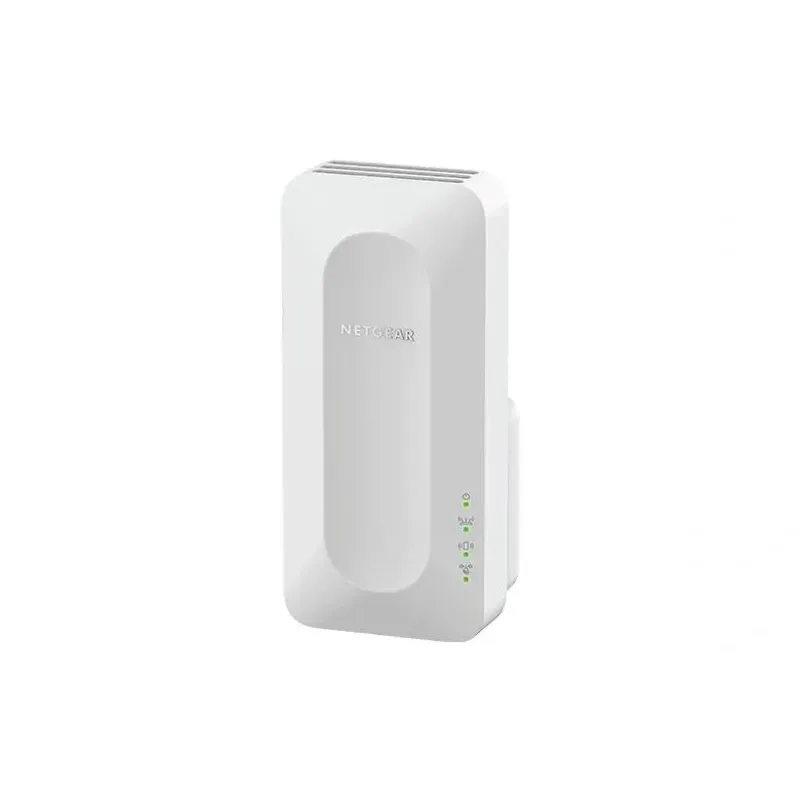
For a versatile WiFi 6 choice, consider TP-Link RE705X, which pairs dual-band WiFi 6 with a Gigabit Ethernet port. NETGEAR EAX15 suits an existing NETGEAR mesh setup, while TP-Link RE550 and NETGEAR EX6120 offer different WiFi 5 feature sets.
TP-Link offers WiFi 6 and WiFi 5 extenders with different port and mesh features. Check hardware version and router compatibility before choosing.
Your privacy
We use cookies and similar technologies. Necessary ones keep the site working. With your permission we also use statistics cookies (Google Analytics and Microsoft Clarity) to understand which guides help readers. You can accept all, reject all or choose. You can change your choice at any time from "Cookie settings" at the bottom of every page. Cookie policy