




 Official manufacturer image
Our picks
Top picks
Official manufacturer image Official manufacturer image
NETGEAR EAX15
Check price on Amazon Official manufacturer image
TP-Link RE550
Check price on AmazonSetup and help
 Macard set up
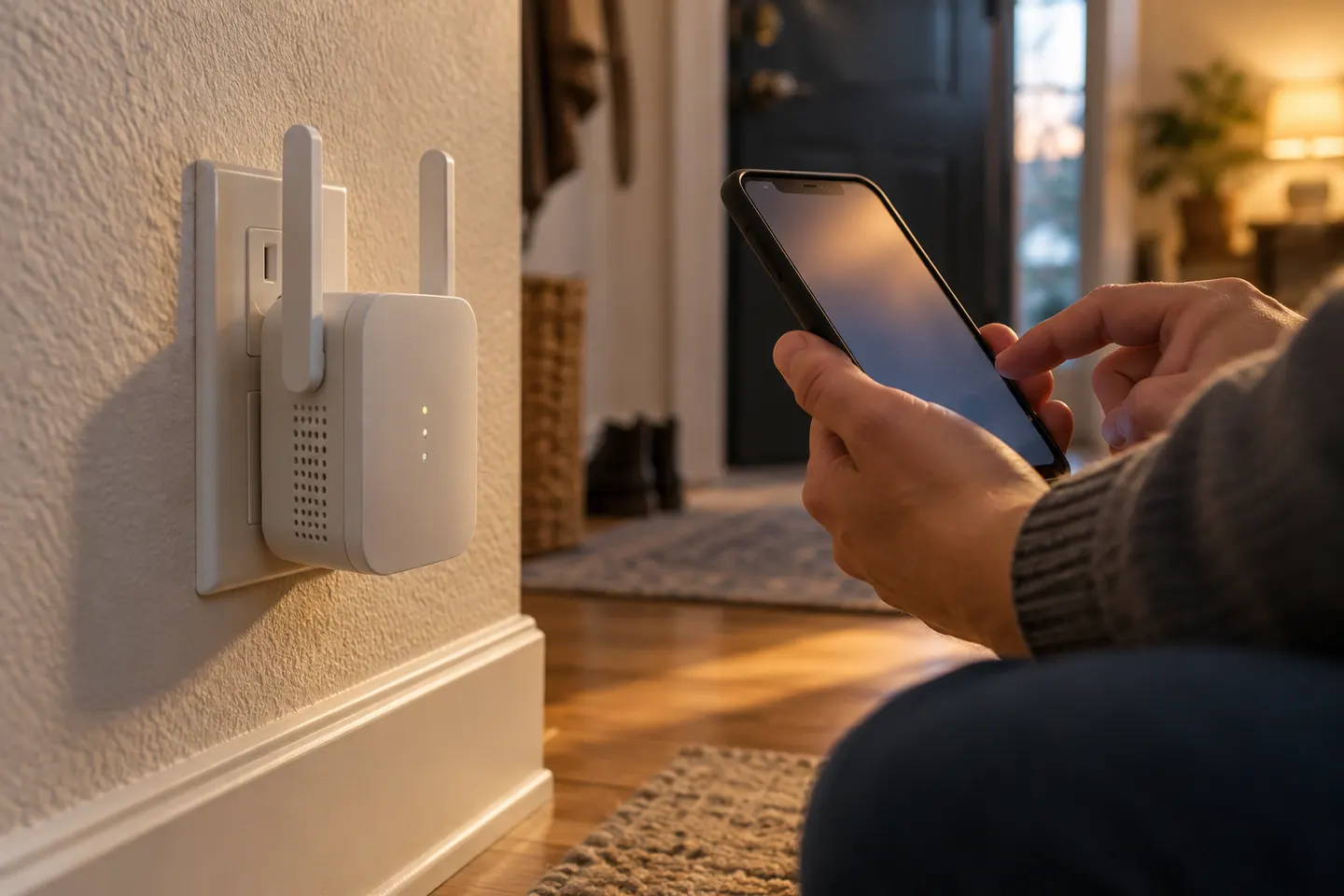 Macard setup
Common questions
Questions before you buy
What is the Macard N300 WiFi extender?
Macard's N300 setup guide describes a plug-in extender for expanding an existing WiFi network and specifies operation on the 2.4 GHz band. Check the label and supplied documentation to confirm that your unit is this model.
Does a Macard WiFi extender work with 5 GHz WiFi?
The N300 guide says that model operates on 2.4 GHz, so do not assume it supports 5 GHz. Other Macard-labelled models may differ; confirm the precise model's own documentation.
Can I connect a Macard extender to my router with Ethernet?
The N300 guide says not to connect an Ethernet cable from the router to the extender and describes connecting a computer to the extender instead. Follow the instructions for your exact model before planning a wired setup.
Where should I place a Macard WiFi range extender?
The N300 guide recommends a position between the router and the weak-signal area, where the extender can still receive a good signal. If the link to the router is poor, moving the extender closer may help its connection, though coverage at the far end can change.