




 Official manufacturer image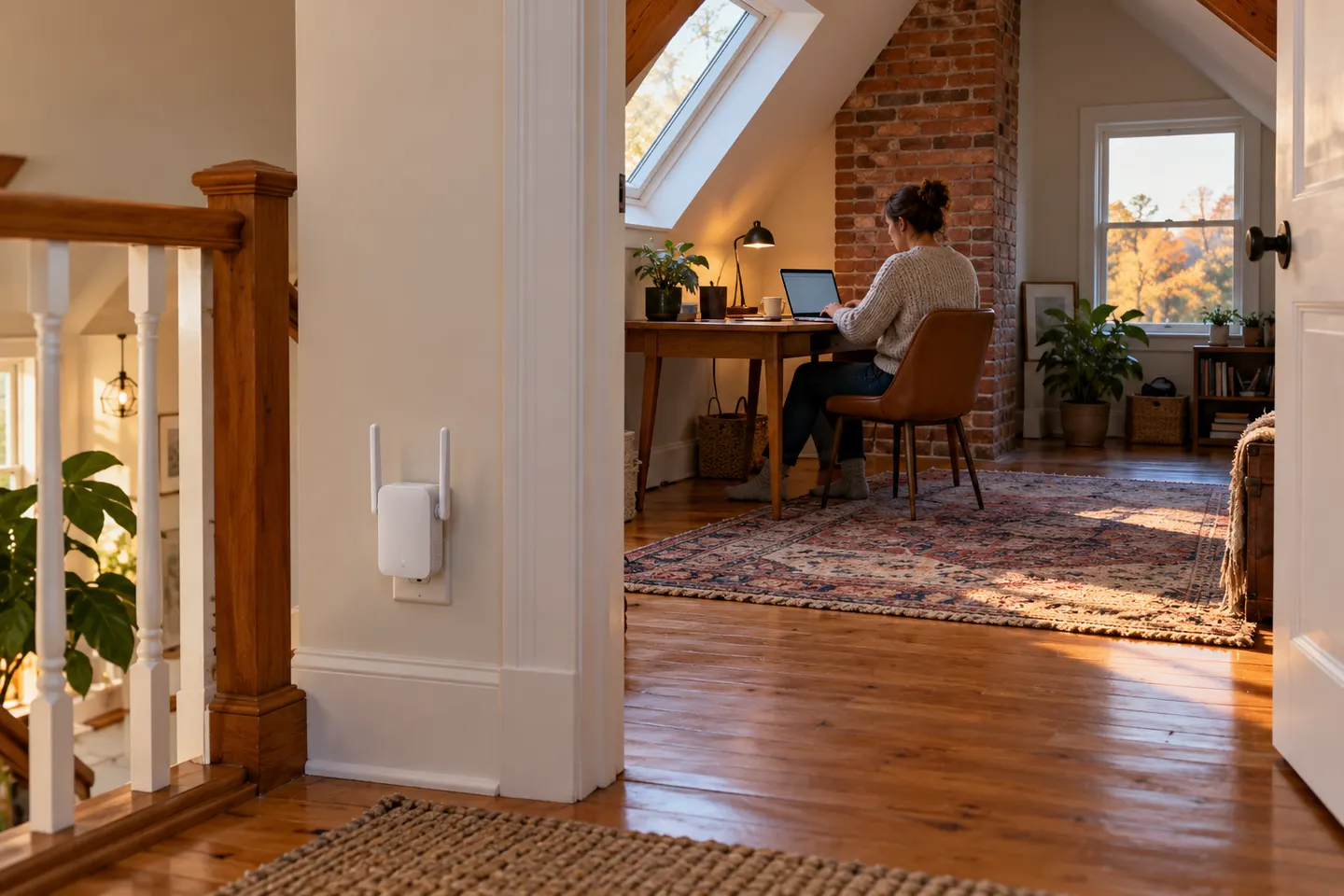
Our picks
Top picks
Official manufacturer image Official manufacturer image
NETGEAR EAX15
Check price on Amazon Official manufacturer image
TP-Link RE550
Check price on AmazonCommon questions
Questions before you buy
How can I improve Wi-Fi reception in one room?
First reposition the router away from obstructions if practical. If the signal remains weak, place a compatible extender between the router and that room where the router link is still usable.
Will a Wi-Fi booster improve a weak signal from my provider?
A Wi-Fi extender improves local wireless reach from the router; it does not fix a weak broadband connection or provider outage. Check wired service at the router before adding Wi-Fi equipment.
Where should a Wi-Fi reception booster go?
Place it within usable range of the router and toward the area needing coverage. Use its signal indicator or app to avoid a position where the link back to the router is poor.
Can a booster improve Wi-Fi through thick walls?
It may help if positioned before the obstruction and still connected well to the router, but building materials can weaken wireless links. A wired access point or mesh node with Ethernet backhaul may be more suitable.