




 Official manufacturer image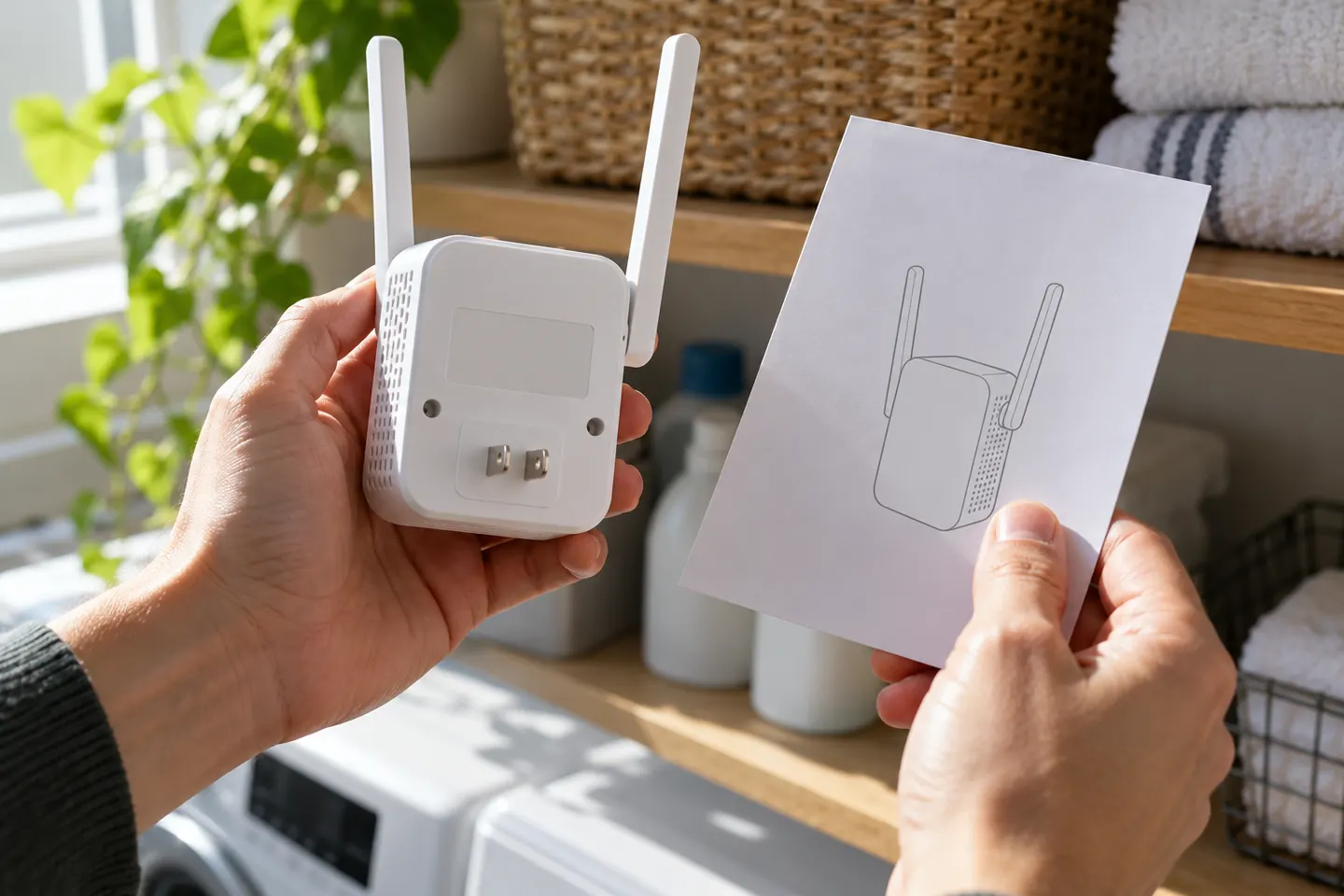
Our picks
Top picks
Official manufacturer image Official manufacturer image
NETGEAR EAX15
Check price on Amazon Official manufacturer image
TP-Link RE550
Check price on AmazonCommon questions
Questions before you buy
How do I identify my Rock Space extender model?
Read the model code on the product label or packaging. Rock Space support articles cover specific RSD codes, and setup advice may differ across generations.
Why is my Rock Space extender light red?
Rock Space advises checking the distance from the router, Wi-Fi password and interference, then repositioning or reconfiguring according to the model guide.
Does a Rock Space extender use the same Wi-Fi name as the router?
That depends on the configuration. Rock Space notes that some successful setups share the router’s network name, so inspect available networks and consult the exact guide.
Can a Rock Space extender connect to a WPA3 router?
Rock Space’s support article distinguishes security support by product generation; it states AC extenders support WPA/WPA2 and AX extenders support WPA/WPA2/WPA3. Confirm your exact model.