




 Official manufacturer image
Our picks
Top picks
Official manufacturer image Official manufacturer image
NETGEAR EAX15
Check price on Amazon Official manufacturer image
TP-Link RE550
Check price on AmazonMore topics
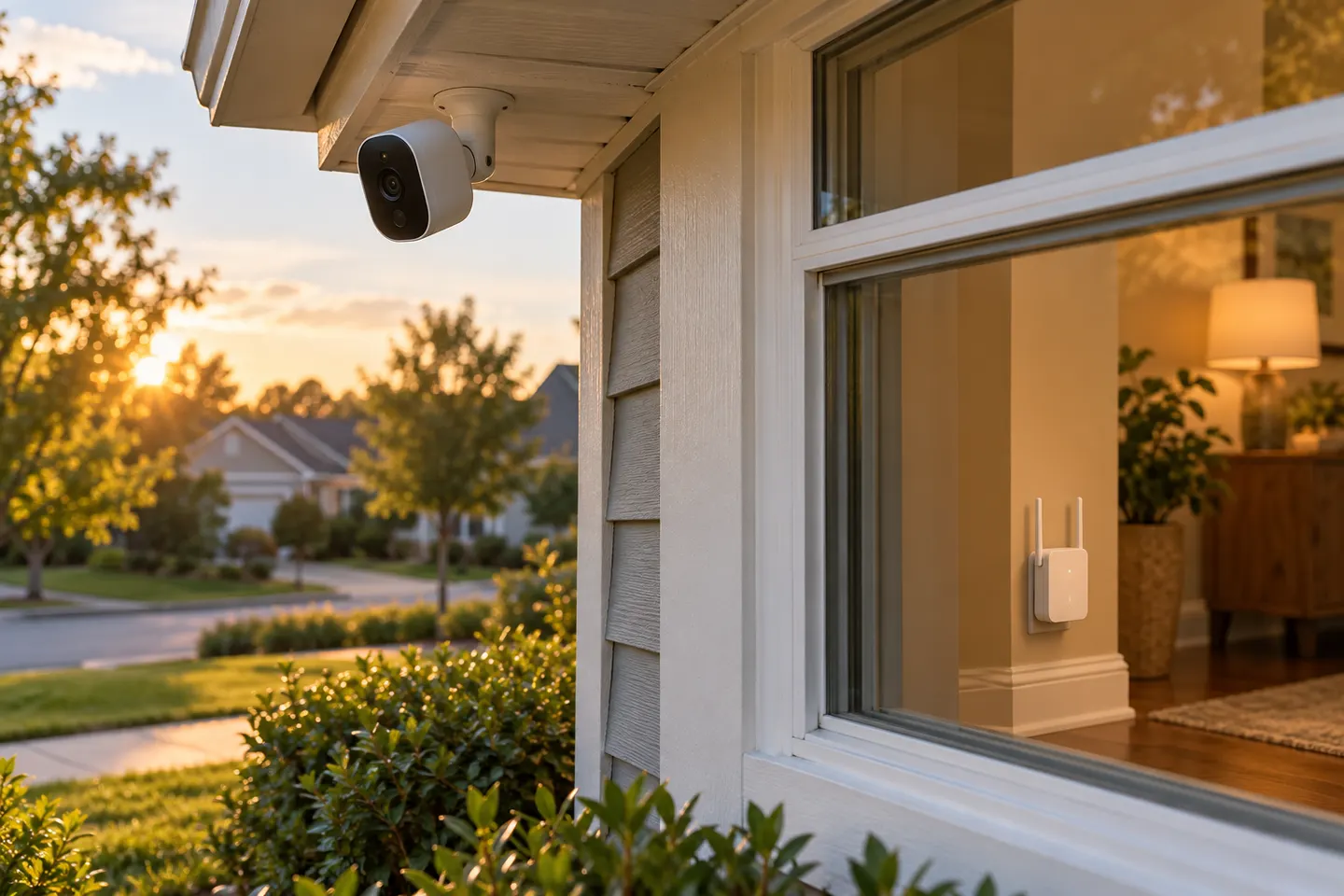 WiFi Extenders for Blink Cameras and Outdoor…
Common questions
Questions before you buy
Will a WiFi extender make my security camera connection more reliable?
It may improve the signal if the extender itself receives a stable connection from the router and sits between the router and camera. It cannot guarantee reliability where interference, weak upstream signal or a camera limit is the real cause.
Should a camera connect to 2.4 GHz or 5 GHz WiFi?
Use the band required by the camera’s manufacturer. Many cameras support 2.4 GHz for reach, while some models also offer 5 GHz; confirm the exact model’s setup instructions before buying an extender.
Can I put a regular WiFi extender outside for a security camera?
No. Use equipment explicitly rated for outdoor exposure and follow its installation instructions. An indoor extender should remain indoors, even if it is serving an outdoor camera.
Where should I place an extender for a camera?
Place it where it still receives a solid router signal and can reach the camera location. Check the camera’s live connection after setup, since walls and building materials can change coverage.