Place the extender beside your router
Plug it into an outlet near the router and wait for its power light. Start nearby so initial setup is not affected by a weak signal.

 Best picksBest Meat Thermometers in Canada for 2026
 Best picksThe Best Dash Cam Cameras for Different Drivers
 Best picksBest WiFi Extenders in Canada for Different Home Networks
 Best picksBest Air Purifier for Bedroom in the Canada: Quiet Models Compared
Gearjury may earn a commission from qualifying purchases made through retailer links.
Guide
Connect the extender beside your router first, using WPS or a browser setup page. Move it only after the connection is confirmed.
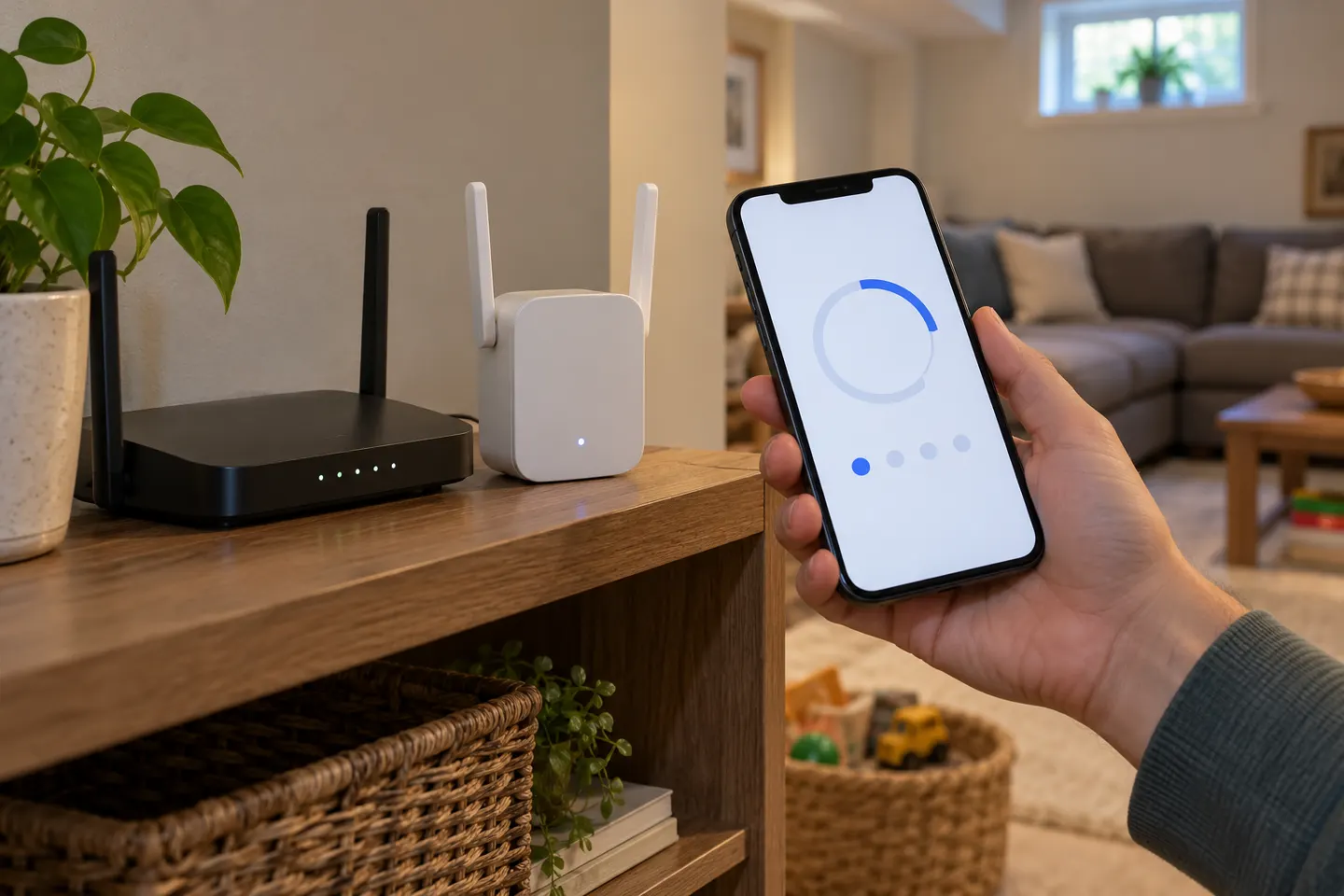
Plug it into an outlet near the router and wait for its power light. Start nearby so initial setup is not affected by a weak signal.
If both devices support WPS, press WPS on the router, then press the extender WPS button within the period specified in its manual. Wait for the connection indicator; button timing differs by model.
Connect a phone or computer to the extender’s temporary WiFi network, open the setup address printed in its guide, and follow the wizard to select your home network and enter its password.
Some newer models use the Nighthawk app, while others provide a browser wizard. Follow the exact model’s instructions rather than assuming the app or setup page is shared across the range.
NETGEAR documents WPS and browser setup for the AC1200 EX6120. Confirm the extender joins the intended router network before choosing a permanent outlet.
Move the unit to a point that still receives a usable router signal and is closer to the weak-coverage area. Reconnect a device to the extended network and check the status light or management page.
Use the browser method for an older model or router without WPS. If setup fails, check the exact network password, reset only as the manual directs, and consult the model-specific support page.
Common questions
Yes. NETGEAR provides a browser-based setup method for supported models. Connect to the extender’s setup network and follow the model’s setup wizard.
The address depends on the model and setup state. Use the address in its quick start guide or NETGEAR support instructions; the EX6120 manual describes browser setup.
No single app workflow applies to every generation. Check the support page for your exact model to see whether it uses the Nighthawk app, another app, or a browser.
Identify the model number on the device, then use its matching manual. Older models may use WPS or a browser wizard and can have different default network names.
Keep exploring

NETGEAR’s Canadian range includes WiFi 6 mesh extenders and older AC models. Check each model’s port, generation and setup method before choosing.
The TP-Link RE705X is a strong feature-led starting point, with WiFi 6, AX3000 class and a Gigabit port. Consider NETGEAR EAX15 for mesh-style WiFi 6 or simpler plug-in models for a basic dead zone.

A WiFi extender can carry an existing router’s signal into a weak-coverage area. Start with compatibility and placement, then compare a standalone repeater with a provider mesh system.