




Independent buying guidance · Canada editionHow we work
Gearjury
All categories
CanadaEnglish

Gearjury may earn a commission from qualifying retailer links. This does not affect our editorial comparisons.

Guide

How to Configure a TP-Link WiFi Extender for Your Home

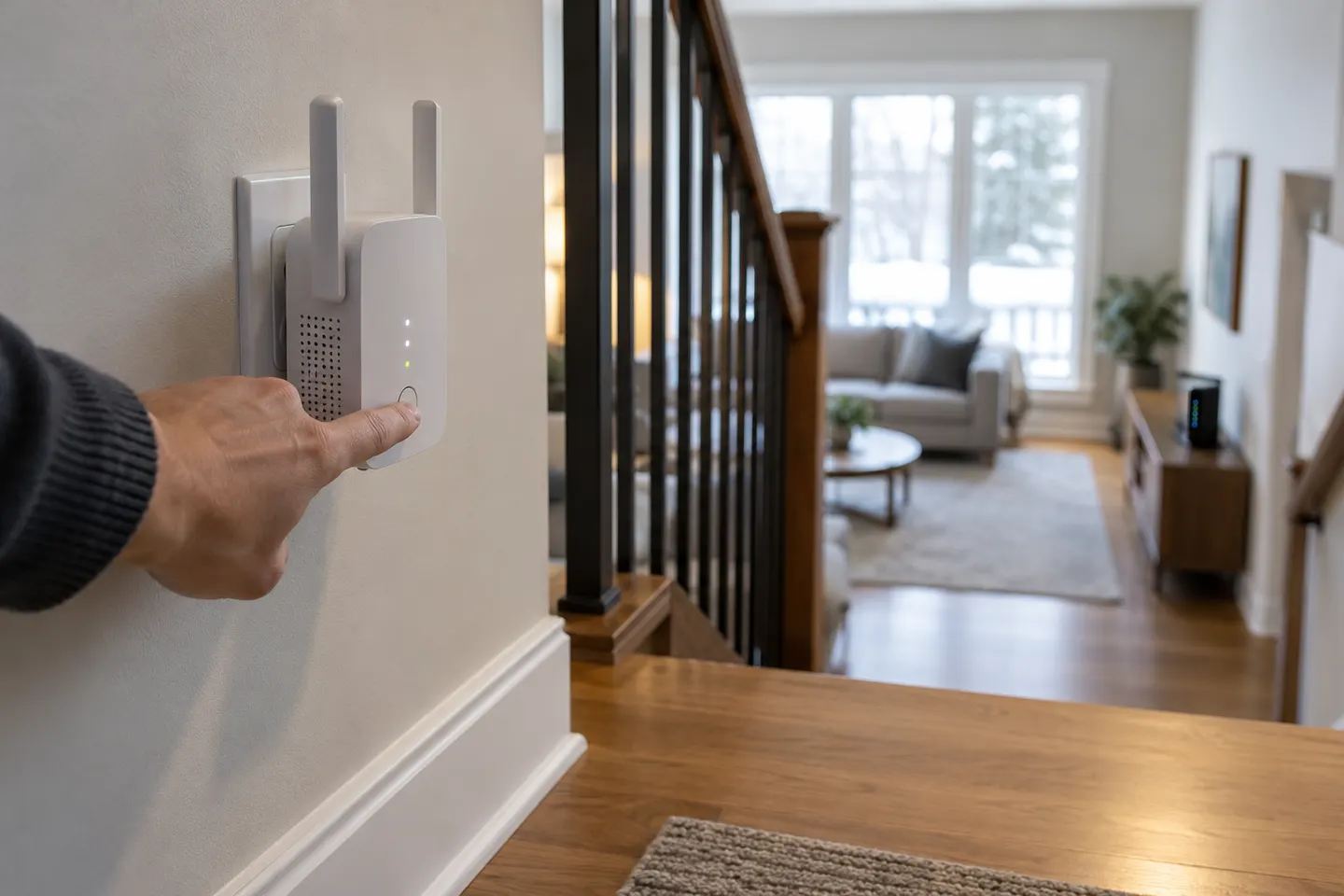
Connect to the extender’s setup network, open its management page or the Tether app, and follow the model-specific prompts to join your router. Set it up near the router first, then relocate it to a spot with a reliable signal.

How to Configure a TP-Link WiFi Extender for Your Home
03

How do you connect it to your router’s Wi-Fi?

Choose repeater mode if the extender should connect wirelessly. Select your router’s network, enter its password carefully, and confirm the settings. Some dual-band models ask you to join both 2.4 GHz and 5 GHz networks; follow the prompts shown for your model.

05

When should you use access point mode?

Choose access point mode when you can connect the extender to the router with Ethernet and want it to broadcast Wi-Fi from that wired link. If there is no cable, use the default repeater mode instead.

06

Where should you place the configured extender?

After setup, unplug it and move it roughly halfway between the router and the area needing coverage, while keeping it within the router’s signal. Check the signal indicator: a poor or red indication means the extender should move closer to the router.

07

What if the extender will not connect?

Recheck the Wi-Fi password and make sure the extender is close to the router during setup. Confirm your phone is connected to the extender rather than cellular data, restart both devices if needed, and use the manual for the exact hardware version before resetting.

Common questions

Questions before you buy

How do I access my TP-Link WiFi extender?

Join its Wi-Fi network or connect over Ethernet when supported, then open tplinkrepeater.net in a browser. The device must be connected to the extender for its local management page to load.

Can I configure a TP-Link extender without internet?

You can access the local management page while connected directly to the extender even if it has not reached the internet yet. You still need the router’s Wi-Fi credentials to complete the wireless connection.

Why can’t the Tether app find my extender?

Connect the phone to the extender’s Wi-Fi, temporarily turn off cellular data, and try again. If it remains missing, restart the extender and consult its model-specific setup instructions.

Should I use repeater mode or access point mode?

Use repeater mode to link to the router over Wi-Fi. Use access point mode when an Ethernet cable connects the extender to the router.

Sources and how we chose


