 Official manufacturer image
A basic plug-in extension with a wired device port
NETGEAR AC1200 WiFi Range Extender EX6120
Check price on AmazonSponsored link · no live price shown

 Best picksBest WiFi Extenders: Which Range Extender Should You Buy?
 Best picksGood Meat Thermometers for Every Kind of Cook
 Best picksBest Dash Cams for Cars in 2026
 Best picksBest Air Purifier for Bedroom in the US: Quiet Models Compared
Gearjury may earn a commission from qualifying retailer links. This does not affect our editorial comparisons.
Head to head
In everyday product listings, WiFi extender, booster and repeater often describe devices that relay a router’s wireless signal. Check the device’s actual mode and features before buying.
Official manufacturer image
A basic plug-in extension with a wired device port
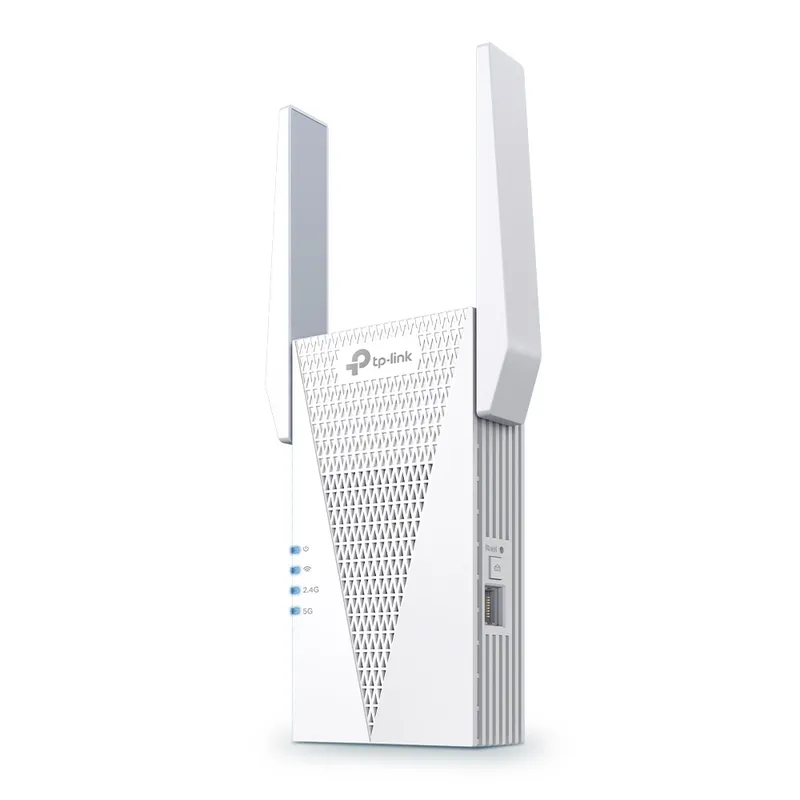 Official manufacturer image
A newer Wi-Fi 6 extender
The verdict
NETGEAR lists a 10/100 Mbps Ethernet port on the EX6120.
TP-Link identifies the RE715X as a Wi-Fi 6 range extender.
The label is not a separate technical class; compare the documented capabilities and compatibility instead.
| Official manufacturer imageNETGEAR AC1200 WiFi Range Extender EX6120 | Official manufacturer imageTP-Link AX3000 Wi-Fi 6 Range Extender RE715X | |
|---|---|---|
| Product type | WiFi range extender | Wi-Fi 6 range extender |
| Wireless generation | WiFi 5 (802.11ac) | Wi-Fi 6 |
| Bands | 2.4 and 5 GHz | Dual band |
| Published class | AC1200 | AX3000 |
| Ethernet port | 10/100 Mbps port | — |
| Setup options | WPS and browser setup | WPS and Tether app setup |
| Check price on Amazon | Check price on Amazon |
Common questions
Often, yes: retailers and manufacturers may use booster as a broad label for a device that extends WiFi coverage. Read the product specifications to confirm whether it repeats WiFi or uses another connection mode.
The terms overlap in consumer product descriptions. A repeater receives and retransmits a wireless signal; extender is a broader retail term that may cover repeaters and other designs.
No device changes the speed supplied by your internet plan. An extender can improve the connection in a weak-signal area, but its own wireless link and placement affect performance.
Start with a location that still receives a solid signal from the router, between the router and the weak-coverage area. Follow the unit’s placement indicator or instructions and adjust if the link is poor.
Keep exploring

A WiFi extender can carry a router's signal into a nearby weak-signal area. Start by checking compatibility, placement and whether a wireless repeater or wired access point fits your home.
For a versatile WiFi 6 choice, consider TP-Link RE705X, which pairs dual-band WiFi 6 with a Gigabit Ethernet port. NETGEAR EAX15 suits an existing NETGEAR mesh setup, while TP-Link RE550 and NETGEAR EX6120 offer different WiFi 5 feature sets.
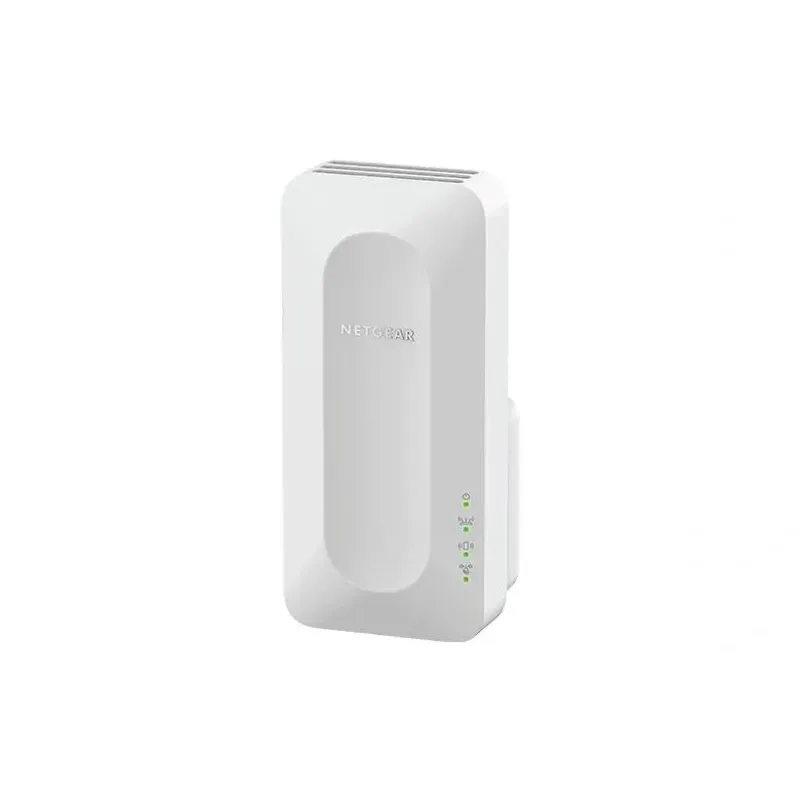
NETGEAR sells plug-in extenders across WiFi generations. Compare exact model features and check whether mesh behavior suits your router.

TP-Link offers WiFi 6 and WiFi 5 extenders with different port and mesh features. Check hardware version and router compatibility before choosing.