Gearjury may earn a commission from qualifying Amazon purchases through links on this page.
Guide
How to Configure a NETGEAR WiFi Extender
Pair the extender close to the router, confirm the network connection, then move it toward the weak area without losing its source signal.
GGearjury editorial team · Updated October 18, 2026· 5 min
01
Start with the model-specific instructions
NETGEAR setup screens and reset steps vary by model. Check the printed label and download the corresponding user manual before changing settings. Plug the extender into an outlet near the router for initial pairing.
02
Pair with WPS when both devices support it
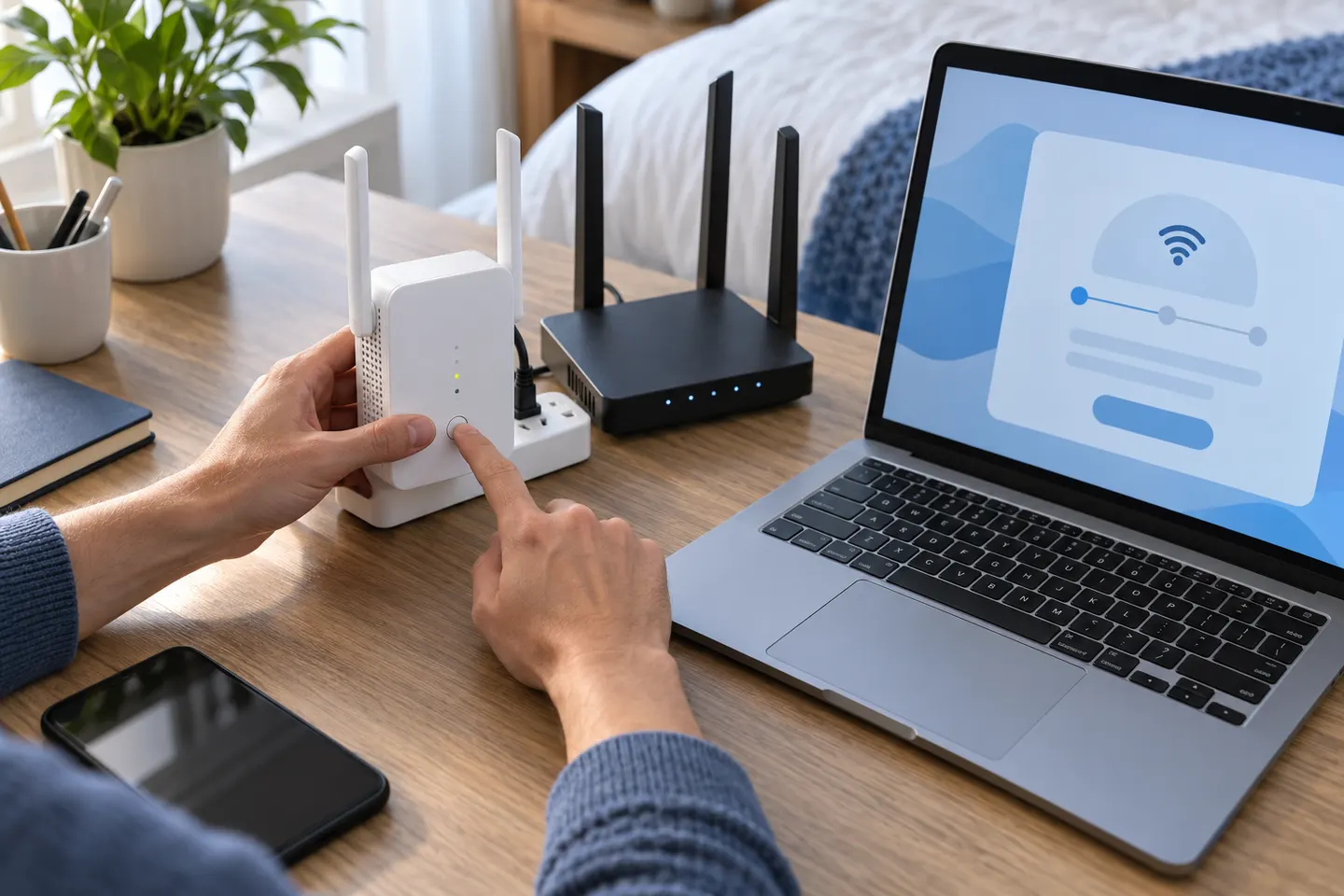
Press the router's WPS button and then the extender's WPS button according to the timing in the manual. Wait for the connection indicator to show that pairing succeeded before moving the unit.
03
Configure through a browser if needed
If WPS is unavailable, connect a phone or computer to the NETGEAR_EXT setup network and open the setup address specified in the guide. Select your router's network, enter its password, and complete the prompts.
04
Choose the extended network settings
Some models copy the router's WiFi name while others let you choose an extended network name. Follow the setup wizard and record the final network details so devices can reconnect correctly.
05
Relocate and verify the extender
Move the unit toward the weak room, but keep it in a position with a dependable connection to the router. Check the status lights or app and test a device in the previously weak area.
Common questions
Questions before you buy
How do I configure a NETGEAR WiFi range extender without WPS?
Use the setup network and browser-based steps in the model's user manual. The precise address and sequence can differ across NETGEAR models.
Why can't I log in to my NETGEAR extender?
Make sure your phone or computer is connected to the extender's setup network and use the address or app listed in the manual. Restart setup near the router if the page does not load.
How do I reset a NETGEAR WiFi extender?
Use the reset control only as described in the model guide; holding it typically returns settings to factory defaults and requires setup again. Confirm the reset behavior for your exact model.
Where should I place a NETGEAR extender after configuration?
Choose an outlet between the router and the coverage gap where the router connection remains strong. If the extender reports a weak link, move it closer to the router.
A WiFi extender can carry a router's signal into a nearby weak-signal area. Start by checking compatibility, placement and whether a wireless repeater or wired access point fits your home.
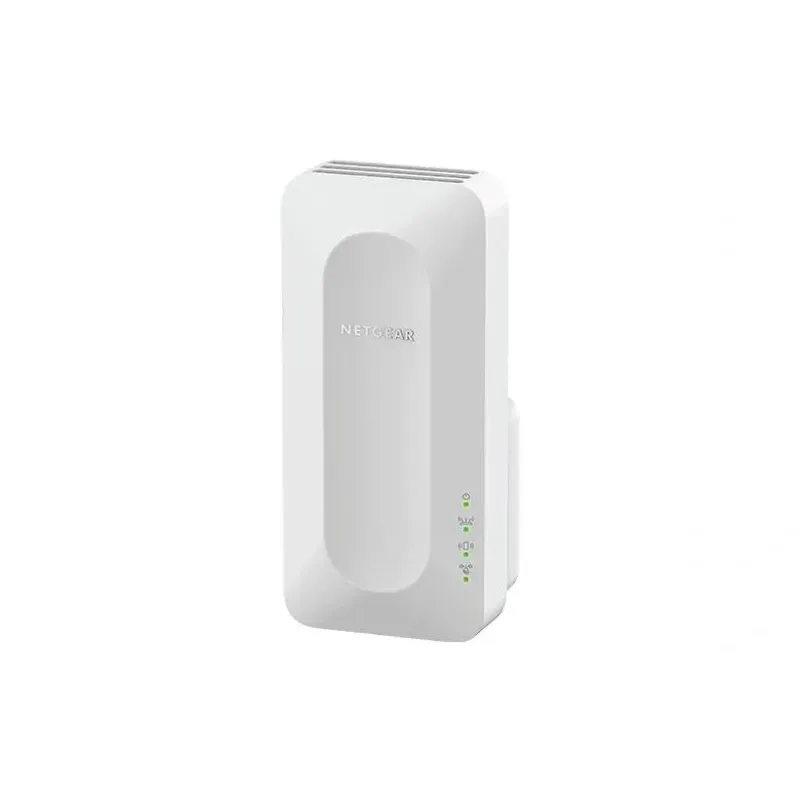
For a versatile WiFi 6 choice, consider TP-Link RE705X, which pairs dual-band WiFi 6 with a Gigabit Ethernet port. NETGEAR EAX15 suits an existing NETGEAR mesh setup, while TP-Link RE550 and NETGEAR EX6120 offer different WiFi 5 feature sets.
NETGEAR sells plug-in extenders across WiFi generations. Compare exact model features and check whether mesh behavior suits your router.
Your privacy
We use cookies and similar technologies. Necessary ones keep the site working. With your permission we also use statistics cookies (Google Analytics and Microsoft Clarity) to understand which guides help readers. You can accept all, reject all or choose. You can change your choice at any time from "Cookie settings" at the bottom of every page. Cookie policy