Power the extender near the router
Use an outlet near the router for the first connection. This avoids configuring the extender at the edge of coverage before it has joined the network.

 Best picksBest WiFi Extenders: Which Range Extender Should You Buy?
 Best picksGood Meat Thermometers for Every Kind of Cook
 Best picksBest Dash Cams for Cars in 2026
 Best picksBest Air Purifier for Bedroom in the US: Quiet Models Compared
Gearjury may earn a commission from qualifying retailer links.
Guide
Pair the extender with your router using its documented app, web setup or WPS process, then move it only after the connection is confirmed.
Use an outlet near the router for the first connection. This avoids configuring the extender at the edge of coverage before it has joined the network.
Follow the model guide to use its app, local setup page or supported WPS pairing. Setup names and button sequences are not interchangeable across brands.
Choose the correct home network and enter its current password. If the router broadcasts separate bands, use the option recommended by the extender setup wizard.
When setup completes, use the assigned extender network name or the shared home network name. Check the manufacturer app if the network is not obvious.
Place it between the router and the area needing coverage, with a dependable link back to the router. An open position can work better than a cabinet or a location behind dense obstacles.
Check the device you care about in the room and confirm extender status. If service remains poor, try a nearer outlet or reconsider whether a mesh system fits the layout better.
Common questions
Use the extender app or setup page to select your router network and enter its password, or follow the manual WPS method if both devices support it.
After setup, select the extender network name on your phone and enter its password. Some extenders reuse the router name, so check the app or device label.
Yes. Pair it near the router first and confirm the link, then relocate it to a midway position that still receives a usable signal.
Check that the router itself has internet, confirm the extender joined the intended network, and restart both devices. Consult the model troubleshooting steps for status-light meanings.
Keep exploring

A WiFi extender can carry a router's signal into a nearby weak-signal area. Start by checking compatibility, placement and whether a wireless repeater or wired access point fits your home.
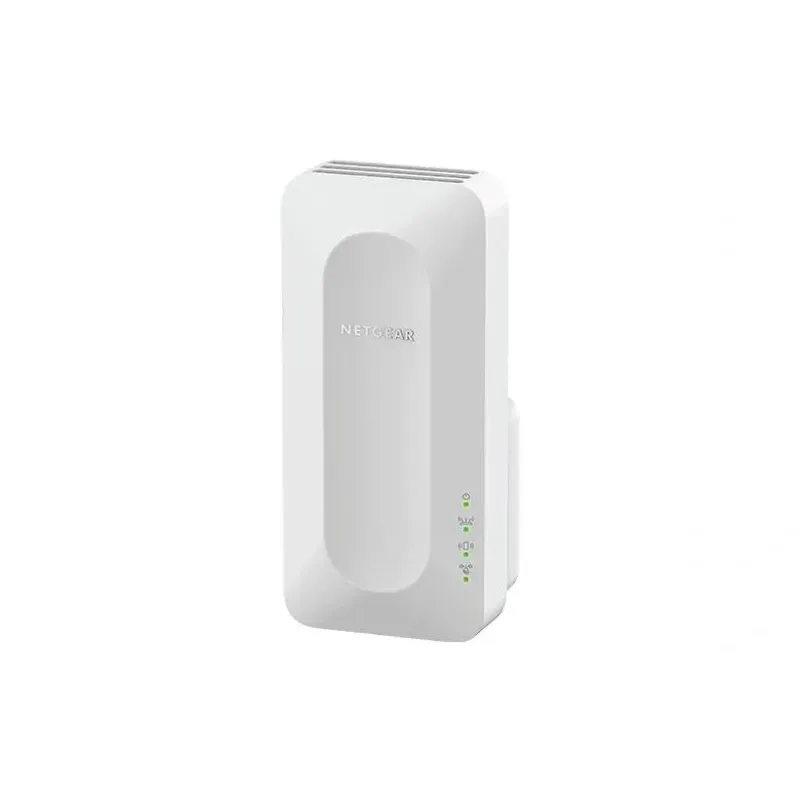
NETGEAR sells plug-in extenders across WiFi generations. Compare exact model features and check whether mesh behavior suits your router.

TP-Link offers WiFi 6 and WiFi 5 extenders with different port and mesh features. Check hardware version and router compatibility before choosing.
For a versatile WiFi 6 choice, consider TP-Link RE705X, which pairs dual-band WiFi 6 with a Gigabit Ethernet port. NETGEAR EAX15 suits an existing NETGEAR mesh setup, while TP-Link RE550 and NETGEAR EX6120 offer different WiFi 5 feature sets.