Identify the exact extender model
Read the brand and model number from the device label. Open its official support page and locate the manual, since button locations and reset behavior vary.

 Best picksBest WiFi Extenders: Which Range Extender Should You Buy?
 Best picksGood Meat Thermometers for Every Kind of Cook
 Best picksBest Dash Cams for Cars in 2026
 Best picksBest Air Purifier for Bedroom in the US: Quiet Models Compared
Gearjury may earn a commission from qualifying purchases made through retailer links.
Guide
First try a reboot; use a factory reset only when needed. The button sequence and hold time depend on the exact extender model.
Read the brand and model number from the device label. Open its official support page and locate the manual, since button locations and reset behavior vary.
If the connection has stopped responding, power-cycle the extender as its manual directs. A reboot keeps the saved network configuration.
Note the router WiFi name and password and any custom extender settings. A factory reset removes the current configuration and requires setup again.
With the extender powered on, press or hold its Reset control for the duration specified in the manual. Do not assume a universal hold time.
Allow the indicator lights to show that the reset has completed. Run the manufacturer setup flow and reconnect the extender to the router.
After setup, place the unit where it can receive a useful router signal. Check its status indicators and test a device in the area that previously had weak coverage.
Common questions
Use the reset procedure in the exact model manual. A factory reset usually erases saved network settings, so be prepared to configure the extender again.
It can clear a configuration problem, but first check router access, placement, password and firmware. Resetting will not fix broadband outages or a weak upstream signal.
The required time varies by model. Follow the manufacturer manual rather than applying one timing rule to every extender.
No. Rebooting restarts the device while retaining settings; a factory reset restores default configuration and removes saved settings.
Keep exploring

A WiFi extender can carry a router's signal into a nearby weak-signal area. Start by checking compatibility, placement and whether a wireless repeater or wired access point fits your home.
For a versatile WiFi 6 choice, consider TP-Link RE705X, which pairs dual-band WiFi 6 with a Gigabit Ethernet port. NETGEAR EAX15 suits an existing NETGEAR mesh setup, while TP-Link RE550 and NETGEAR EX6120 offer different WiFi 5 feature sets.
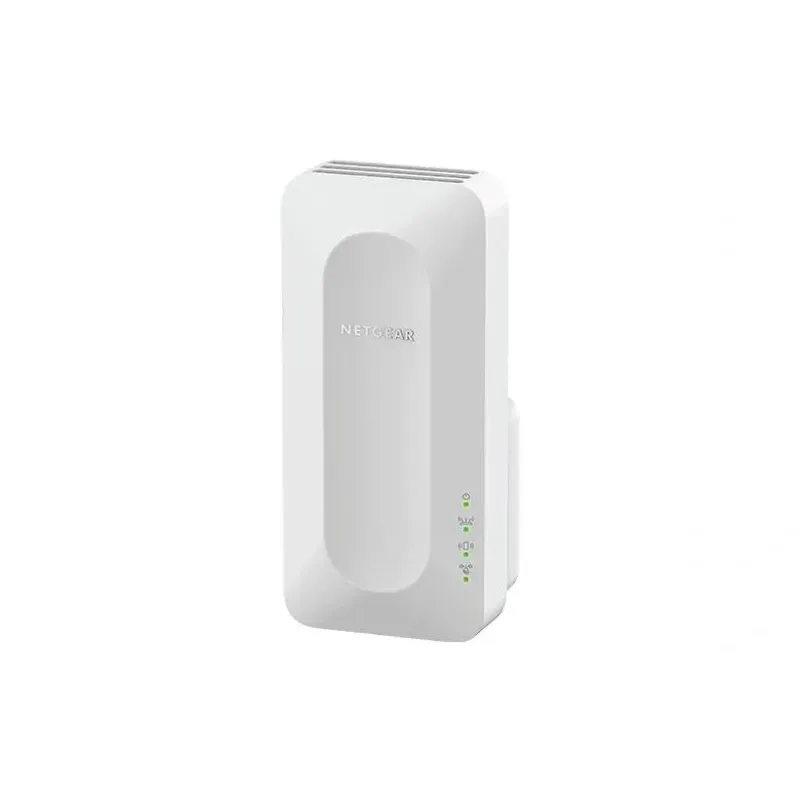
NETGEAR sells plug-in extenders across WiFi generations. Compare exact model features and check whether mesh behavior suits your router.

TP-Link offers WiFi 6 and WiFi 5 extenders with different port and mesh features. Check hardware version and router compatibility before choosing.