Gearjury may earn a commission from qualifying purchases made through retailer links.
Guide
Where to Put a WiFi Range Extender for Better Coverage
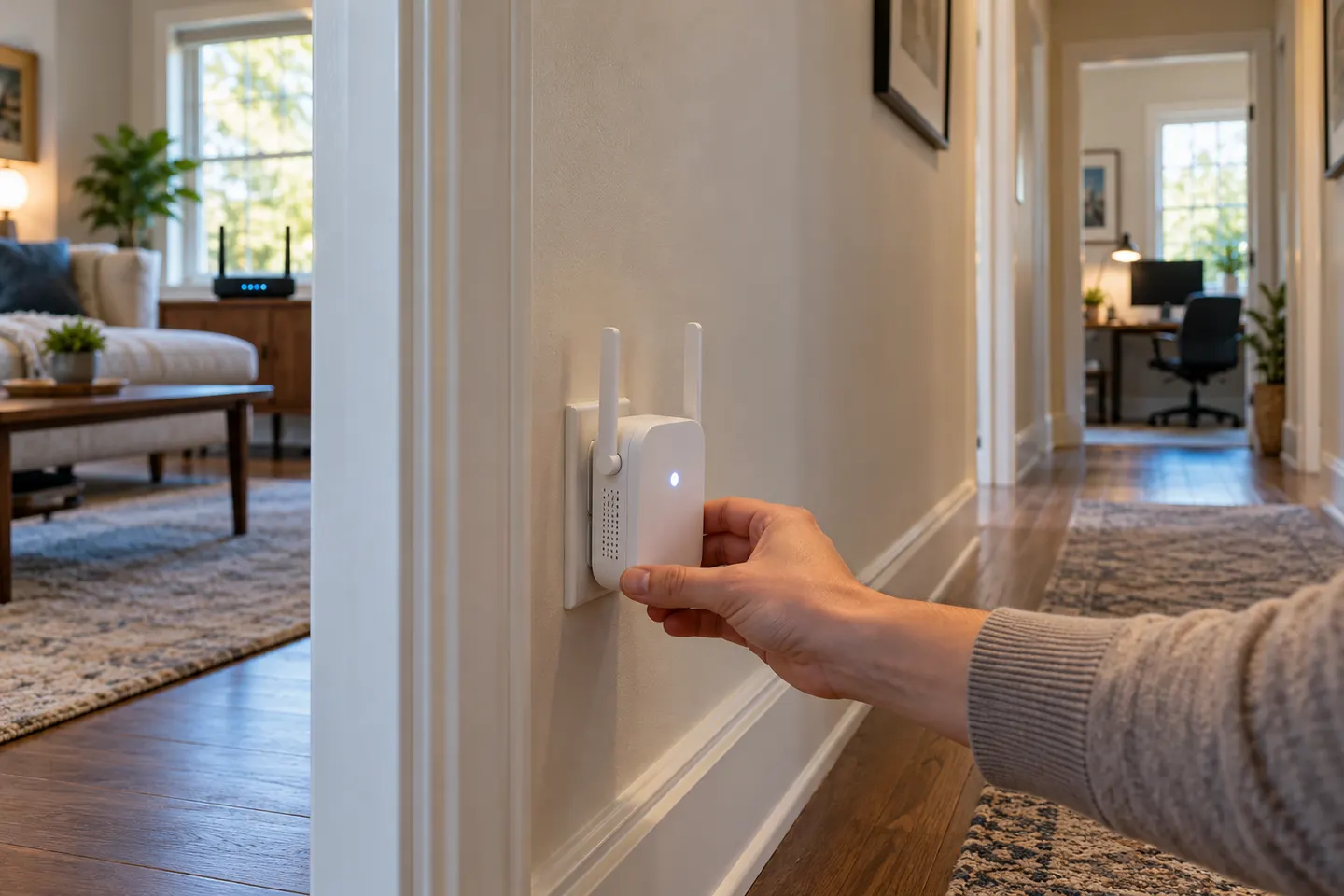
Place the extender between the router and the weak-signal area, while it can still receive a reliable signal. Fine-tune the spot using its indicator or app.
GGearjury editorial team · Updated October 18, 2026· 4 min
01
Start near the middle of the route
Where to put wifi range extender is mainly a signal-path question: choose a point between the router and the room that needs help. A midpoint is a starting point, not a fixed rule; walls, floors and interference change what works.
02
Keep it within the router’s usable signal
An extender must receive a signal before it can rebroadcast it. If its connection indicator shows a weak link, move it closer to the router rather than placing it inside the dead zone.
03
Avoid physical obstructions
Try an open outlet away from large metal objects, enclosed cabinets and appliances that may interfere. Keep the device unobstructed and follow the manufacturer’s ventilation guidance.
04
Check the destination room
Walk to the area where your phone or laptop struggles and check signal and connection stability. Test more than one outlet along the route; the strongest router link is not always the most useful end-to-end position.
05
Use the extender’s placement indicator
Some models provide an LED or app guidance for the router connection. Consult the exact model’s manual because indicator colors and setup steps differ by product.
06
When one extender is not enough
A long route through dense walls or multiple floors can exceed what one unit can cover reliably. Consider a mesh system or a wired access point if repositioning does not improve the far room.
Common questions
Questions before you buy
Where should a WiFi booster go in a house?
Put it between the router and the weak-coverage area, in a place where it still receives a usable router signal. Use the model’s connection indicator to refine the position.
Should an extender be halfway between the router and the dead zone?
Halfway is a sensible first location, but not a universal measurement. A weak router link means the extender should move closer to the router.
Can I put a WiFi extender in the room with no signal?
Usually that is too far away: the extender needs a signal to repeat. Place it nearer the router, then confirm that the target room improves.
Does wall or floor placement matter for a range extender?
Yes. Dense walls, floors, metal and enclosed spaces can weaken the link. Test an open location with fewer obstacles between the router and extender.
A WiFi extender can carry a router's signal into a nearby weak-signal area. Start by checking compatibility, placement and whether a wireless repeater or wired access point fits your home.
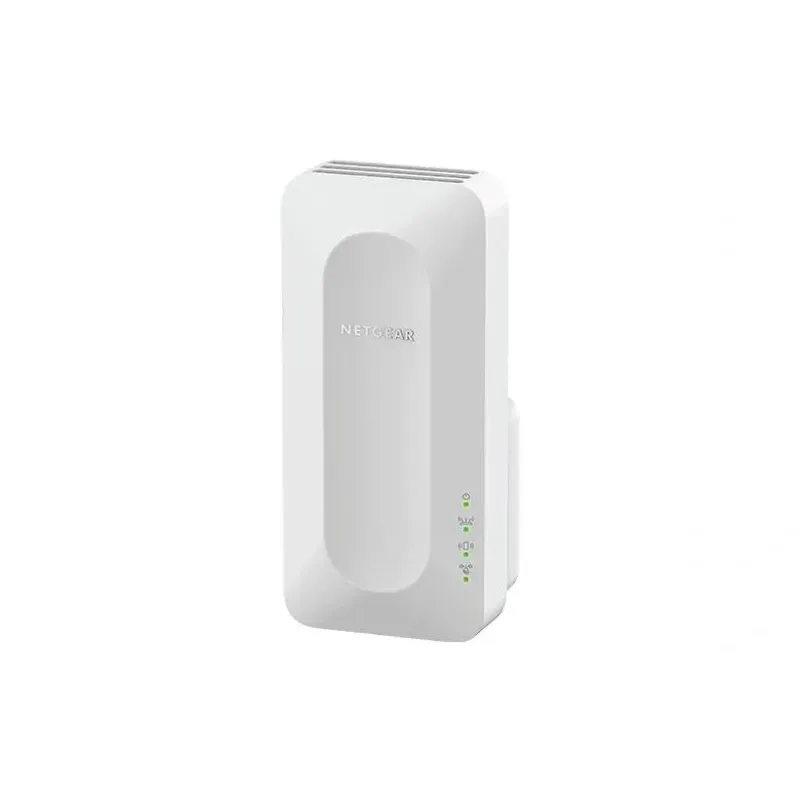
For a versatile WiFi 6 choice, consider TP-Link RE705X, which pairs dual-band WiFi 6 with a Gigabit Ethernet port. NETGEAR EAX15 suits an existing NETGEAR mesh setup, while TP-Link RE550 and NETGEAR EX6120 offer different WiFi 5 feature sets.
TP-Link offers WiFi 6 and WiFi 5 extenders with different port and mesh features. Check hardware version and router compatibility before choosing.
Your privacy
We use cookies and similar technologies. Necessary ones keep the site working. With your permission we also use statistics cookies (Google Analytics and Microsoft Clarity) to understand which guides help readers. You can accept all, reject all or choose. You can change your choice at any time from "Cookie settings" at the bottom of every page. Cookie policy