 Official manufacturer image
Wired backhaul to the router
TP-Link RE550
Check price on Amazon.caSponsored link · no live price shown

 Best picksBest Meat Thermometers in Canada for 2026
 Best picksThe Best Dash Cam Cameras for Different Drivers
 Best picksBest WiFi Extenders in Canada for Different Home Networks
 Best picksBest Air Purifier for Bedroom in the Canada: Quiet Models Compared
Gearjury may earn a commission from qualifying retailer links.
Head to head
Choose an access point when you can connect it to the router by Ethernet. Choose a wireless extender when a wired run is impractical and a usable router signal reaches its location.
Official manufacturer image
Wired backhaul to the router
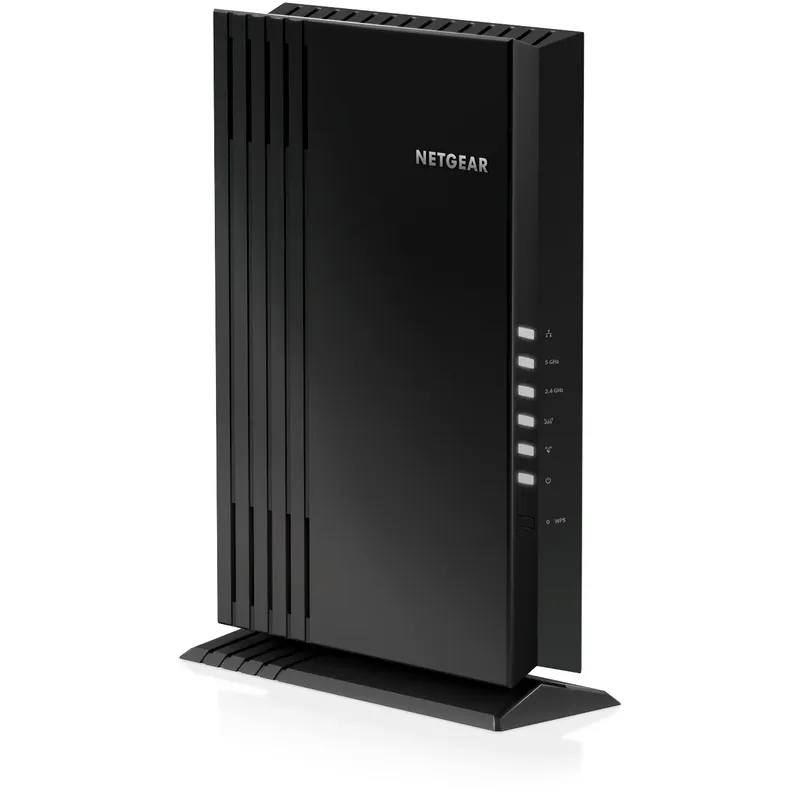 Official manufacturer image
Multiple wired client devices
The verdict
TP-Link explicitly lists Access Point mode and a Gigabit Ethernet port.
NETGEAR’s EAX20 datasheet lists four Gigabit Ethernet ports.
Its Range Extender mode connects wirelessly to the existing router.
| Official manufacturer imageTP-Link RE550 | Official manufacturer imageNETGEAR EAX20 | |
|---|---|---|
| Connection to router | Ethernet in AP mode; wireless in extender mode | Supports extender setup; see exact model guide for AP mode |
| Ethernet ports | 1 Gigabit | 4 Gigabit |
| WiFi class | AC1900 | AX1800 |
| WiFi generation | WiFi 5 | WiFi 6 |
| Placement constraint | Needs a usable router signal in extender mode; Ethernet in AP mode | Desktop unit; placement depends on connection mode |
| Wireless backhaul | Yes, in Range Extender mode | Yes, as an extender |
| Check price on Amazon.ca | Check price on Amazon.ca |
Common questions
An access point connects to the router over Ethernet to provide WiFi. A wireless extender receives the router’s WiFi and relays it; some products offer both modes.
Only if the model supports AP mode. TP-Link RE550 lists this mode and uses Ethernet to connect to the wired network.
A wired access point avoids a wireless backhaul, but requires an Ethernet cable. A repeater is easier to place where wiring is unavailable, provided it receives a useful router signal.
Check the extender’s link to the router, network password, IP settings and whether the router has internet service. Reconfigure using the manufacturer’s instructions if the connection remains offline.
Keep exploring
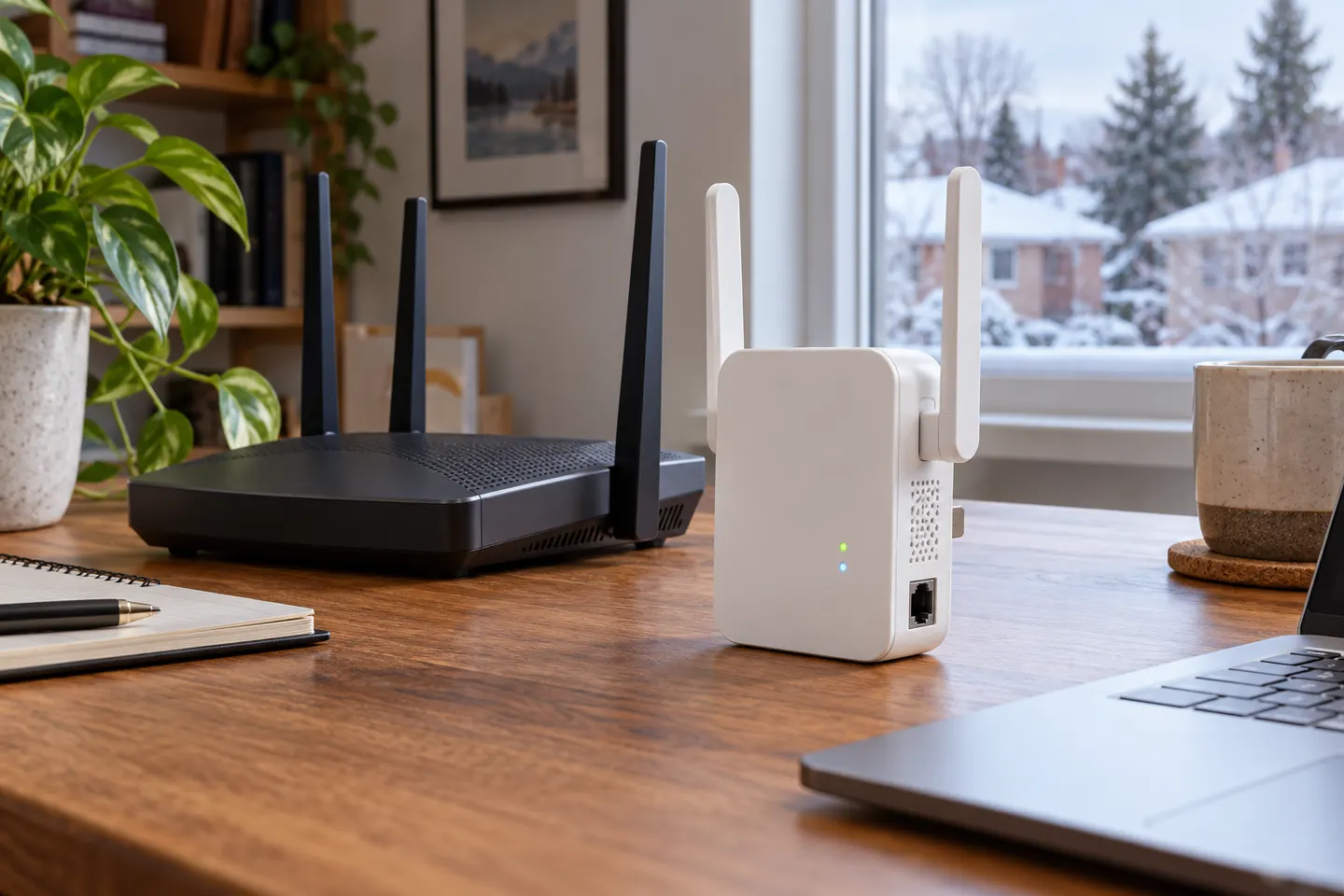
An extender’s Ethernet port may connect a wired device to WiFi, or support access point mode through a wired router connection. Check the model’s stated modes.
The TP-Link RE705X is a strong feature-led starting point, with WiFi 6, AX3000 class and a Gigabit port. Consider NETGEAR EAX15 for mesh-style WiFi 6 or simpler plug-in models for a basic dead zone.

TP-Link’s Canadian range includes WiFi 7, WiFi 6 and older dual-band extenders. Match the model to your router, desired features and available placement.

A WiFi extender can carry an existing router’s signal into a weak-coverage area. Start with compatibility and placement, then compare a standalone repeater with a provider mesh system.