 Official manufacturer image
One distant room with an otherwise suitable router
TP-Link RE605X
Check price on Amazon.caSponsored link · no live price shown

 Best picksBest Meat Thermometers in Canada for 2026
 Best picksThe Best Dash Cam Cameras for Different Drivers
 Best picksBest WiFi Extenders in Canada for Different Home Networks
 Best picksBest Air Purifier for Bedroom in the Canada: Quiet Models Compared
Gearjury may earn a commission from qualifying purchases made through retailer links.
Head to head
Choose a single range extender for a local weak spot and a working router. Consider mesh when you need coordinated coverage across several rooms or floors.
Official manufacturer image
One distant room with an otherwise suitable router
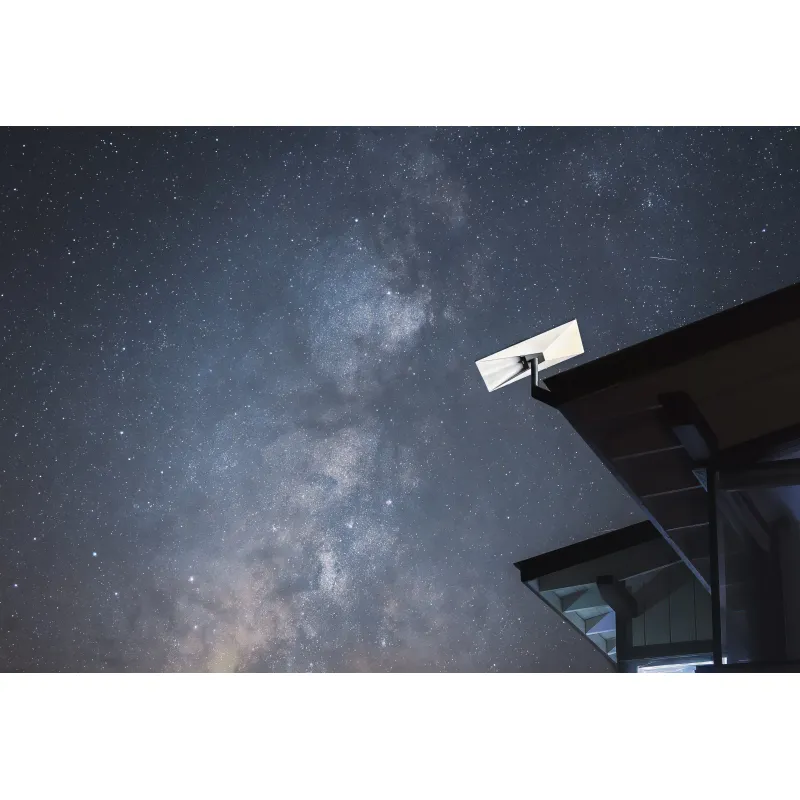 Official manufacturer image
Coordinated whole-home coverage in a Starlink network
The verdict
The RE605X is a standalone range extender with AP mode and Ethernet, and TP-Link lists compatibility with any Wi-Fi router.
Starlink specifies mesh-node compatibility within its own Gen 2 and Gen 3 ecosystem.
| Official manufacturer imageTP-Link RE605X | Official manufacturer imageStarlink Gen 3 Router | |
|---|---|---|
| Role | Range extender / access point | Wi-Fi router with mesh support |
| WiFi generation | Wi-Fi 6 | Wi-Fi 6 |
| Bands | Dual-band | Tri-band |
| Ethernet | 1 Gigabit port | 2 LAN ports |
| Mesh compatibility | EasyMesh compatible | Starlink Gen 2 and Gen 3 nodes |
| Works with other routers | TP-Link says any Wi-Fi router | Not compatible with third-party mesh systems |
| Check price on Amazon.ca | Check price on Amazon.ca |
Common questions
Neither is universally better. Mesh suits coordinated coverage across several nodes; an extender can be a simpler addition when one area has weak reception.
It can cover the same dead zones using mesh nodes, but compatibility and router mode matter. Some systems work only with their own nodes.
Often a standard extender can connect, but it may not join the mesh or preserve seamless roaming. Check the mesh maker’s support guidance and extender compatibility.
A wired Ethernet connection is often the more predictable option. If choosing wireless, prioritize a strong link to the router or mesh node and test latency in the gaming room.
Keep exploring
The TP-Link RE705X is a strong feature-led starting point, with WiFi 6, AX3000 class and a Gigabit port. Consider NETGEAR EAX15 for mesh-style WiFi 6 or simpler plug-in models for a basic dead zone.

TP-Link’s Canadian range includes WiFi 7, WiFi 6 and older dual-band extenders. Match the model to your router, desired features and available placement.

NETGEAR’s Canadian range includes WiFi 6 mesh extenders and older AC models. Check each model’s port, generation and setup method before choosing.

A WiFi extender can carry an existing router’s signal into a weak-coverage area. Start with compatibility and placement, then compare a standalone repeater with a provider mesh system.