Prepare the TP-Link extender
Plug it in near the router and wait for it to start. Check the label for the model and hardware version; setup screens and available features can differ between revisions.

 Best picksBest Meat Thermometers in Canada for 2026
 Best picksThe Best Dash Cam Cameras for Different Drivers
 Best picksBest WiFi Extenders in Canada for Different Home Networks
 Best picksBest Air Purifier for Bedroom in the Canada: Quiet Models Compared
Gearjury may earn a commission from qualifying retailer links.
Guide
TP-Link setup can use WPS, the Tether app or a web interface. Start near the router and follow the instructions for your model and hardware version.
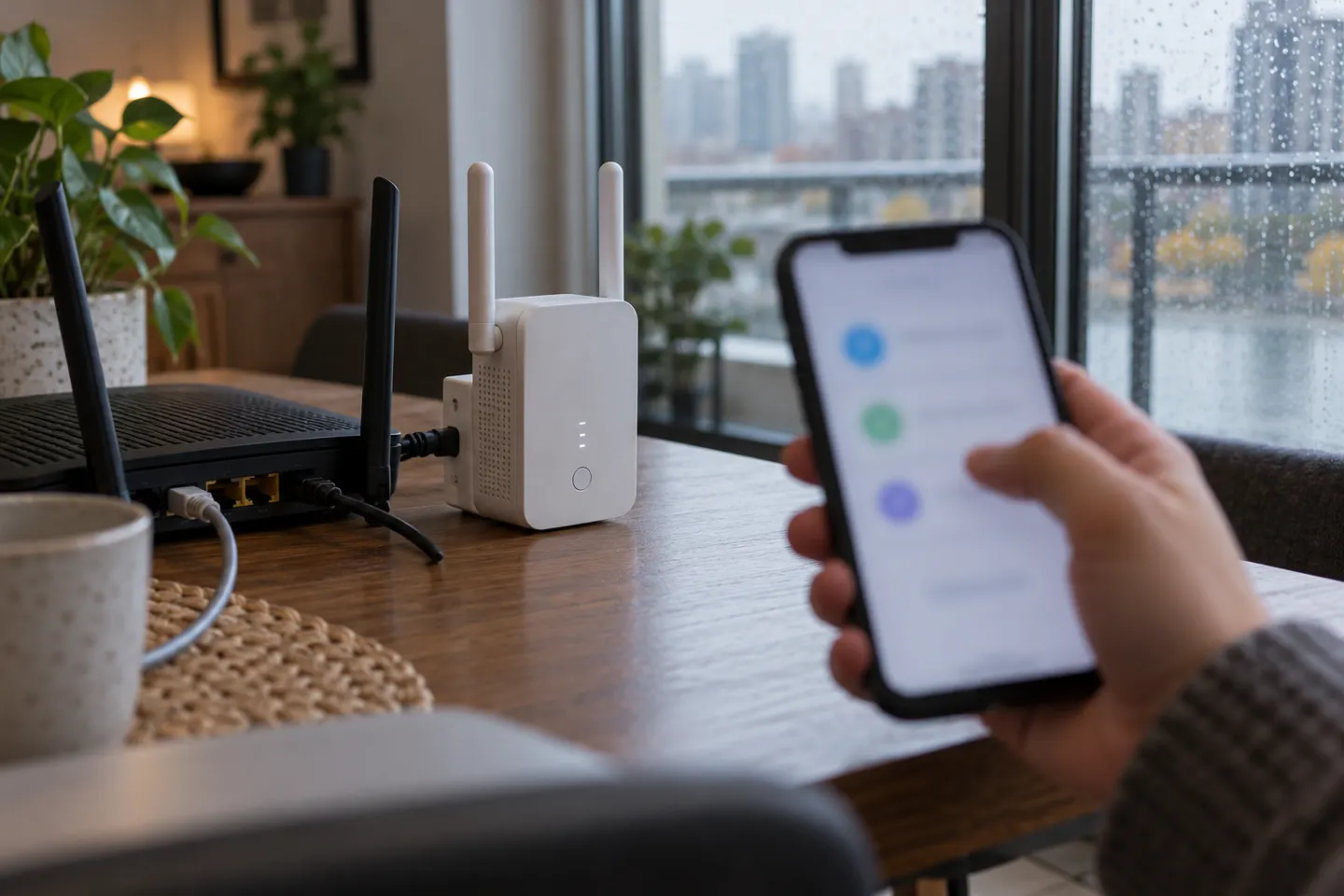
Plug it in near the router and wait for it to start. Check the label for the model and hardware version; setup screens and available features can differ between revisions.
Press WPS on the router, then press the extender’s WPS button as described in its guide. Wait for the signal or band indicators to show a successful connection before moving the device.
If WPS is unavailable, use the TP-Link Tether app or the model’s web management interface. Join the extender’s setup network when prompted, select the home WiFi and enter its password.
After changing your router name or password, open the extender’s app or web settings and select the new network credentials. If it cannot reconnect, reset it according to the manual and set it up again.
Confirm the extender and router both support 5 GHz, that the band is enabled, and that the selected network is within reach. Regional rules, firmware and hardware revision can affect channel availability; check TP-Link support for the precise model.
A model with an Ethernet port may let a wired device join the extended network. Some models also support access point mode, where a cable from the router supplies the network; check the specification for the selected model.
D-Link and Linksys extenders have their own setup flows and credentials. Use the instructions for that manufacturer and model rather than applying TP-Link app or address details.
Common questions
Plug it in near the router, then use WPS, the Tether app or the web setup process supported by your exact model. Relocate it after confirming the connection.
Update the saved network name and password through the extender’s app or web interface. If the device does not reconnect, follow its reset and reconfiguration instructions.
A wireless range extender joins the router’s WiFi and relays it. An access point instead uses an Ethernet cable to connect to the router.
Use the model’s Ethernet port and follow its guide. Depending on operating mode, the port may connect a client device or the router itself.
A compatible console or phone can join the extender’s WiFi network like other wireless clients. The device still needs a working connection between the extender and router.
Try moving the router to a central, open position, reducing obstructions and checking for interference. A wired access point or mesh system may be alternatives if coverage remains weak.
A Hue Bridge connects to the home network by Ethernet. If the extender provides a working Ethernet connection in its selected mode, the Bridge may join the same local network; check both device instructions.
Keep exploring
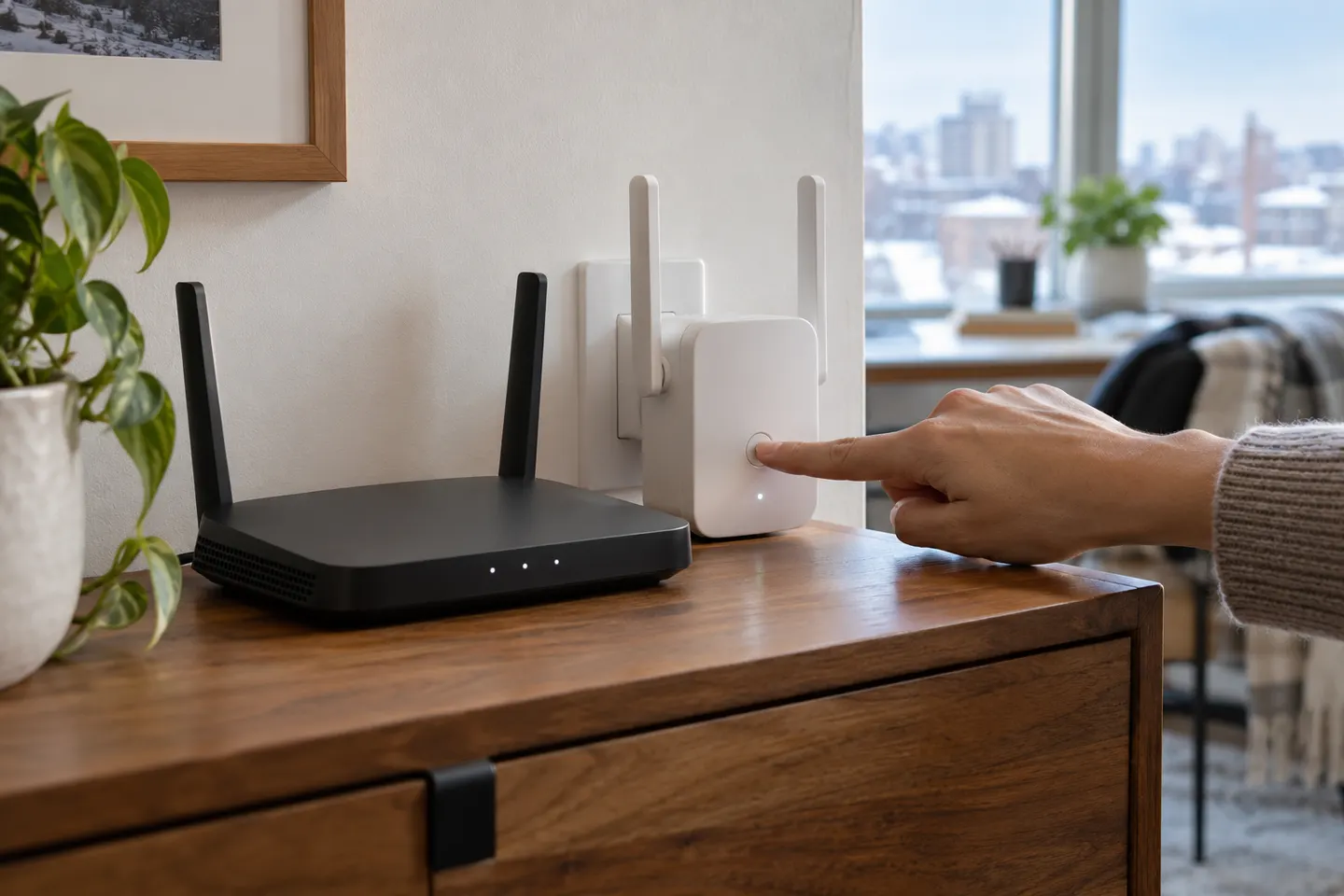
Start beside your router, connect through WPS or the maker’s app, then move the extender to a spot that still receives a strong signal.

TP-Link’s Canadian range includes WiFi 7, WiFi 6 and older dual-band extenders. Match the model to your router, desired features and available placement.
The TP-Link RE705X is a strong feature-led starting point, with WiFi 6, AX3000 class and a Gigabit port. Consider NETGEAR EAX15 for mesh-style WiFi 6 or simpler plug-in models for a basic dead zone.

A WiFi extender can carry an existing router’s signal into a weak-coverage area. Start with compatibility and placement, then compare a standalone repeater with a provider mesh system.