



 Official manufacturer image
Our picks
Top picks
Official manufacturer image Official manufacturer image
Garmin Dash Cam X310
Check price on Amazon UK Official manufacturer image
VIOFO A329S 2CH
Check price on Amazon UKInstallation and accessories
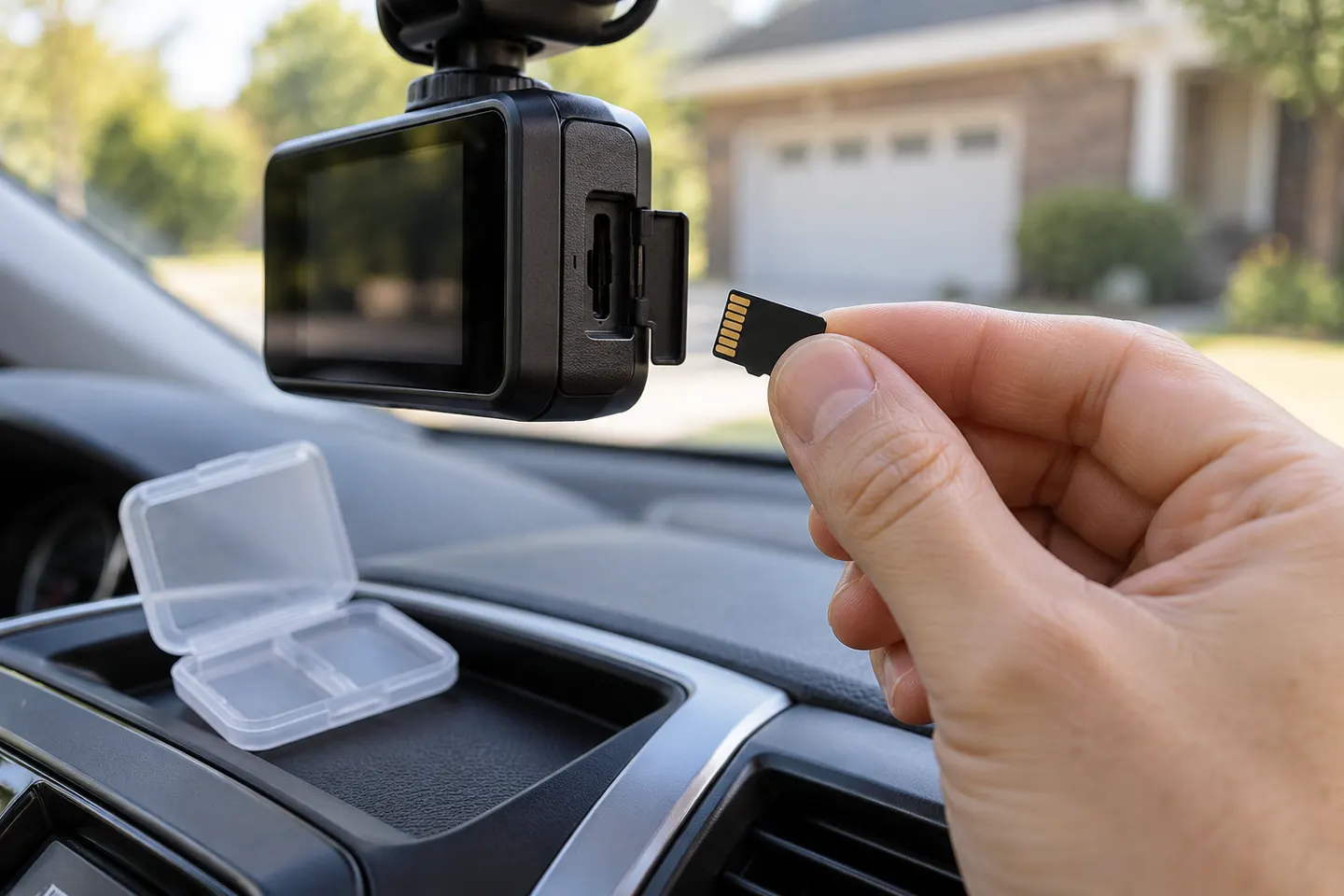 Sd card
Common questions
Questions before you buy
How much memory does a dash cam need?
It depends on the camera's supported capacities, video settings and number of channels. Choose within the manufacturer's stated range and allow more headroom for higher-resolution or front-and-rear recording.
What happens when a dashcam memory card is full?
With loop recording enabled, the camera normally replaces the oldest unprotected clips. Locked files can reduce the remaining space, depending on the model.
Should I format a memory card in the dash cam?
Use the method and interval in the camera manual. Formatting in the device applies the expected file system, but it also deletes stored footage.
Can I move a memory card from one car camera to another?
Only after checking compatibility and saving wanted files. The receiving camera may require a different capacity or format and may ask to reformat the card.