



 Official manufacturer image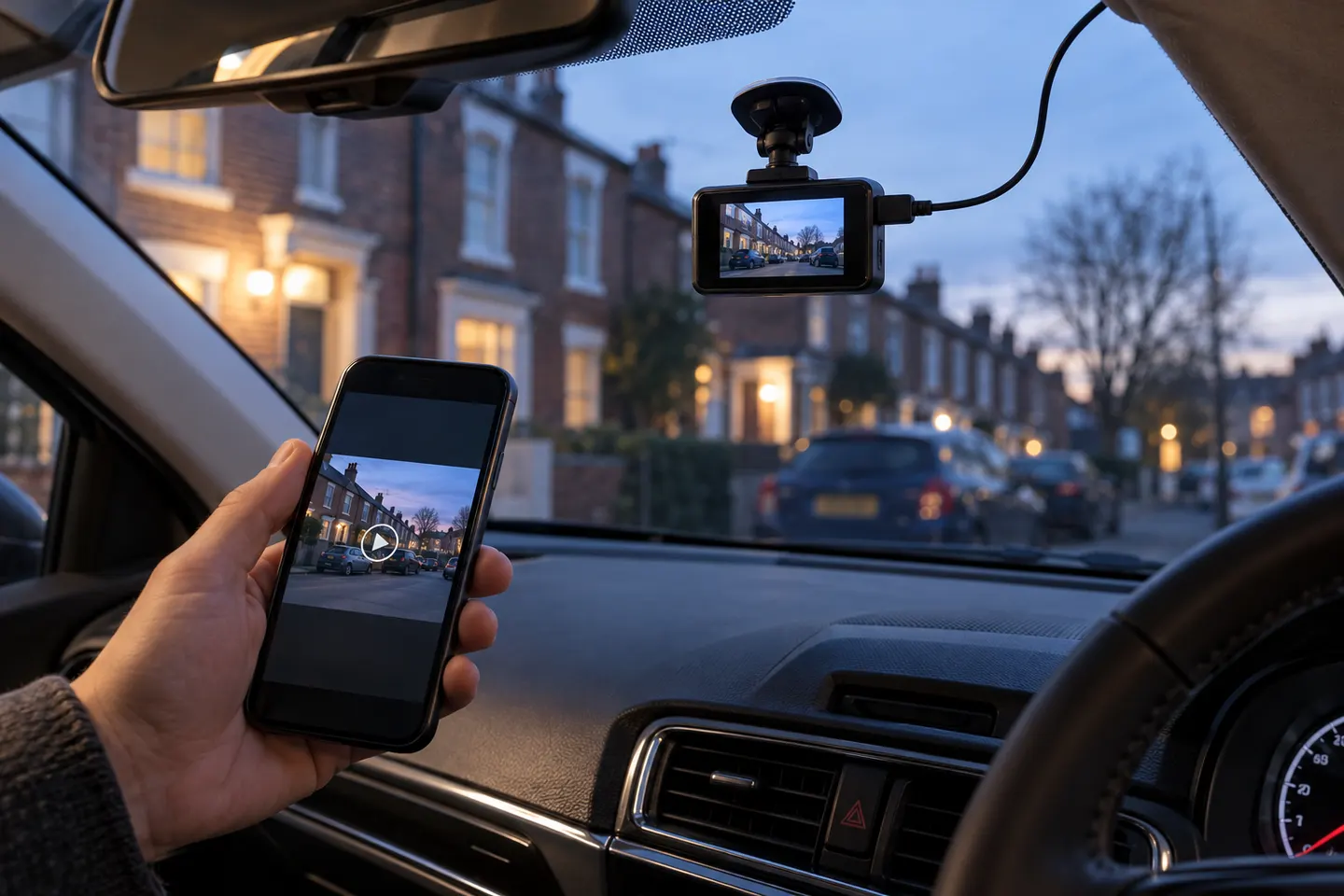
Our picks
Top picks
Official manufacturer image Official manufacturer image
Garmin Dash Cam X310
Check price on Amazon UK Official manufacturer image
VIOFO A329S 2CH
Check price on Amazon UKBy feature
 Front rear wireless
Common questions
Questions before you buy
Are wireless dash cams completely wire free?
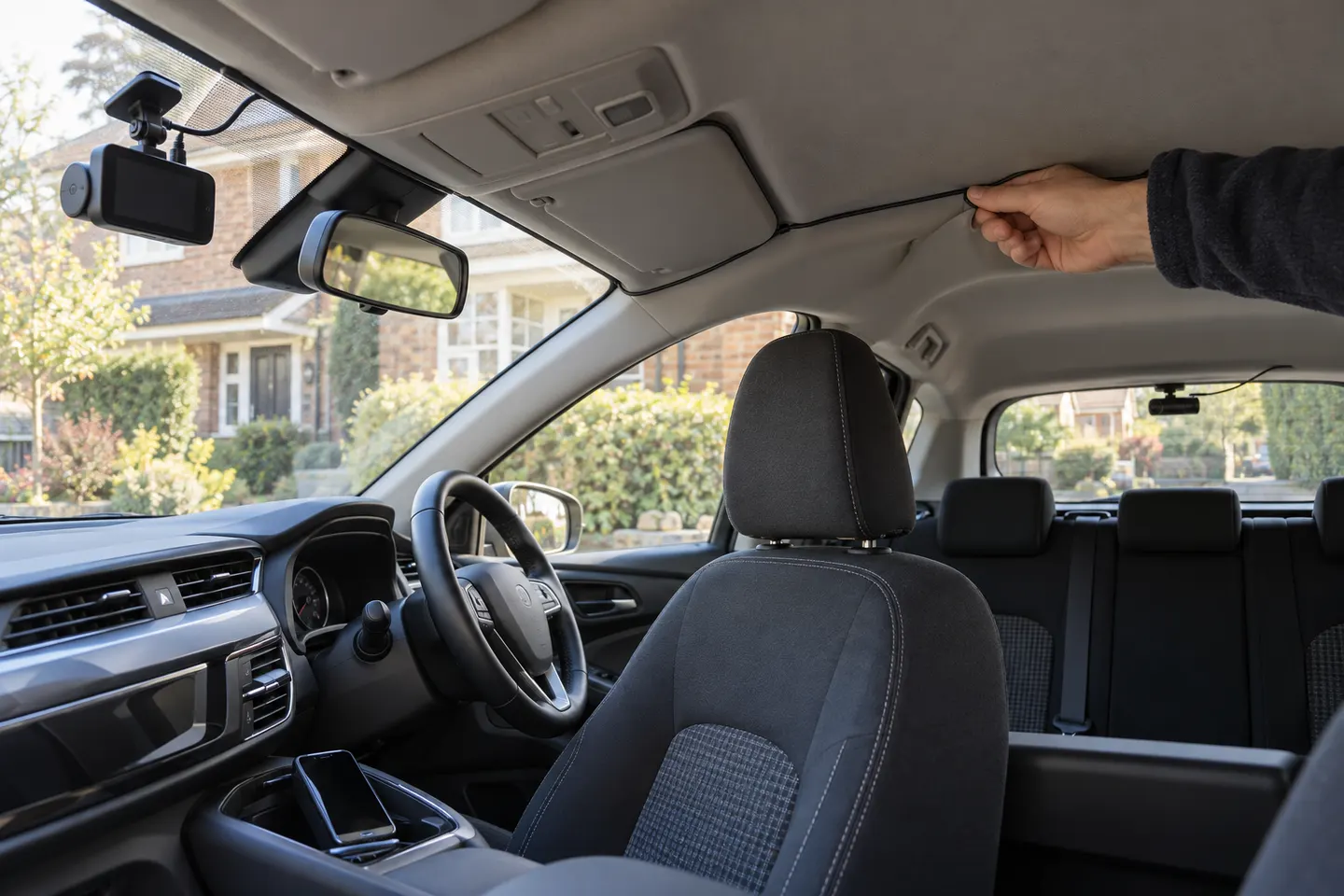
Usually not. Wi-Fi handles communication with a phone, but the camera still needs a reliable power connection and a dual-camera kit often uses a cable between units.
Can a wireless dash cam send footage to my phone?
Yes, compatible models create a local Wi-Fi connection for their app. Transfer speed, supported file formats and phone requirements vary by model.
Does a Wi-Fi dash cam need mobile data?
Local camera-to-phone transfer generally does not. Remote cloud access may use mobile data or an LTE service and can require a subscription.
Can I watch a wireless car camera remotely?
Only models with a supported cloud or LTE function offer remote access. Standard Wi-Fi normally works only when you are close to the camera.