



 Official manufacturer image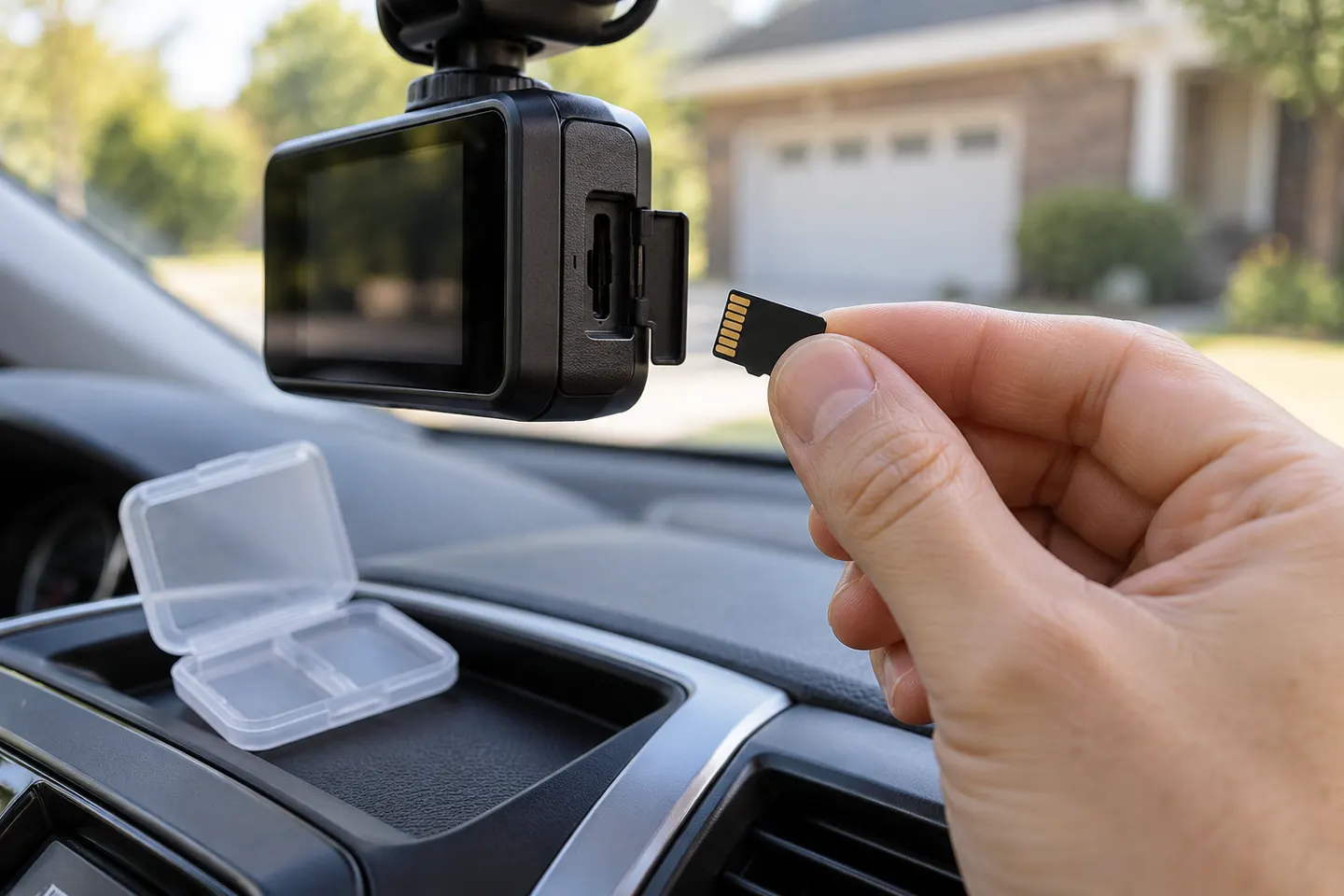
Our picks
Top picks
Official manufacturer image Official manufacturer image
Garmin Dash Cam X310
Check price on Amazon UK Official manufacturer image
VIOFO A329S 2CH
Check price on Amazon UKInstallation and accessories
Common questions
Questions before you buy
What SD card should I use for a dash cam?
Use the type, capacity and speed class listed by the dash-cam manufacturer, ideally from its compatibility list. A high-endurance card designed for repeated video writing is the sensible default.
Can I put any microSD card in a car camera?
No. Unsupported capacity, inadequate write speed or the wrong file system can cause errors, freezes or gaps in footage.
Why does my dash cam keep saying SD card error?
The card may be incompatible, worn, corrupted or incorrectly formatted. Save accessible footage, follow the maker's formatting instructions and replace the card if errors return.
Does loop recording delete all dash-cam footage?
Loop recording normally overwrites the oldest unprotected clips when storage fills. Protected files may be treated differently, so move any important recording to another device.