



 Official manufacturer image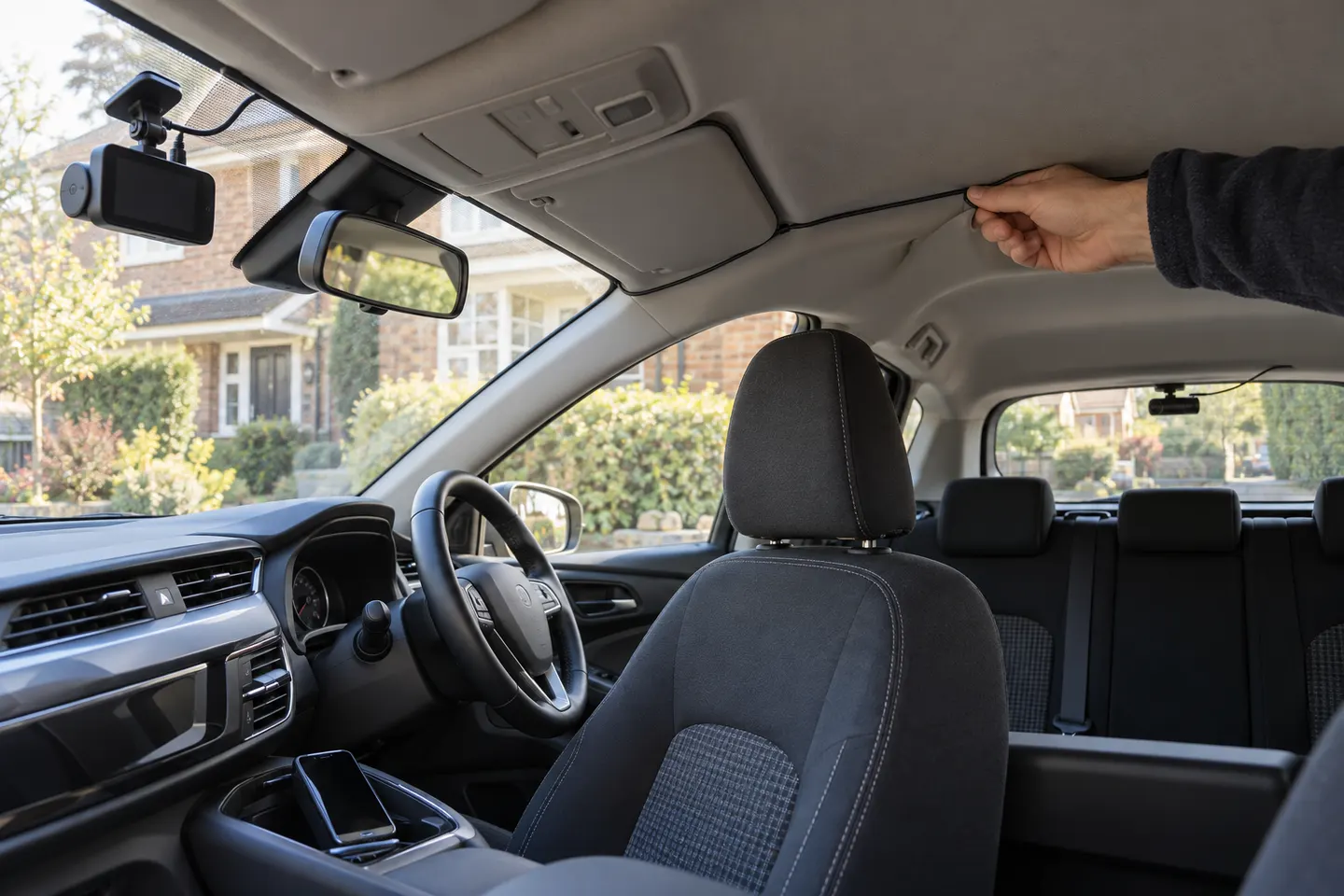
Our picks
Top picks
Official manufacturer image Official manufacturer image
Garmin Dash Cam X310
Check price on Amazon UK Official manufacturer image
VIOFO A329S 2CH
Check price on Amazon UKBy feature
 Front rear
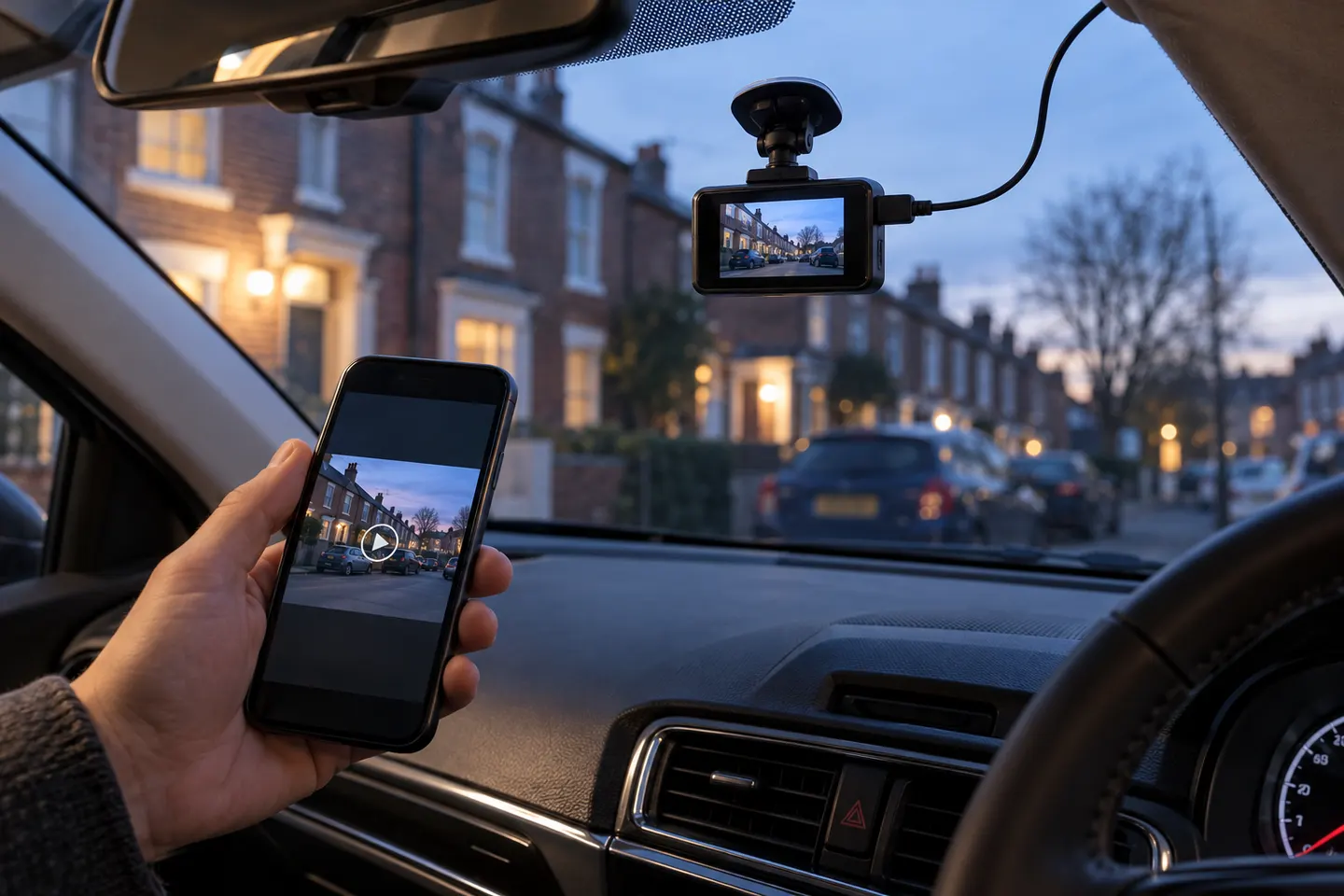 Wireless
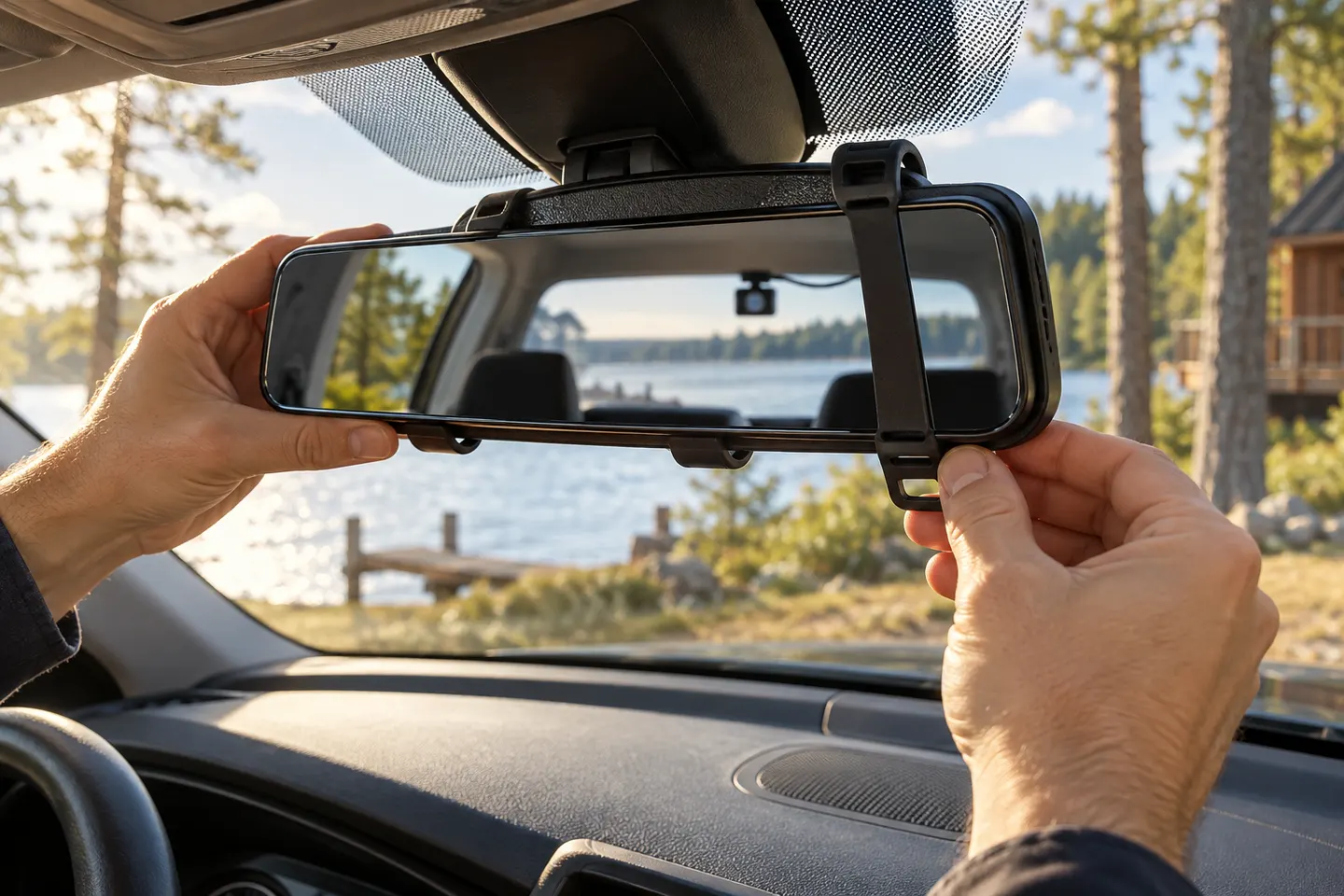 Rear view mirror
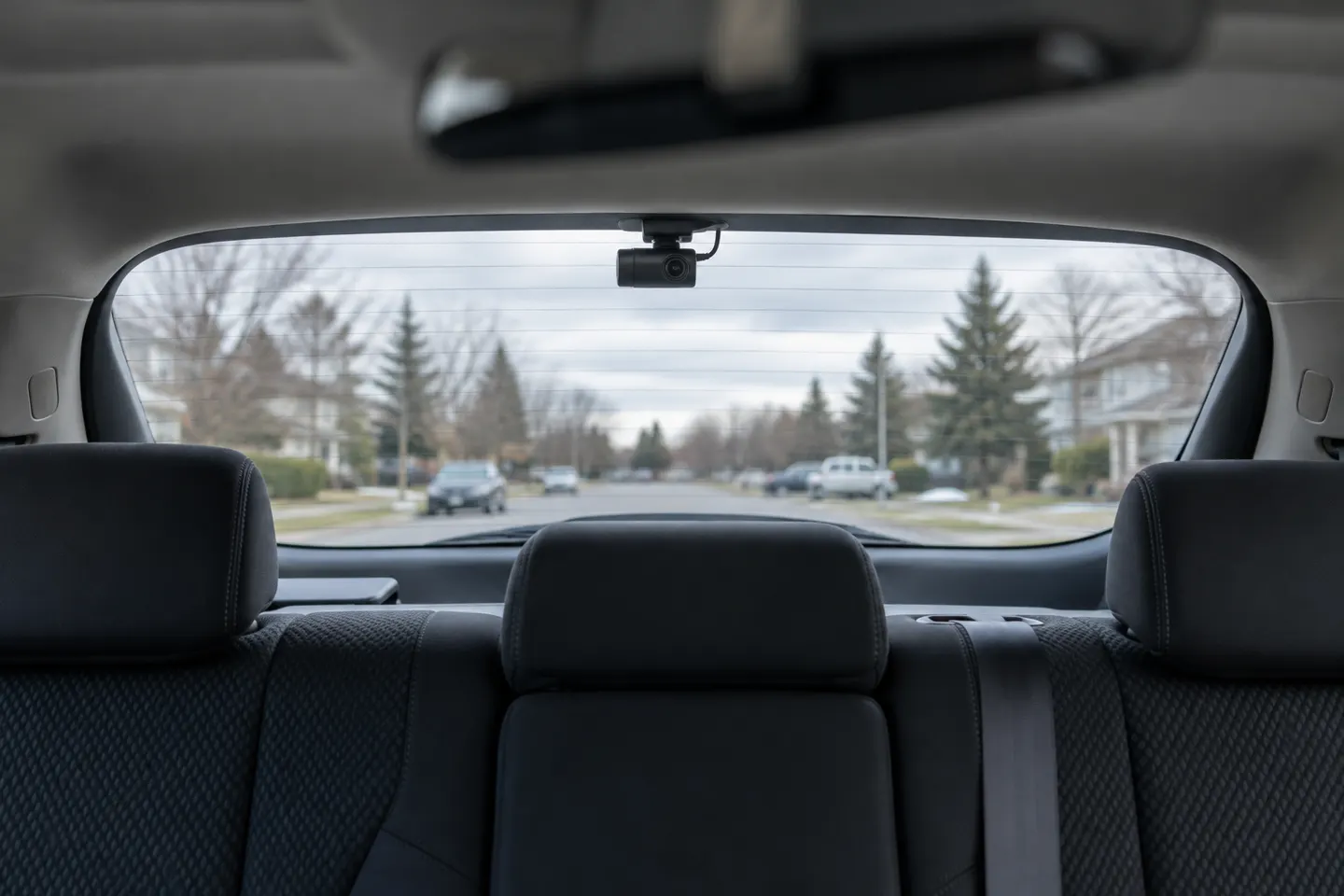 Rear
RearShow all (6)
Common questions
Questions before you buy
Are front and rear dash cams connected wirelessly?
Most are not. The rear unit usually connects to the main camera by cable, while Wi-Fi connects the main unit to a nearby phone.
Does a wireless rear dash cam need power?
Yes. Even if video is transmitted wirelessly, the rear camera still needs a stable power source.
Can a dual dash cam send both camera clips to an app?
Many can, but app handling differs. Check whether both channels can be previewed, downloaded and exported at full quality on your phone.
How do I avoid a visible rear-camera cable?
A careful trim route or professional installation hides most of the cable. Keep it away from airbags, moving tailgates, sharp edges and vehicle controls.