Find the ThermoPro model number
Check the label, battery compartment or manual for an identifier such as TP followed by numbers or letters. Use the matching instructions; button functions, probe limits and pairing steps are not universal.

 Best picksGood Meat Thermometers for Every Kind of Cook
 Best picksBest WiFi Extenders: Which Range Extender Should You Buy?
 Best picksBest Dash Cams for Cars in 2026
 Best picksBest Radar Detectors for Cars: Models Compared
 Best picksBest Air Purifier for Bedroom in the US: Quiet Models Compared
Gearjury may earn a commission through retailer links. Always follow the official manual for your exact model.
Guide
First identify the ThermoPro model, because instant-read, wired and wireless units work differently. Then insert the sensing area into the thickest part of the food and follow that model's limits.
Check the label, battery compartment or manual for an identifier such as TP followed by numbers or letters. Use the matching instructions; button functions, probe limits and pairing steps are not universal.
Open a folding instant-read probe, insert it for the measurement, and remove it afterward. For a wired or wireless leave-in model, insert the compatible probe before cooking and keep the base or receiver where the manual permits.
Aim for the center of the thickest edible portion and avoid bone, cookware and large fat seams. Insert from the side when the food is too thin to cover the sensing area from above.
With an instant-read model, hold the probe steady until the display settles. With an alarm model, select a target based on authoritative food guidance and confirm the final result in a second location.
The hold button can preserve a difficult-to-see reading, while the unit control switches the display scale. If the model supports calibration, follow its manual rather than applying an adjustment sequence from a different ThermoPro.
Wash the food-contact probe after use and dry it. Do not immerse the display, connector or cable joint unless the manual and protection rating explicitly allow it.
Common questions
Many folding models power on when the probe opens, while other units use a button or activate when batteries are installed. Check the exact model manual.
Only a ThermoPro model and probe specifically designed for leave-in oven use. Folding instant-read bodies should be removed after the reading.
On models with that function, it freezes the displayed measurement so you can remove the probe and read the screen more easily.
First confirm that your model supports user calibration. Perform the manual's reference check and adjustment sequence, because controls vary across models.
Keep exploring
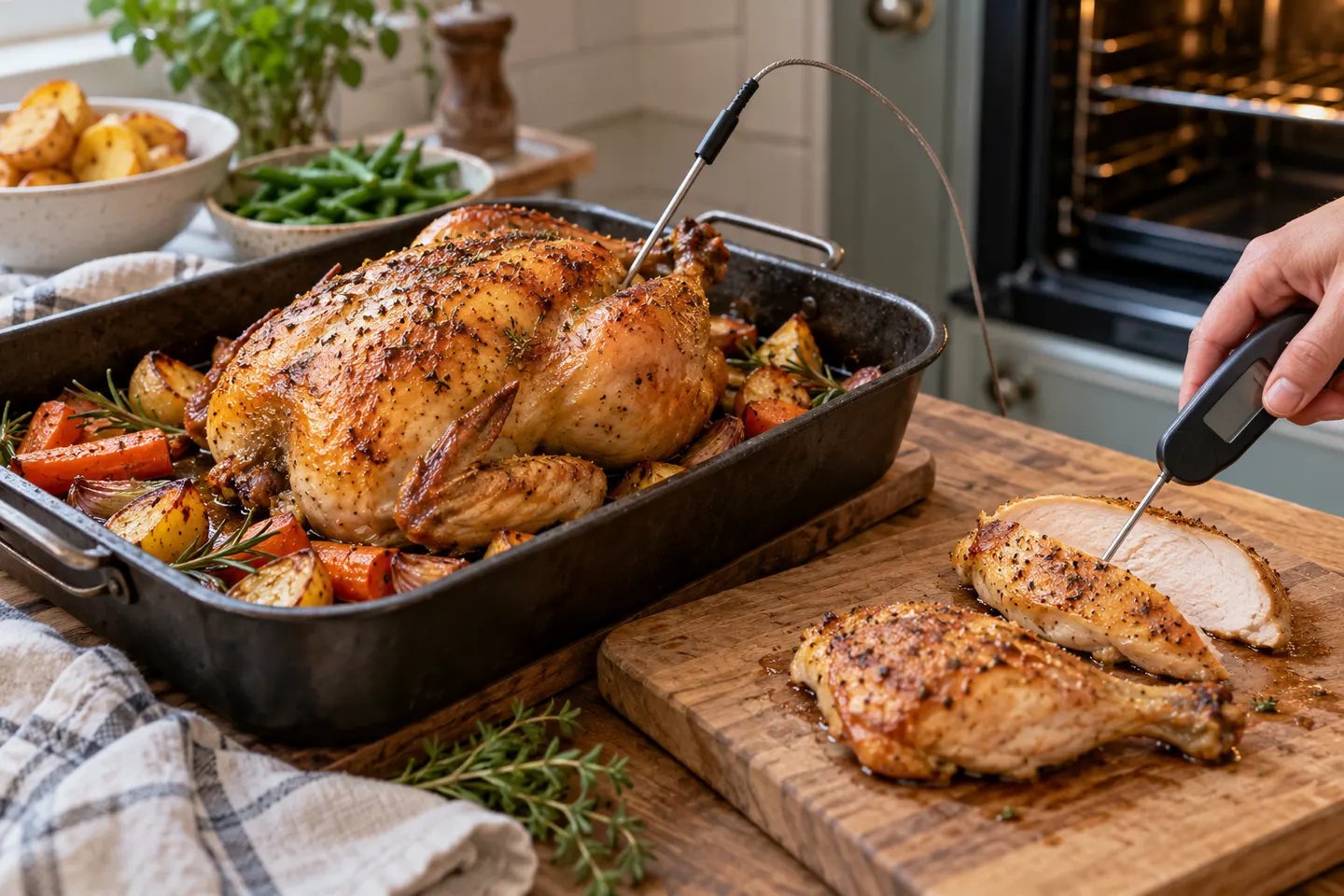
A fast, thin probe works well for portions; a heat-safe leave-in probe makes a whole roast easier to monitor.
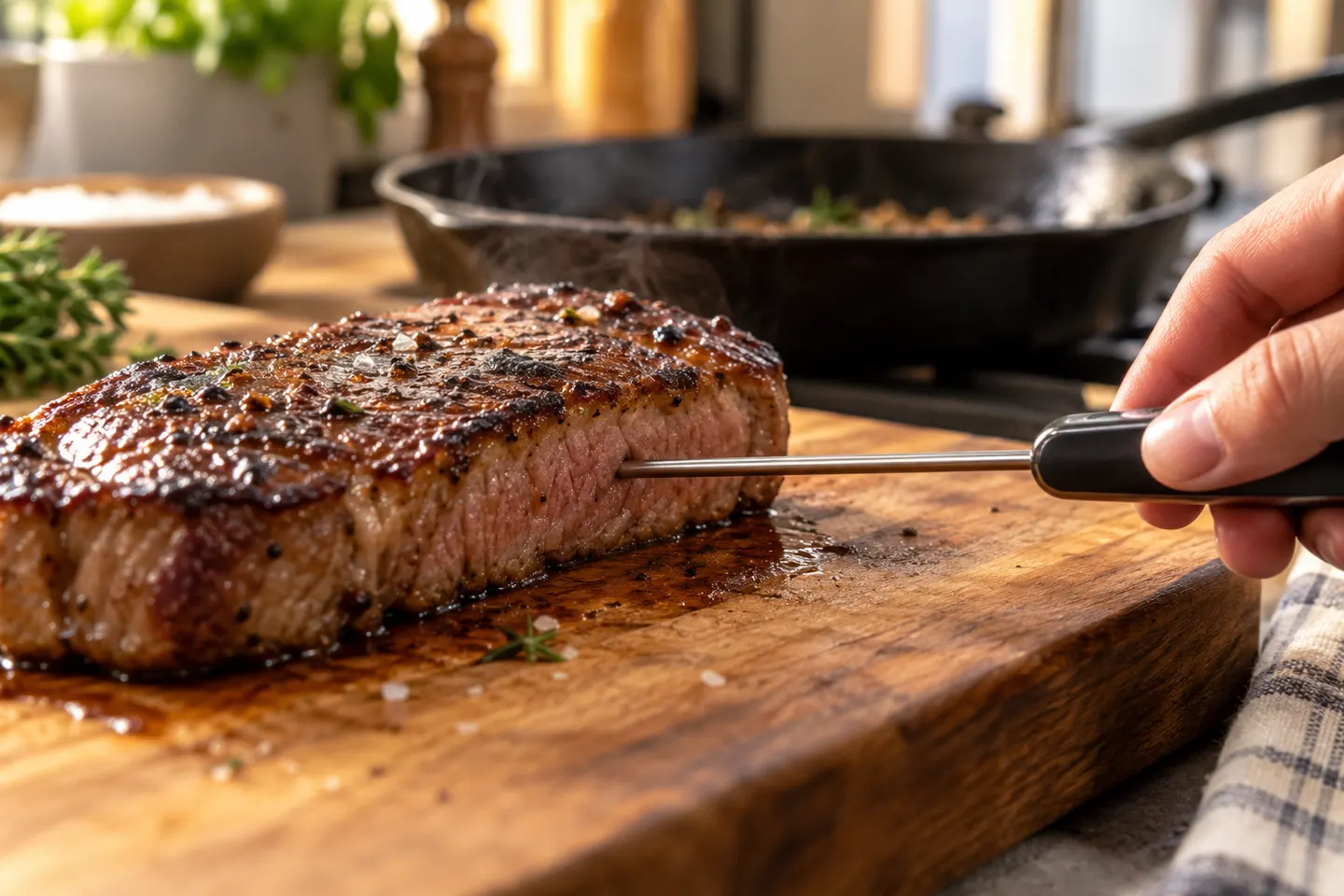
A fast instant-read probe is the most practical choice for steaks; insert it from the side into the center.
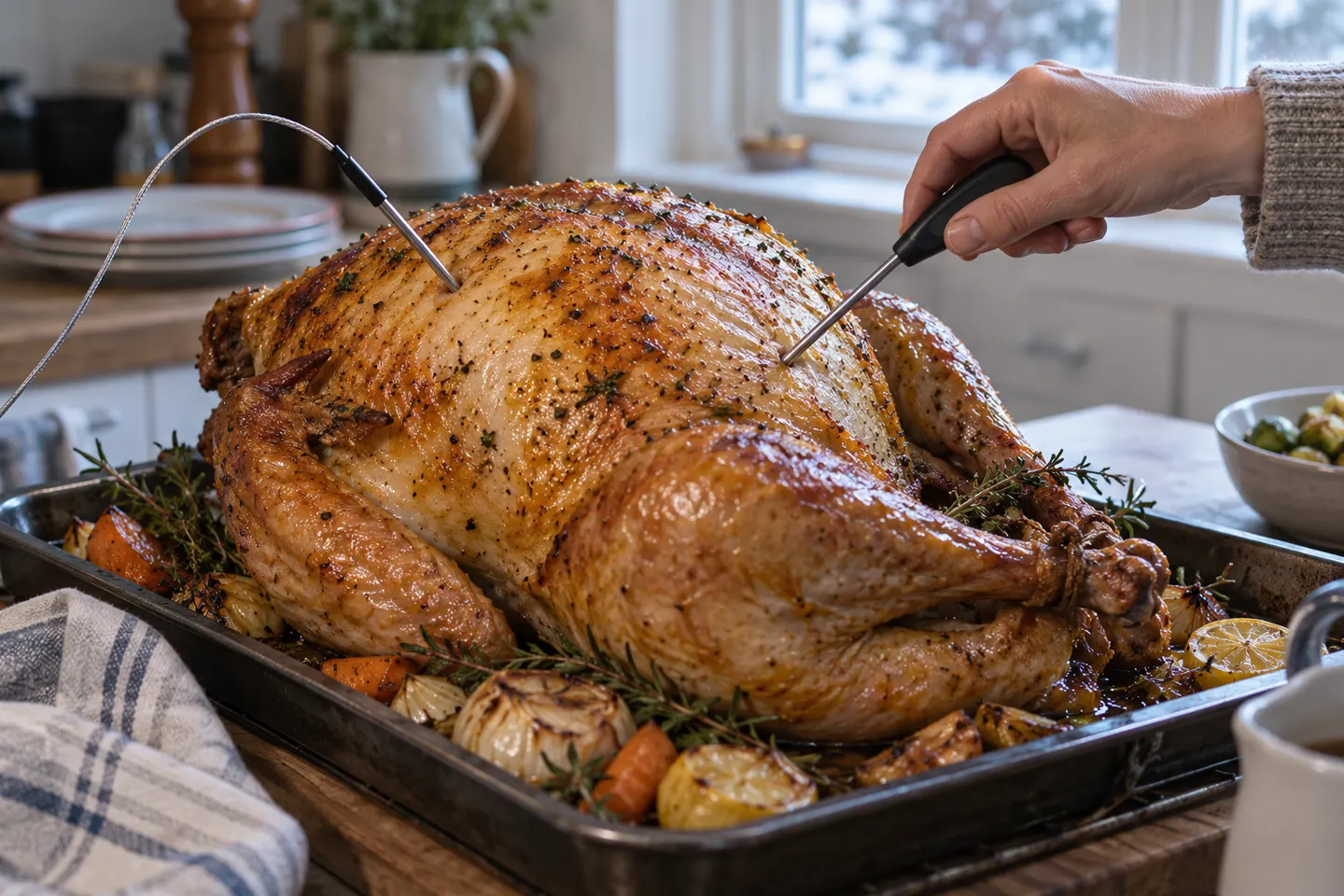
Use a leave-in probe to track the cook and an instant-read model to check more than one spot before serving.
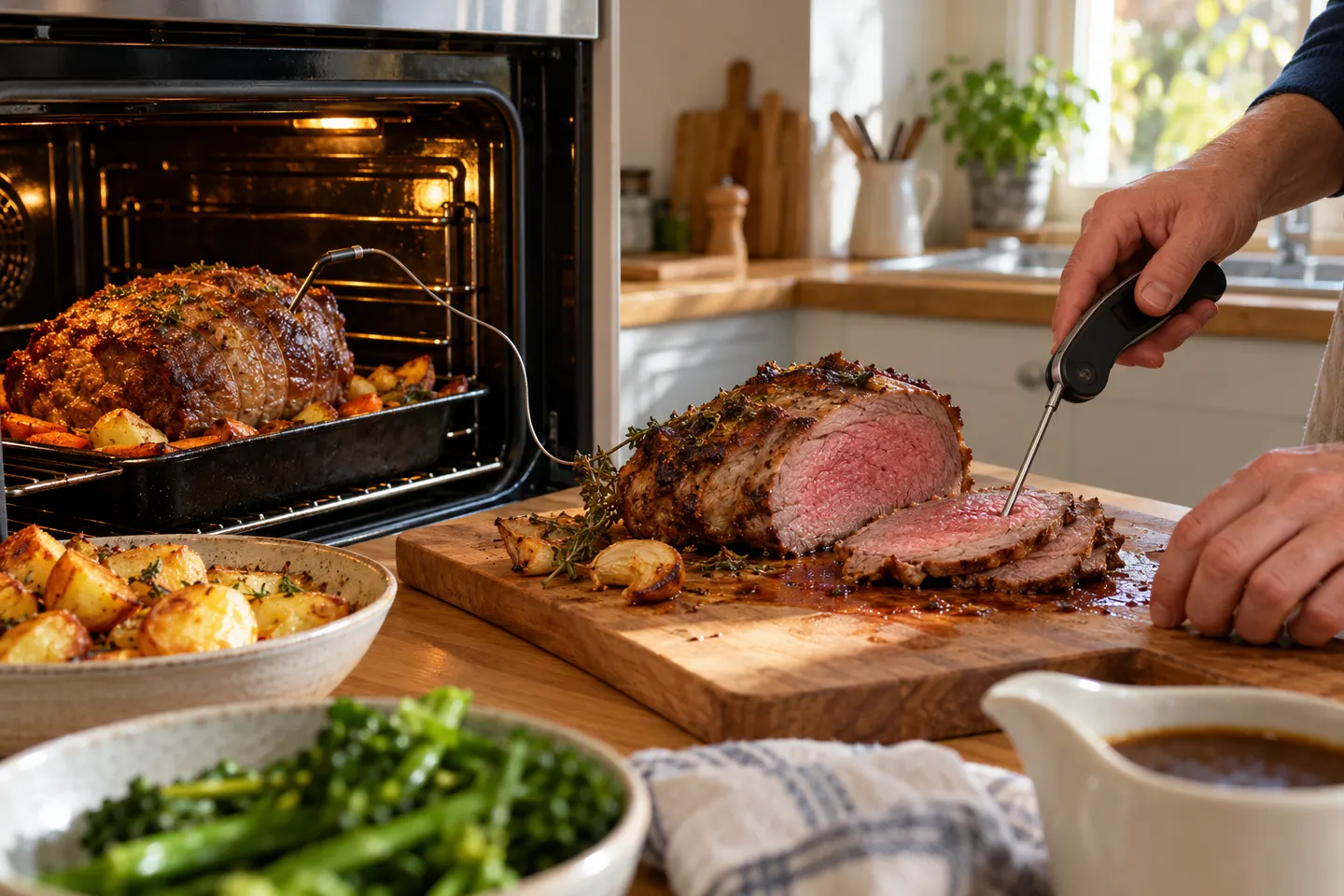
Start with a dependable instant-read thermometer; add a leave-in or wireless probe when you want continuous monitoring.