





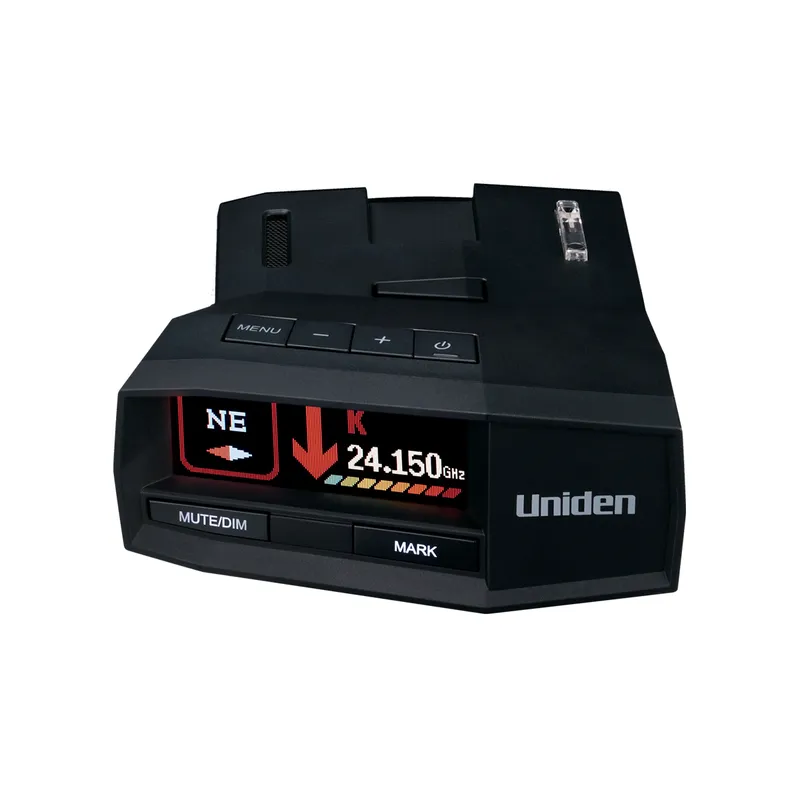
 Official manufacturer image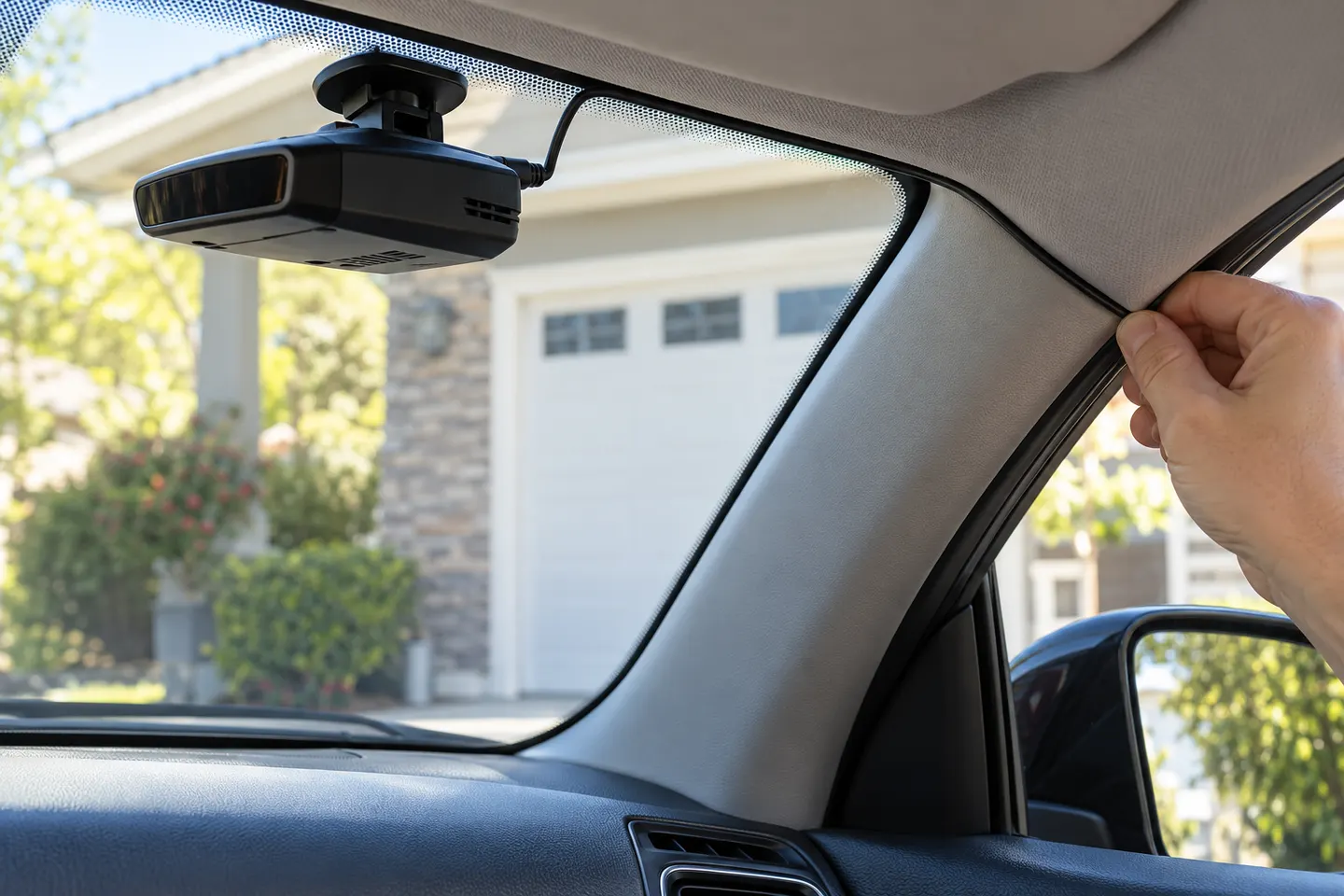
Our picks
Top picks
Official manufacturer image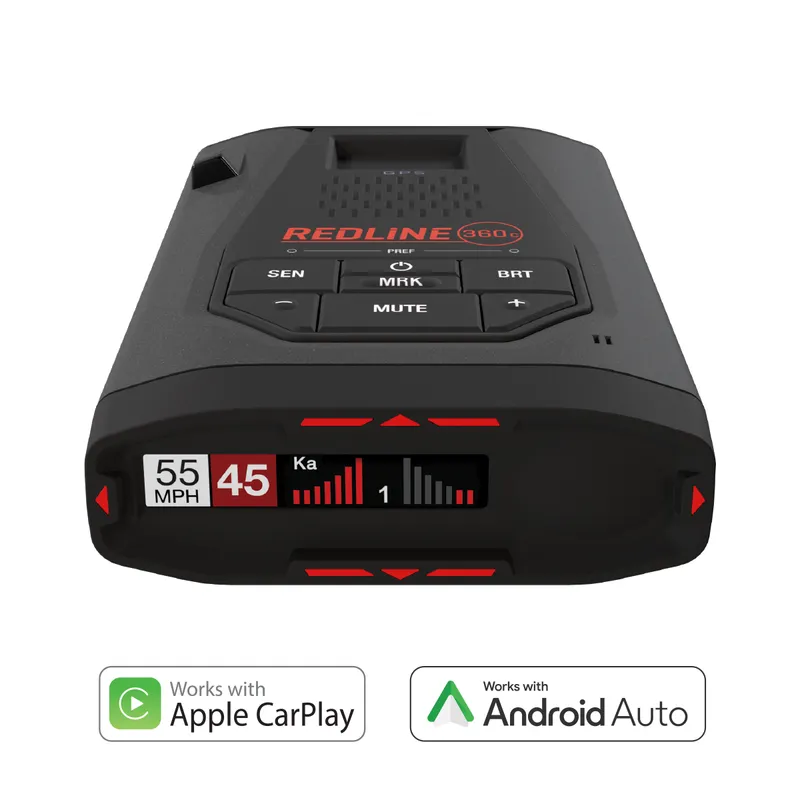 Official manufacturer image
Escort Redline 360c
Check price on Amazon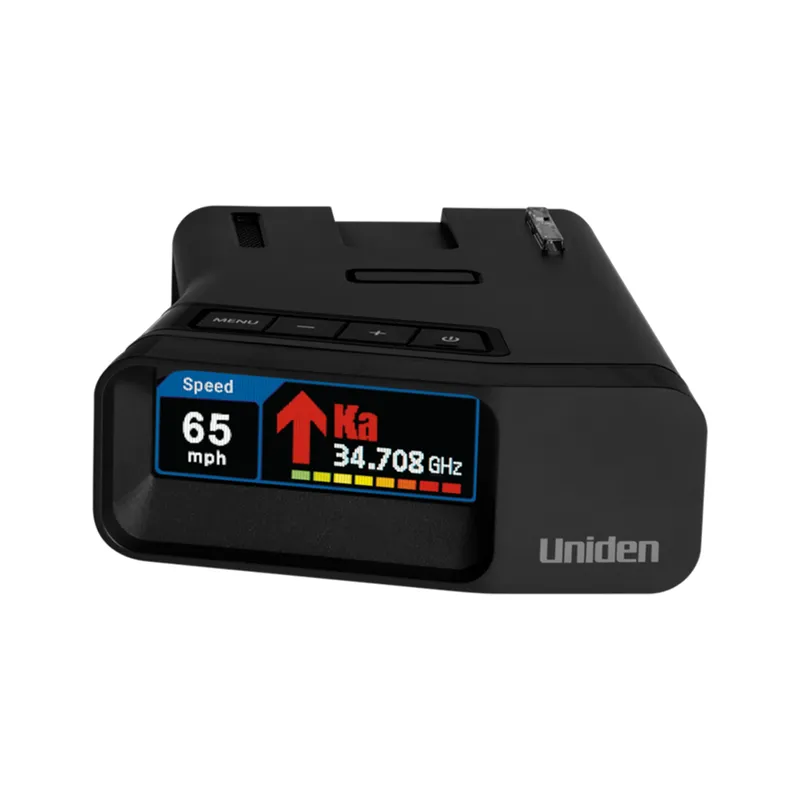 Official manufacturer image
Uniden R7
Check price on AmazonMore topics
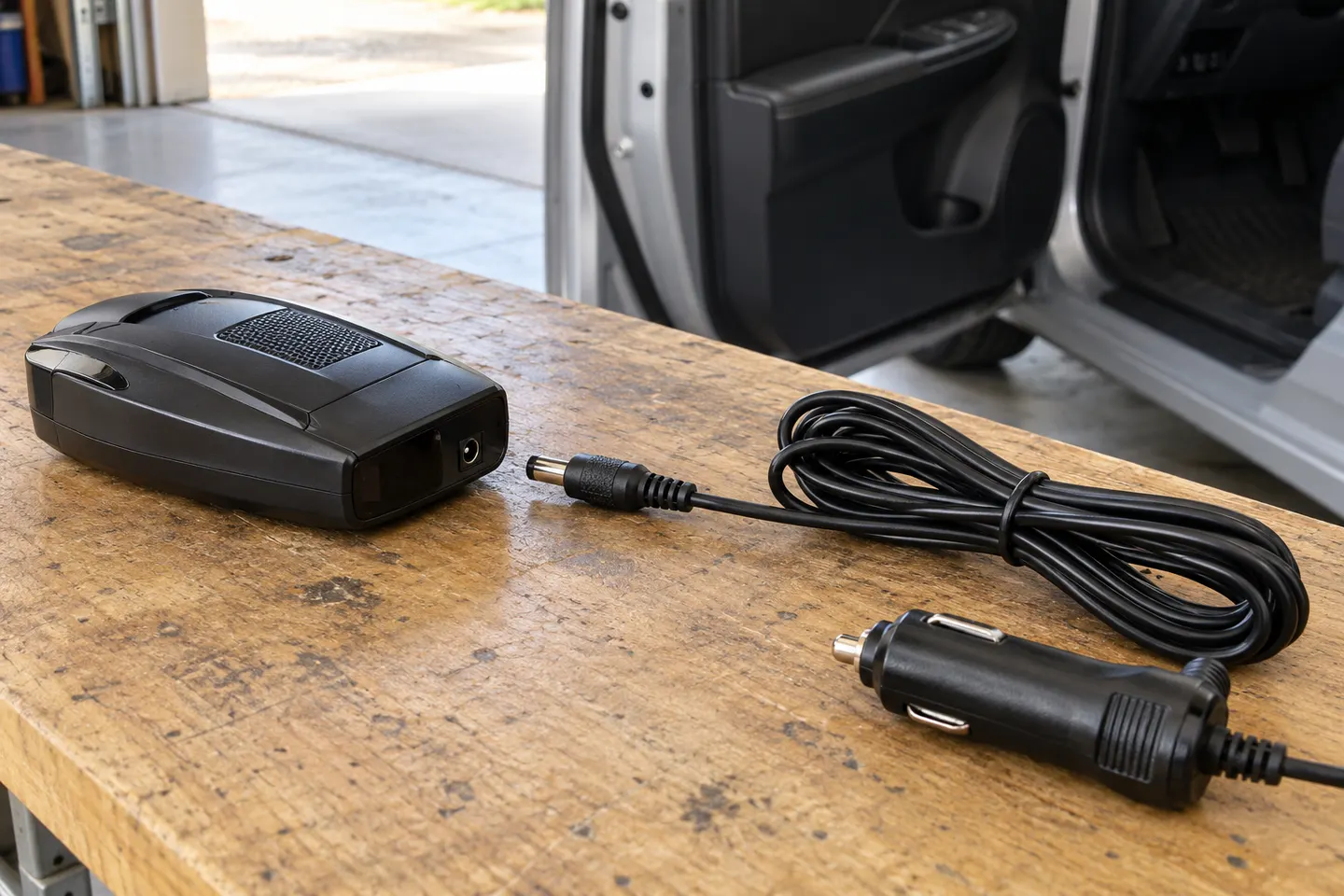 Radar Detector Power Cords
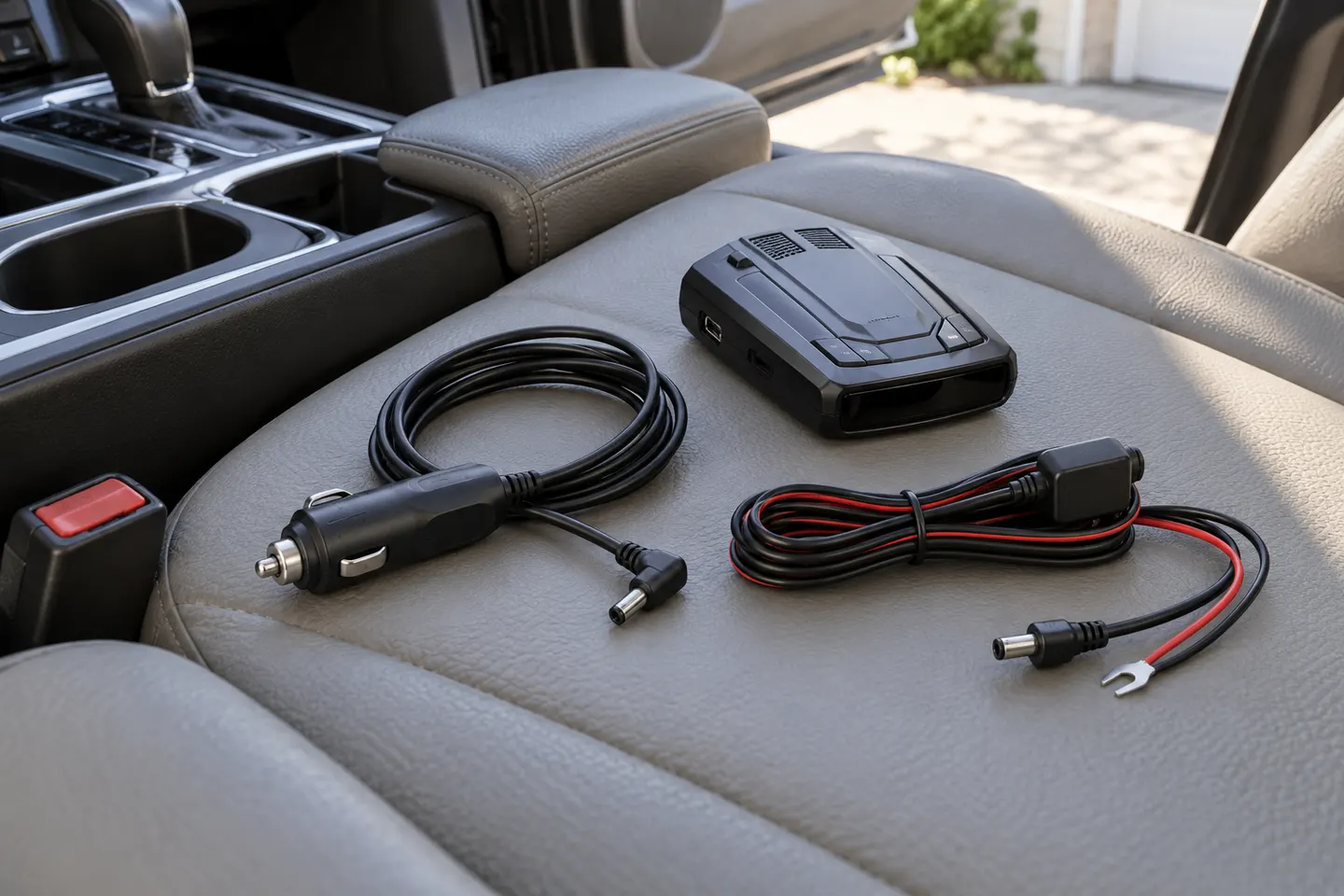 Radar Detector Cables
Common questions
Questions before you buy
Does every radar detector use the same power cable?
No. Connector shape, electrical requirements and feature wiring can vary. Use the manufacturer’s compatibility information for your detector model rather than relying on a cable’s appearance.
Can I use a USB-C car port for a radar detector?
That depends on the power output and cable. Escort specifies minimum USB-C input requirements for its USB-C-to-RJ11 option; check the port specification and your detector’s approved accessory guidance.
Will a replacement power cable keep the mute button working?
Only if the replacement includes that control and is compatible with the detector. Escort distinguishes SmartCord products from power-only cables, so check the exact accessory description.
What should I check before hardwiring a detector?
Confirm the kit is intended for your detector, identify a suitable power connection and route wiring safely. Check vehicle-specific compatibility; professional installation may be sensible if you are unfamiliar with fuse-panel wiring.