




 Official manufacturer image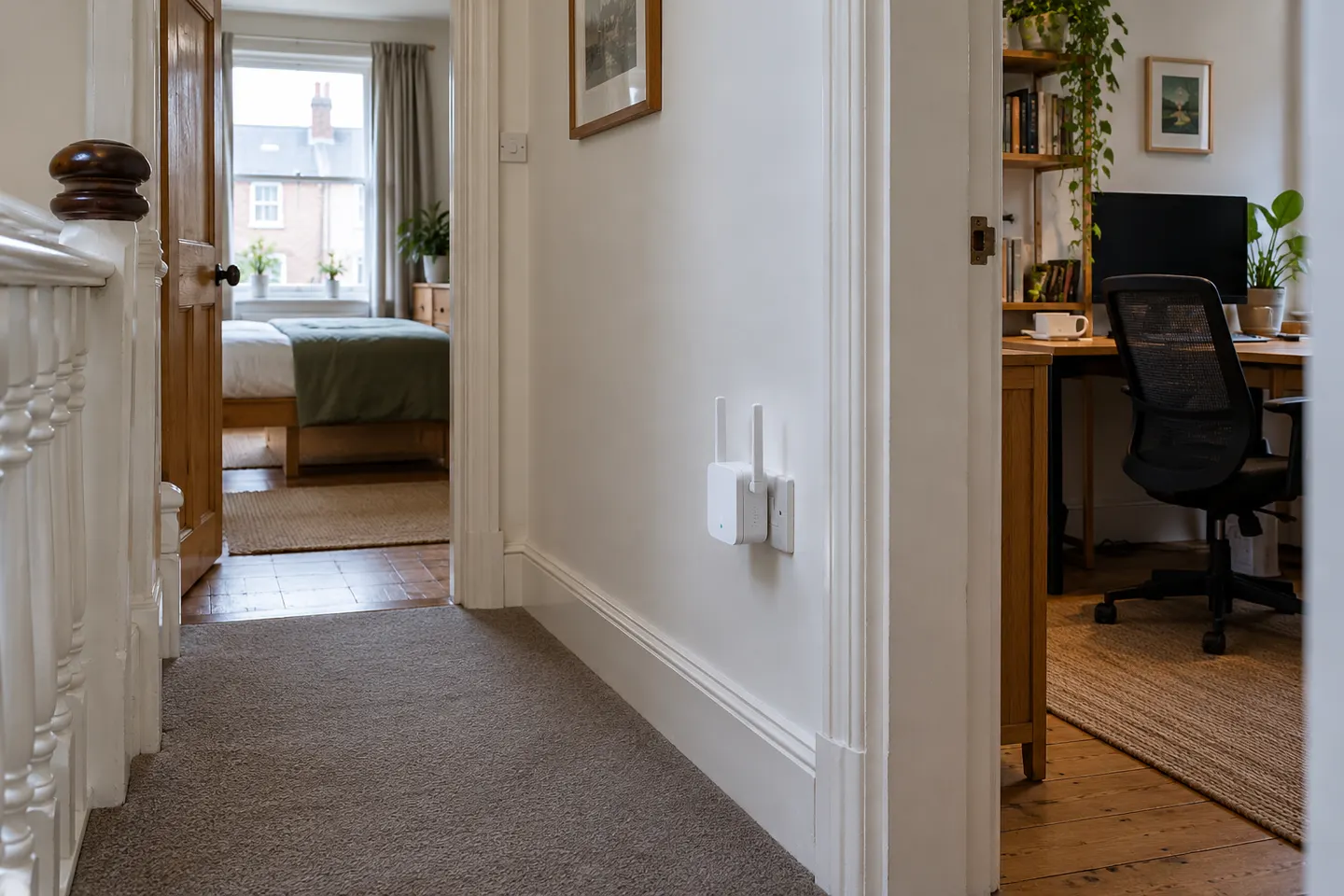
Our picks
Top picks
Official manufacturer image Official manufacturer image
NETGEAR EAX15
Check price on Amazon Official manufacturer image
TP-Link RE550
Check price on AmazonBy place and use
 Home
Home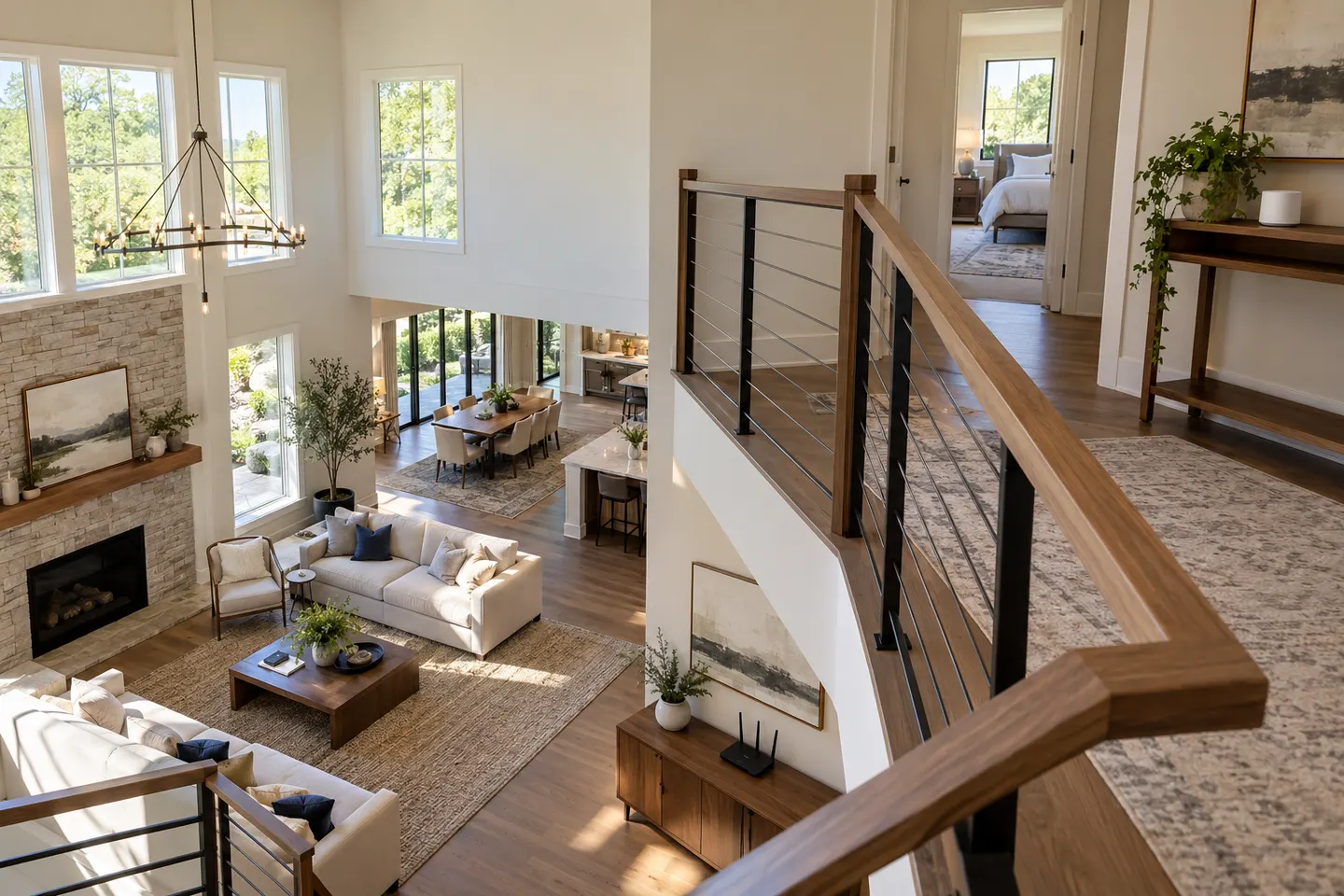 Large home
 Google home as
Common questions
Questions before you buy
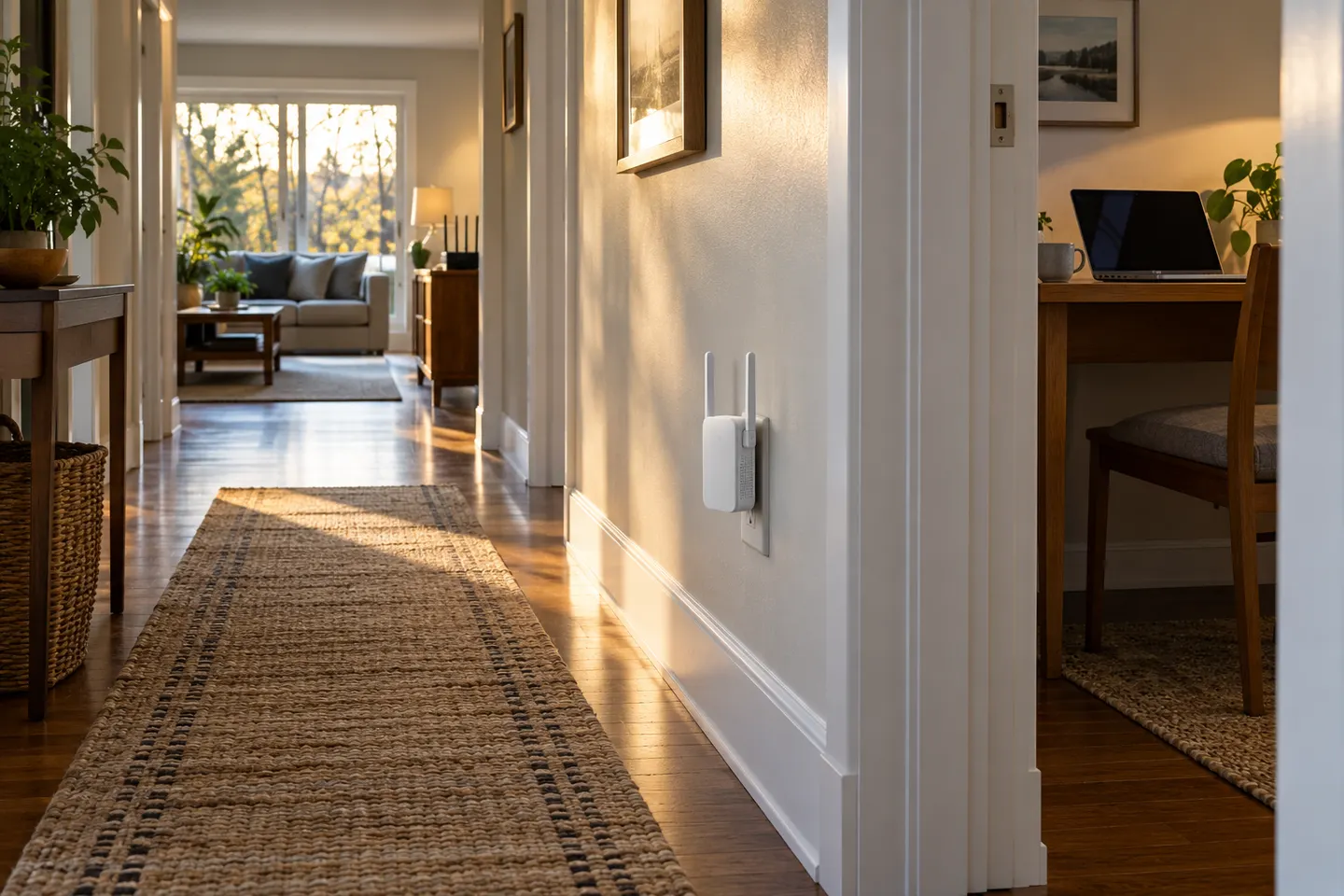
Where should I put a WiFi extender in my house?
Put it roughly between the router and the room with poor reception, in a place where the extender still receives a usable signal. Use its indicator or companion app to refine the position, then check the connection in the target room.
Is a WiFi extender or mesh system better for a house?
An extender can suit a single troublesome area, while mesh is designed to coordinate multiple nodes across broader coverage. Choose based on the number of weak areas, the home layout and whether seamless roaming between access points matters to you.
Will a WiFi extender work with my existing router?
Many current extenders are designed to work with standard WiFi routers, but supported bands and features vary by model. Check the manufacturer’s compatibility notes, especially if you rely on mesh roaming or a specific security setting.
Does an extender need to be near the router?
It needs to be close enough to receive a dependable signal, but far enough along the route to help the weak area. If the link from the router is already poor, the extender will simply repeat a poor connection.
Can I connect a TV or computer to a WiFi extender?
Some models include an Ethernet port that can connect a wired device, and some also support access point mode. Confirm the particular model’s ports and operating modes before choosing it for a TV, console or desktop computer.