




 Official manufacturer image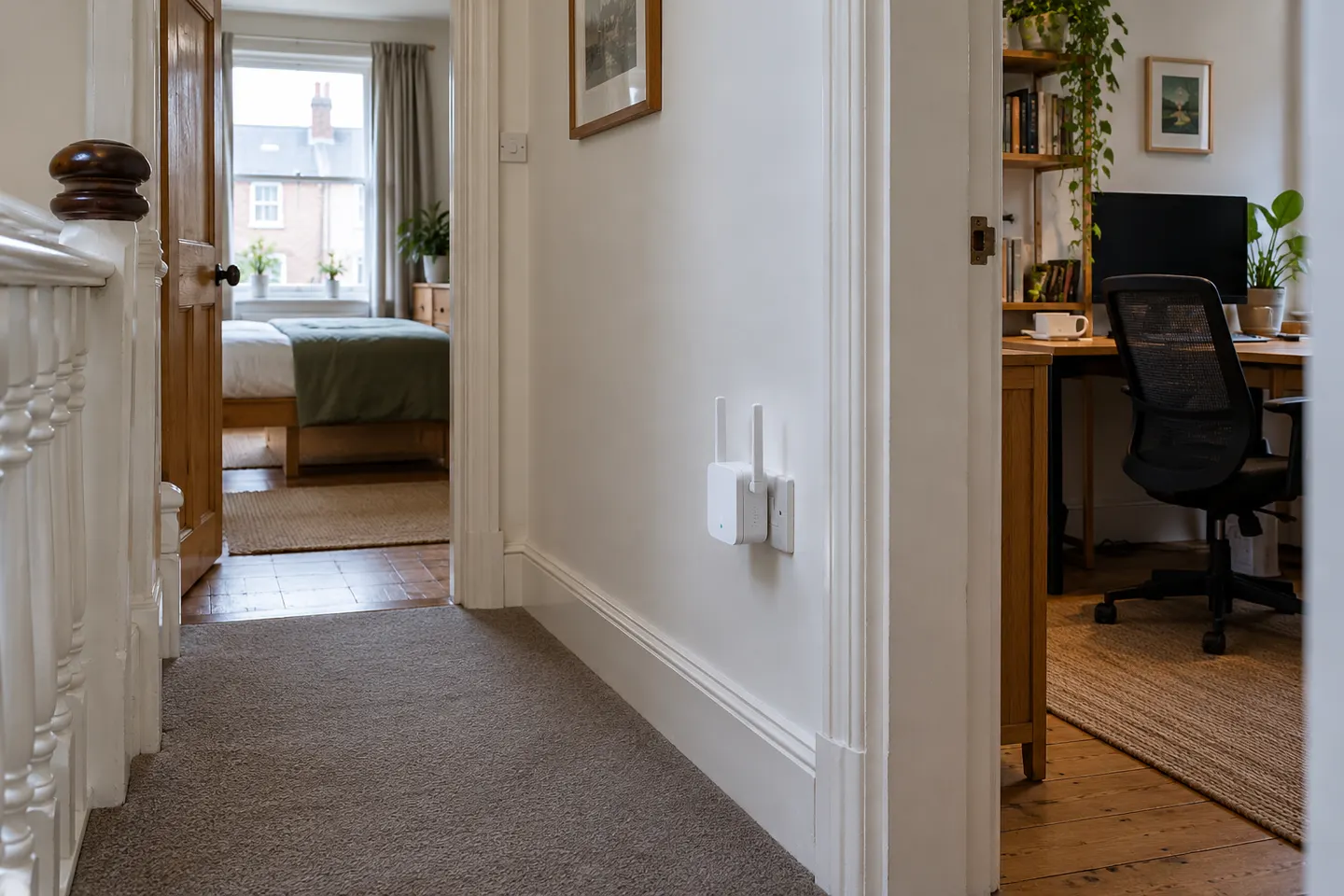
Our picks
Top picks
Official manufacturer image Official manufacturer image
NETGEAR EX6120
Check price on Amazon UK Official manufacturer image
TP-Link RE705X-Outdoor
Check price on Amazon UKBy place and use
 Home
HomeCommon questions
Questions before you buy
Where should I place a WiFi booster at home?
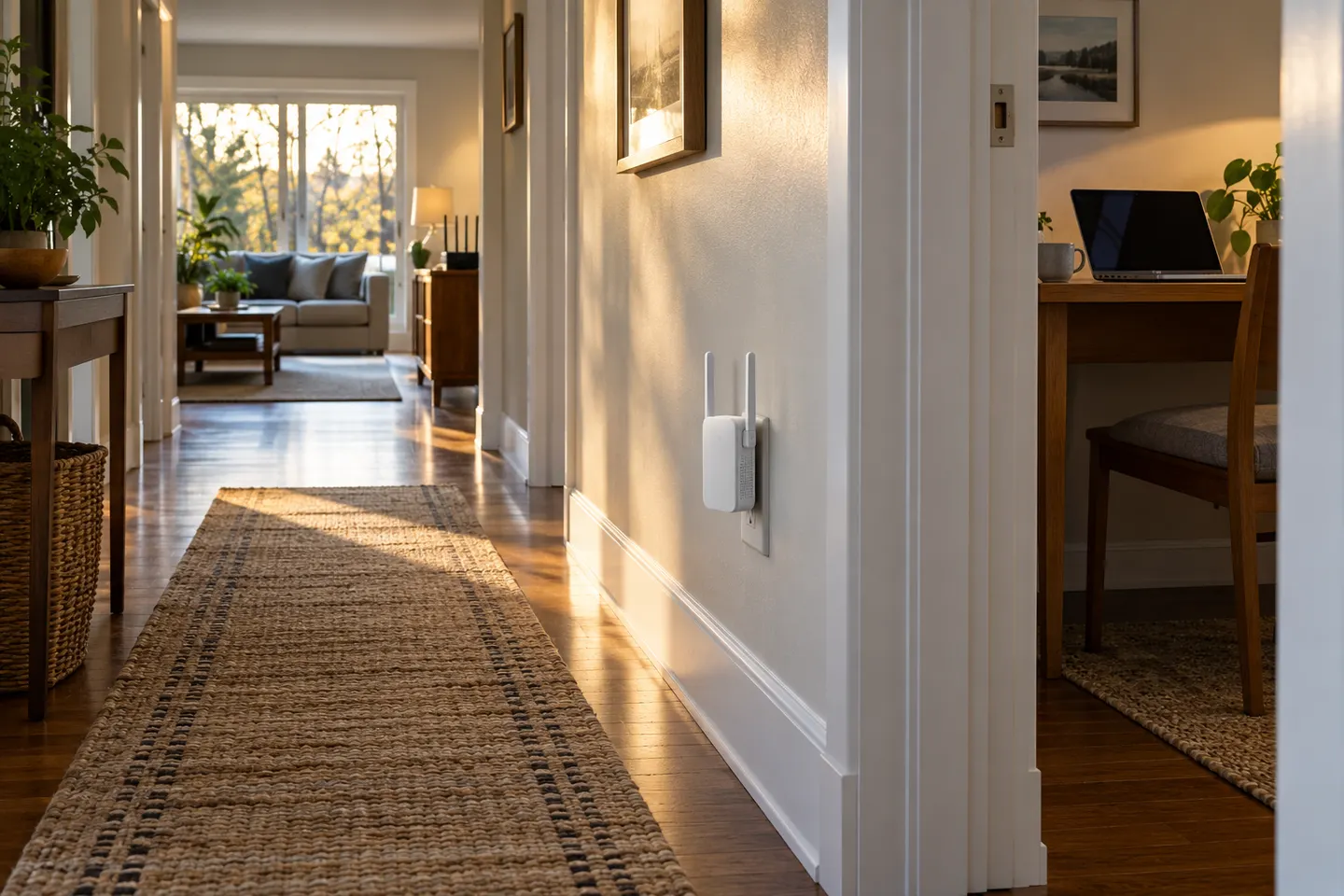
Place it between the router and the area with poor reception, where it can still receive a solid signal from the router. Avoid hiding it behind furniture or putting it inside a cupboard; use the extender’s signal indicator or setup app to refine the position.
Will a WiFi booster work through walls?
It can relay a signal through walls, but materials such as thick masonry, foil insulation and reinforced concrete can weaken WiFi. Put the extender where the router signal remains usable rather than at the far edge of the dead zone.
Is a WiFi extender suitable for a whole home?
It may help with a limited coverage gap, but one extender is not always the best answer for several rooms or floors. A mesh system can be easier to manage across a larger home; compare the layout, backhaul options and device compatibility before choosing.
Do I need the same brand for my router and extender?
Usually, WiFi extenders are designed to work with routers from other brands, but setup features and compatibility can vary. Check the model’s specifications for supported WiFi standards, bands and any router-specific functions you want to use.