




 Official manufacturer image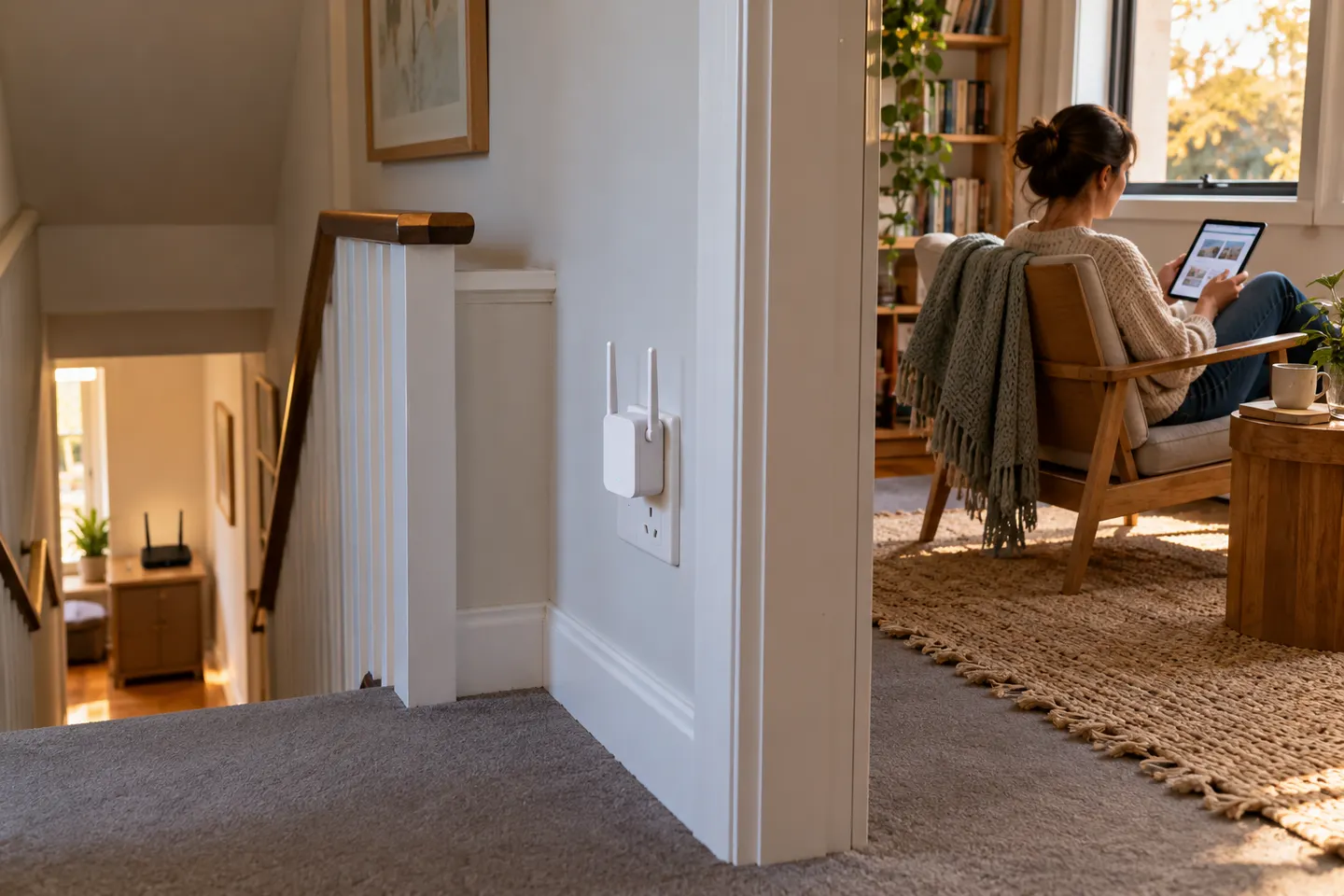
Our picks
Top picks
Official manufacturer image Official manufacturer image
NETGEAR EAX15
Check price on Amazon Official manufacturer image
TP-Link RE550
Check price on AmazonBy type
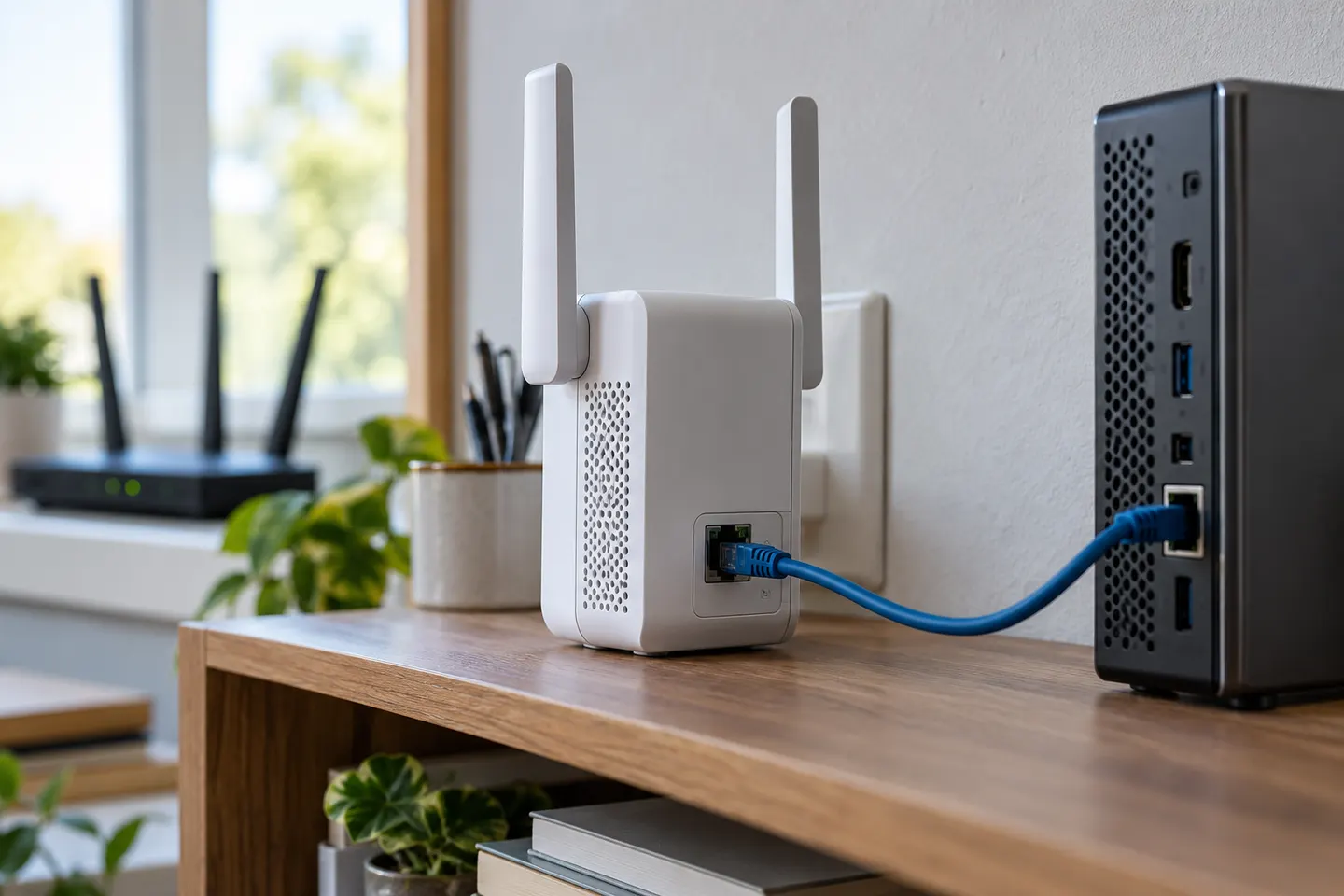 Ethernet connection
Common questions
Questions before you buy
Will a WiFi booster improve my internet connection?
It may improve wireless coverage in a weak area, but it does not increase the speed supplied by your internet plan. The extender needs a usable link back to the router.
Where should I place a WiFi connection booster?
Place it where the router signal remains stable and it can still reach the target room. A location inside the dead zone usually gives it a poor source signal.
Does a WiFi extender work with any router?
Many standard extenders support common Wi-Fi routers, but confirm supported standards, security and mesh features before buying.
Is an access point better than a range extender?
An access point with wired Ethernet backhaul can avoid repeating a weak wireless link. An extender is simpler when running cable is impractical.