




 Official manufacturer image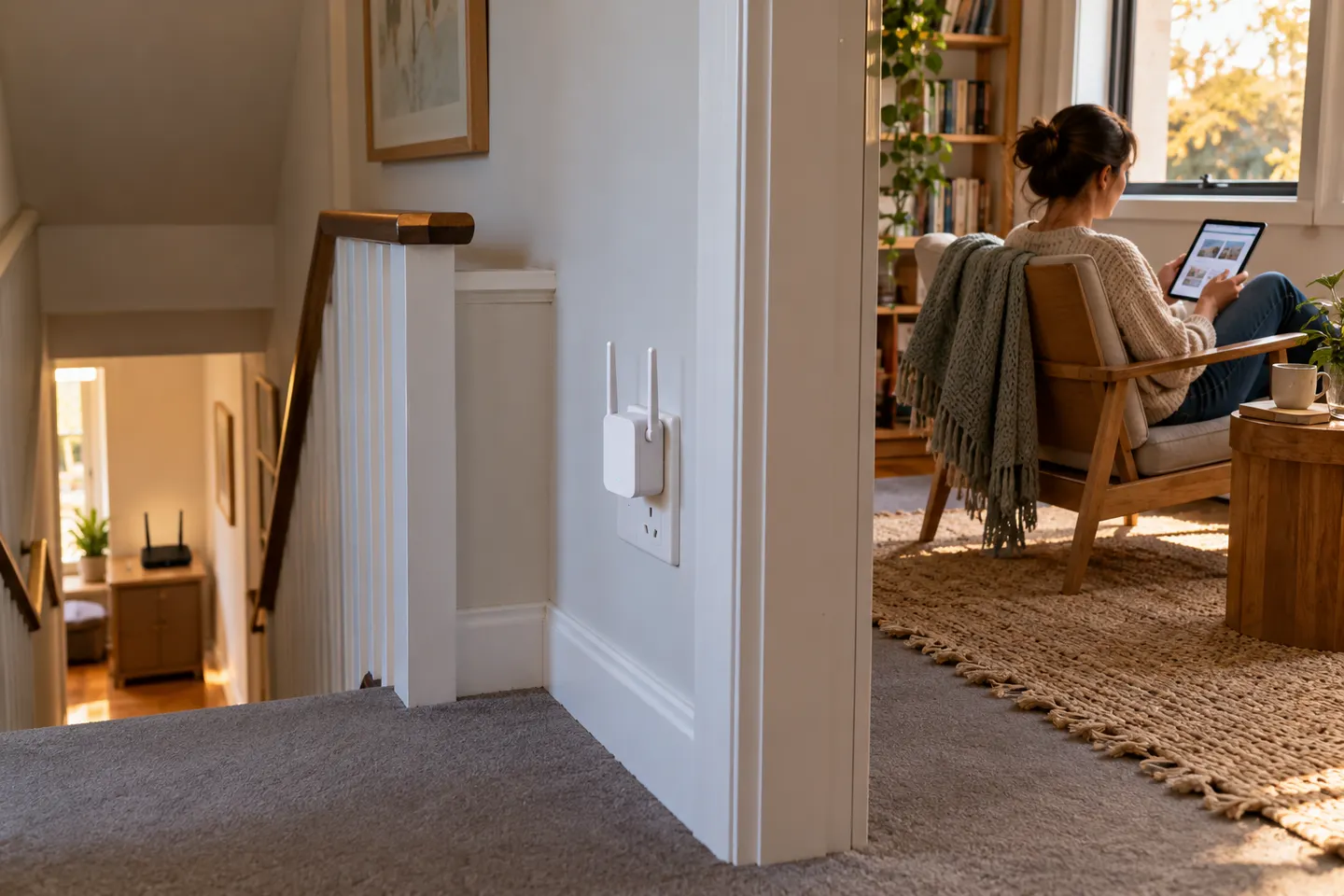
Our picks
Top picks
Official manufacturer image Official manufacturer image
NETGEAR EX6120
Check price on Amazon UK Official manufacturer image
TP-Link RE705X-Outdoor
Check price on Amazon UKCommon questions
Questions before you buy
Will a WiFi connection booster fix a slow internet plan?
No. It can improve the local wireless link between a device and router, but it cannot increase the speed supplied by your broadband service.
Where should I put a connection booster?
Place it where it still receives a useful signal from the router and can reach the weak area. A location inside the dead zone usually cannot relay a strong connection.
Is a mesh system better than a range extender?
Mesh can provide coordinated coverage across multiple nodes, particularly when the router is part of that system. A standalone extender can be a simpler fit for one isolated room.
Can I use an extender with any router?
Many standalone extenders support standard Wi-Fi routers, but mesh functions and roaming features may require compatible equipment. Check the maker’s compatibility notes.