Gearjury may earn a commission from qualifying retailer links. We explain the evidence behind our guidance.
Guide
Where to Place a WiFi Range Extender for Better Coverage
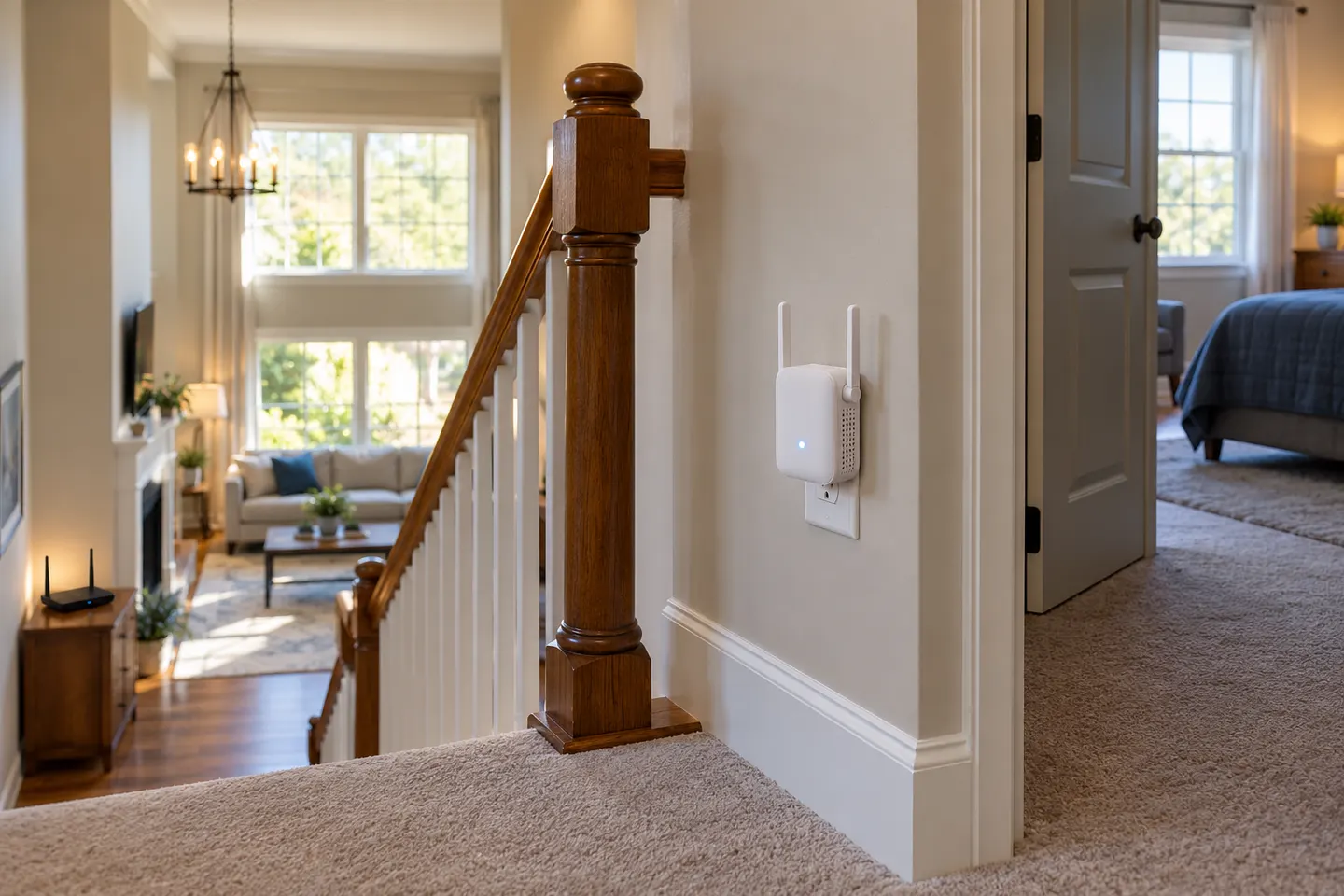
Start around halfway between the router and the weak-signal area, keeping the extender within the router’s usable range. Check its status indicator, then test the target room.
GGearjury editorial team · Updated October 15, 2026· 5 min
01
Start between the router and the weak area
NETGEAR and TP-Link both advise placing an extender roughly halfway between the router and the client area, while keeping it within the router’s wireless range. This gives it a chance to receive a useful source signal and serve the room beyond.
02
Use the connection light or app
Check the instructions for your exact model: signal lights do not share one universal color code. A status page or location assistant can show whether the extender’s link back to the router is strong enough.
03
Choose an open, practical spot
Avoid hiding the extender behind large objects or in an enclosed cabinet. Keep it accessible for setup, and follow the manufacturer’s orientation and ventilation directions.
04
Test the room you want to cover
Connect a phone or laptop in the problem area and check ordinary browsing or video calls. If the extender is online but the room still performs poorly, try a nearby outlet that improves both the router link and client reach.
05
Move it closer if its source link is weak
A device placed deep inside a dead zone may have little usable signal to repeat. Move it toward the router until its own status indicates a better connection, then retest coverage farther away.
06
Reassess obstacles and the network layout
Walls, floors, appliances and interference can affect the radio path. If no outlet balances the router connection and the target room, consider a mesh node or wired access point instead.
Common questions
Questions before you buy
Where should I place a Wi-Fi range extender?
Begin about halfway between the router and the weak-signal area, and keep it within reliable router range. Confirm the connection using the extender’s status indicator or app.
Should a Wi-Fi booster be closer to the router or the dead zone?
It must have a usable link to the router while sitting close enough to serve the target devices. If its backhaul status is poor, move it nearer the router first.
Can I place a Wi-Fi extender on the floor?
Follow the product’s placement instructions and avoid obstructing its antennas or airflow. A more open position may help, but confirm with the model’s signal indicator and a real device test.
How do I know if my extender is in the best location?
Check its router connection status, then test internet access from the room with weak coverage. Adjust the outlet if either the source link or client experience is poor.
A WiFi extender can carry a router's signal into a nearby weak-signal area. Start by checking compatibility, placement and whether a wireless repeater or wired access point fits your home.
For a versatile WiFi 6 choice, consider TP-Link RE705X, which pairs dual-band WiFi 6 with a Gigabit Ethernet port. NETGEAR EAX15 suits an existing NETGEAR mesh setup, while TP-Link RE550 and NETGEAR EX6120 offer different WiFi 5 feature sets.
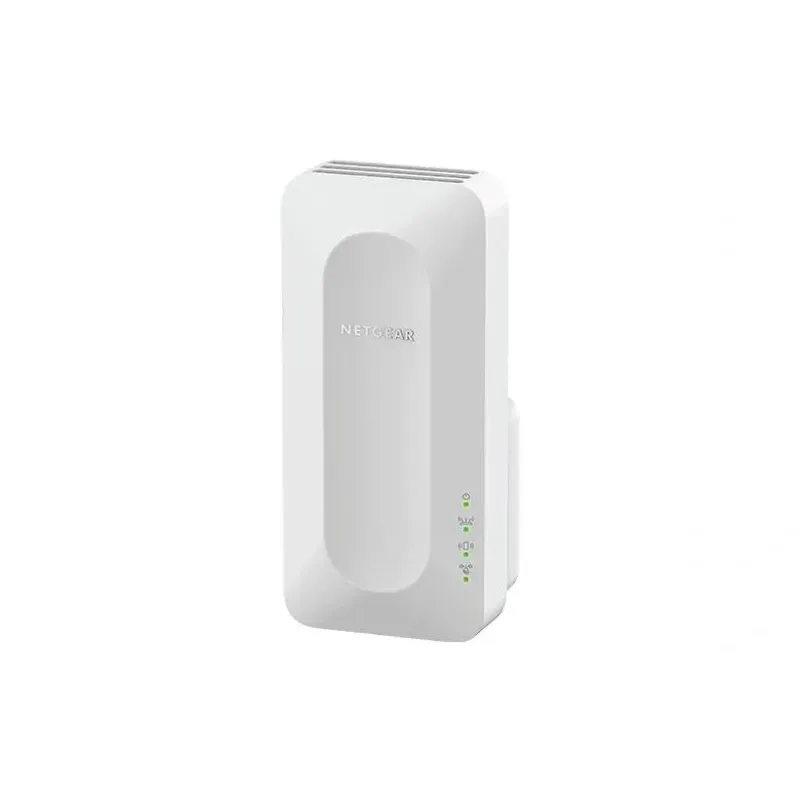
NETGEAR sells plug-in extenders across WiFi generations. Compare exact model features and check whether mesh behavior suits your router.
Your privacy
We use cookies and similar technologies. Necessary ones keep the site working. With your permission we also use statistics cookies (Google Analytics and Microsoft Clarity) to understand which guides help readers. You can accept all, reject all or choose. You can change your choice at any time from "Cookie settings" at the bottom of every page. Cookie policy