




 Official manufacturer image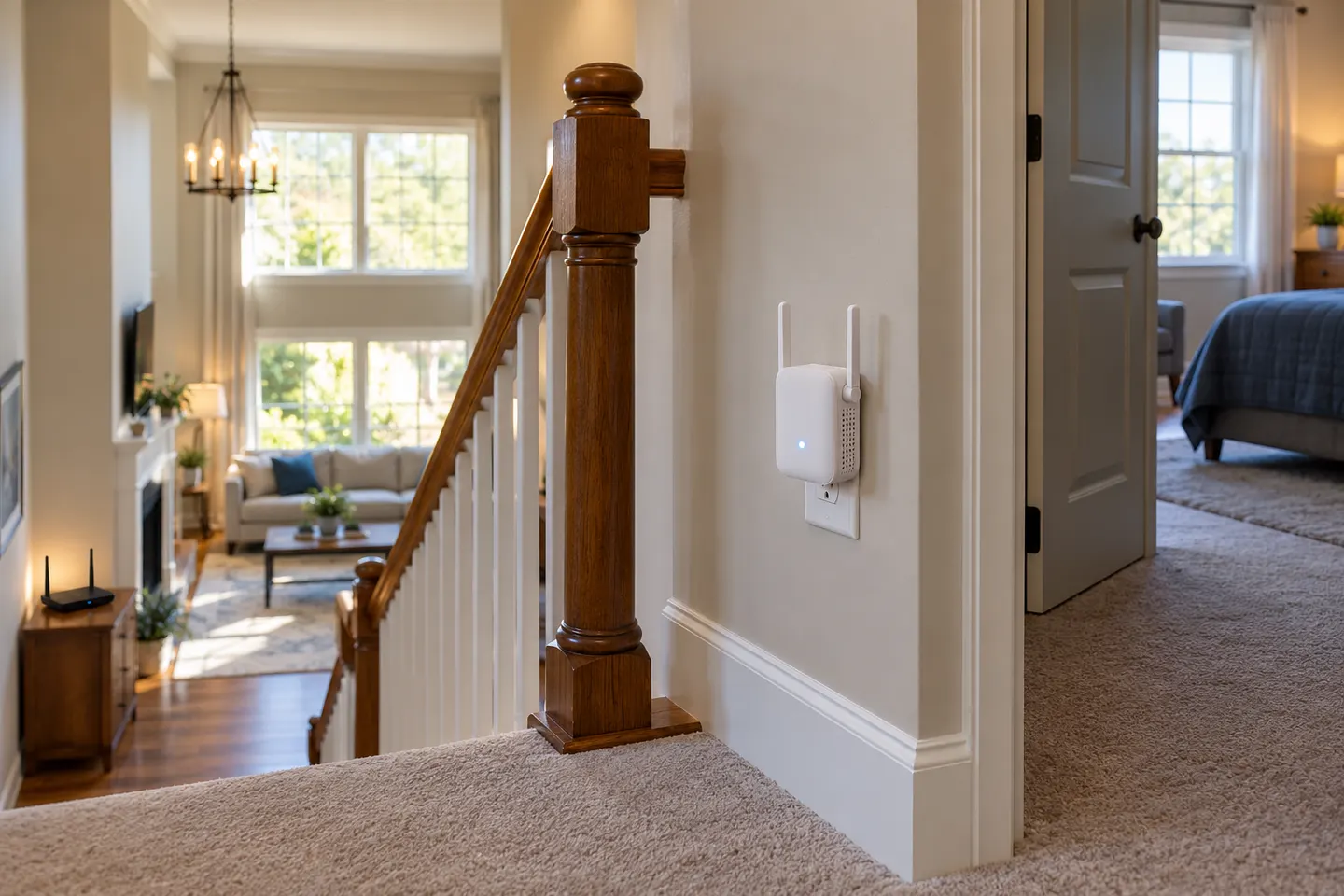
Our picks
Top picks
Official manufacturer image Official manufacturer image
NETGEAR EAX15
Check price on Amazon Official manufacturer image
TP-Link RE550
Check price on AmazonCommon questions
Questions before you buy
Where should I place a Wi-Fi range extender?
Start about halfway between the router and the weak-coverage area, but keep the extender within the router’s usable range. Check its signal indicator or app after setup.
Should an extender be closer to the router or the dead zone?
It needs a strong enough router link and proximity to the devices it serves. If its status shows a weak router connection, move it closer to the router rather than deeper into the dead zone.
Can I put a Wi-Fi extender behind furniture?
Avoid enclosing or obstructing it where possible. Place it in an open location and follow the manufacturer’s ventilation and orientation guidance.
How do I know if my extender is in the right place?
Check the model’s status light or app for the router link, then test internet access and signal in the room that needs coverage. Move the unit in small increments if either result is poor.