





 Official manufacturer image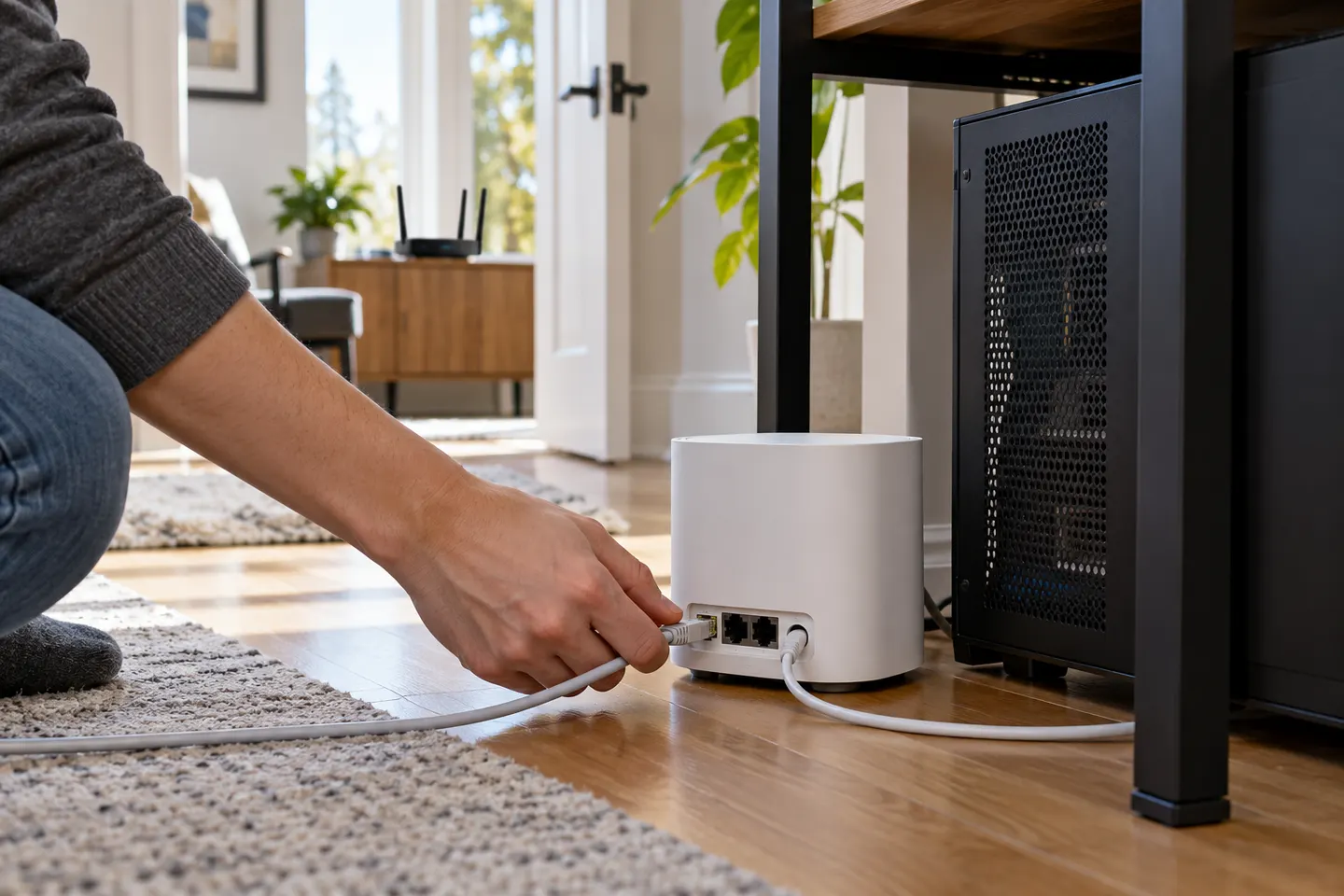
Our picks
Top picks
Official manufacturer image Official manufacturer image
NETGEAR EAX15
Check price on Amazon.ca Official manufacturer image
TP-Link RE605X
Check price on Amazon.caCommon questions
Questions before you buy
Does a WiFi extender help with gaming?
It can improve connectivity where weak coverage causes dropouts, but it may add another wireless hop and cannot promise lower latency. Test the router signal and consider Ethernet where possible.
Should I connect my gaming console to an extender with Ethernet?
A wired link from console to extender avoids one wireless segment. The extender’s connection back to the router remains wireless unless it supports access-point mode over Ethernet.
Will a WiFi booster reduce ping?
Not necessarily. Ping depends on the local WiFi link, internet congestion and the game server path; an extender mainly addresses coverage gaps.
Where should I place a gaming WiFi extender?
Choose a midway location with a usable router signal and a clear path toward the gaming room. Avoid enclosing the unit or placing it directly beside sources of interference.