




 Official manufacturer image
Our picks
Top picks
Official manufacturer image Official manufacturer image
NETGEAR EAX15
Check price on Amazon.ca Official manufacturer image
TP-Link RE605X
Check price on Amazon.caMore topics
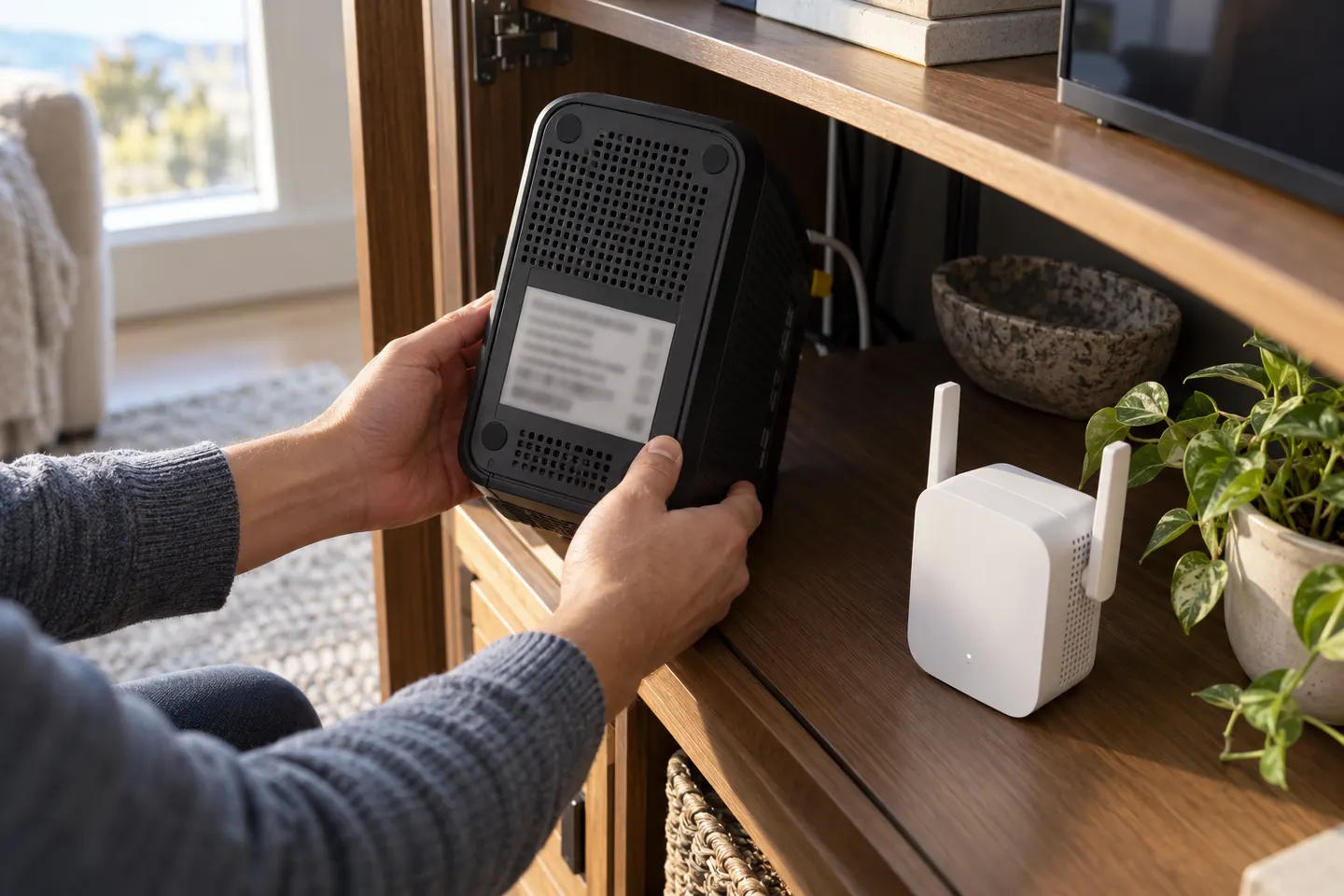 Choosing a WiFi Extender for a Rogers Home Network
Common questions
Questions before you buy
Can I use a WiFi extender with a Rogers router?
A third-party extender may connect to a standard Rogers gateway, but compatibility depends on its model and settings. For managed mesh coverage, Rogers Xfinity WiFi Boost Pods are designed for compatible Rogers Gateway modems.
Are Rogers Xfinity WiFi Boost Pods extenders?
Rogers describes them as mesh pods that expand the existing WiFi network through a Gateway modem. They serve an extender role but are provider-specific mesh equipment.
Do Rogers WiFi Boost Pods increase internet speed?
Rogers says the pods do not increase internet speed; they help devices connect where the home WiFi signal is weak. The internet plan and gateway remain the source of the connection.
How do I get a Rogers WiFi booster?
Check Rogers’ current Xfinity WiFi Boost Pods page and support requirements for your Gateway and account. Availability and eligibility can depend on service details.
Is a standalone booster better than a Rogers pod?
A standalone extender may suit a non-Rogers router or a targeted area, while a Rogers pod is designed for integration with a compatible Gateway. Compare compatibility and setup preference.