




 Official manufacturer image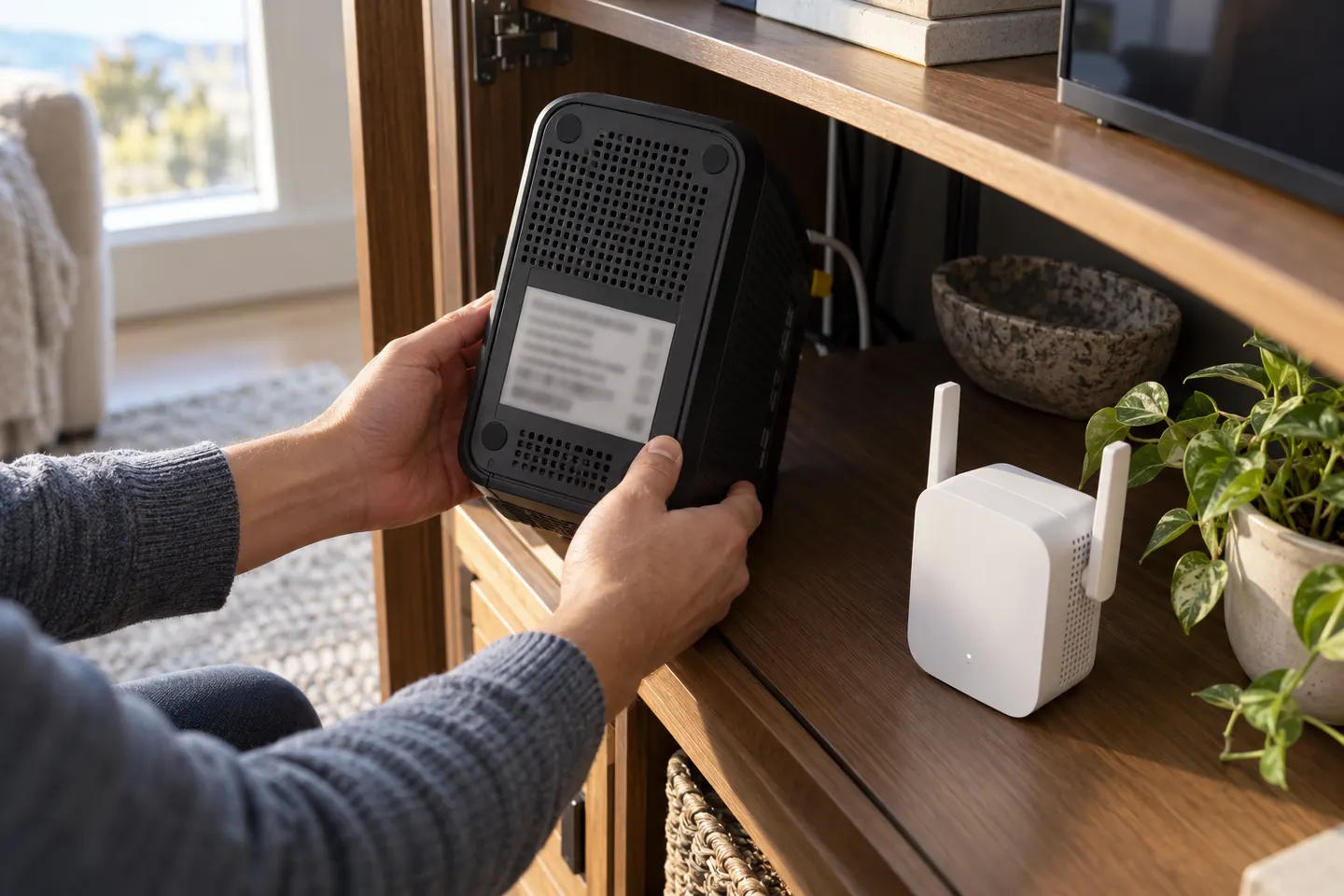
Our picks
Top picks
Official manufacturer image Official manufacturer image
NETGEAR EAX15
Check price on Amazon.ca Official manufacturer image
TP-Link RE605X
Check price on Amazon.caMore topics
 Rogers WiFi Extenders
Head to head
Comparisons
WiFi Extender vs Booster: What Is the Difference?
The terms often overlap: a booster may simply be a range extender. The meaningful comparison is between a standalone repeater and a coordinated mesh system from an internet provider or router brand.
WiFi Extender vs Mesh WiFi: Which Should You Choose?
Choose a single range extender for a local weak spot and a working router. Consider mesh when you need coordinated coverage across several rooms or floors.

Access Point vs WiFi Extender: How to Choose for Your Home
Choose an access point when you can connect it to the router by Ethernet. Choose a wireless extender when a wired run is impractical and a usable router signal reaches its location.
Common questions
Questions before you buy
Does Rogers have a WiFi extender?
Rogers provides home WiFi equipment and services, but availability and names can change. Check Rogers support for your account and gateway; a compatible third-party extender is another option.
Will a WiFi extender work with a Rogers router?
It can if the extender supports the router’s WiFi standards and security settings. Confirm the exact gateway model and follow its manufacturer’s pairing instructions.
Can I use a Rogers pod with another router?
Do not assume a provider-issued pod pairs with a third-party router. Check Rogers’ compatibility and service requirements for that specific pod and gateway.
Where should I put an extender with a Rogers gateway?
Place it where it can still receive a dependable signal from the gateway and is closer to the weak-coverage room. A wired access point is an alternative when Ethernet is available.