



 Official manufacturer image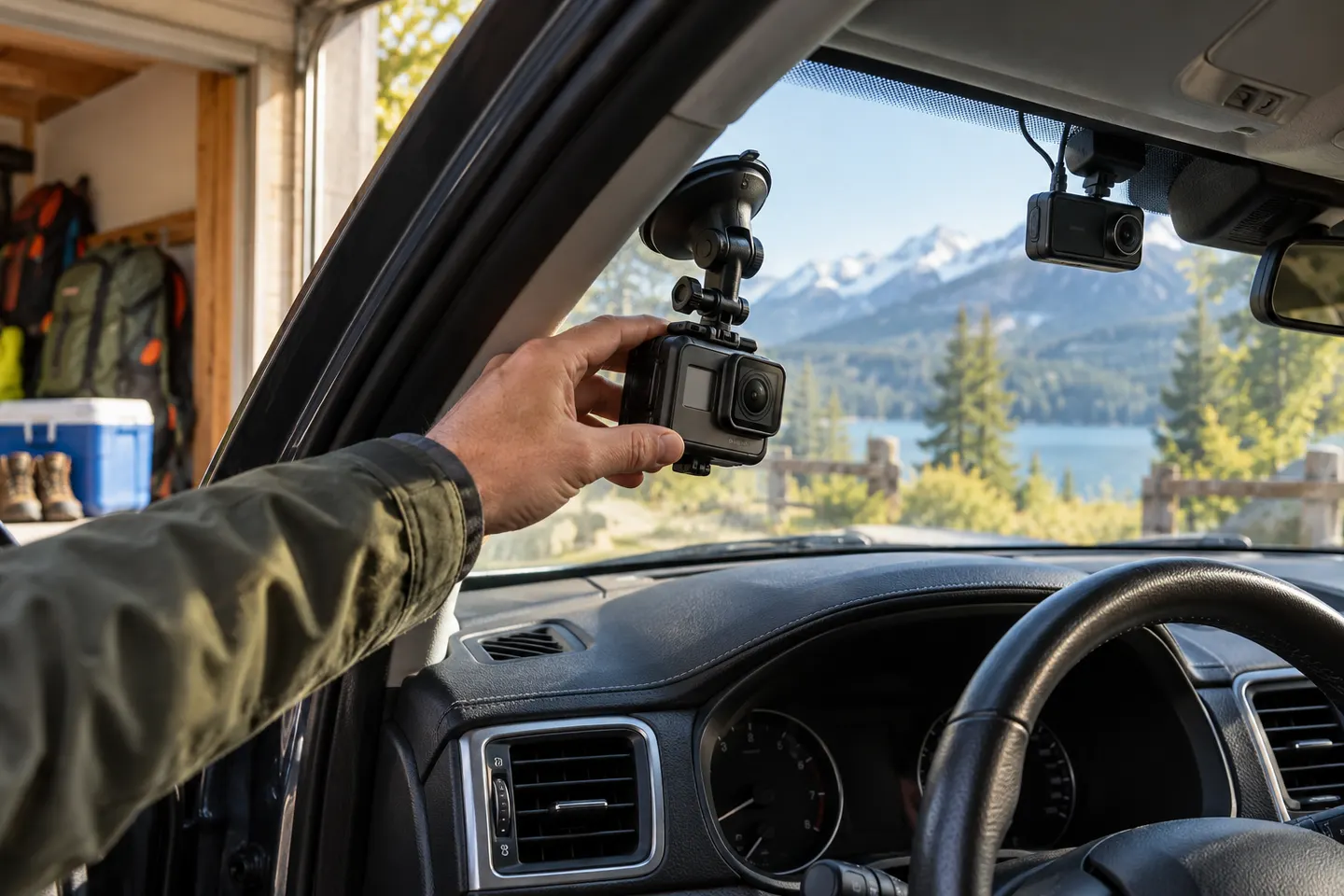
Our picks
Top picks
Official manufacturer image Official manufacturer image
Garmin Dash Cam X310
Check price on Amazon UK Official manufacturer image
VIOFO A329S 2CH
Check price on Amazon UKCommon questions
Questions before you buy
Can a GoPro be used as a dash cam?
Yes, for journey recording when it is securely mounted, powered and configured. It may require more manual intervention than a dedicated dash cam.
Does a GoPro have loop recording?
Some GoPro models and modes offer looping video, but availability and behaviour vary. Check the official manual for the exact camera and current firmware.
Will a GoPro overheat in a car?
Long recording, demanding settings, charging and direct sunlight can all raise temperature. Follow GoPro's operating guidance, provide airflow and never leave the camera in a hot parked vehicle.
Is a GoPro better than a dash cam at night?
Not automatically. Results depend on the specific models, settings, windscreen reflections and lighting; dedicated dash cams also prioritise automatic incident recording and continuous operation.
How should a GoPro be mounted in a car?
Use a compatible, secure mount on a clean surface where the camera does not obstruct the driver's view. Check it cannot interfere with airbags, mirrors or controls.