Gearjury may earn a commission from qualifying retailer purchases.
Guide
Dash Cam Installation: How to Fit One Safely in Your Car
Mount the camera high without blocking your view, route the cable away from airbags and controls, then format the card and check sample footage before driving.
GGearjury editorial team · Updated 15 October 2026· 6 min
01
Where should a dash cam be positioned?
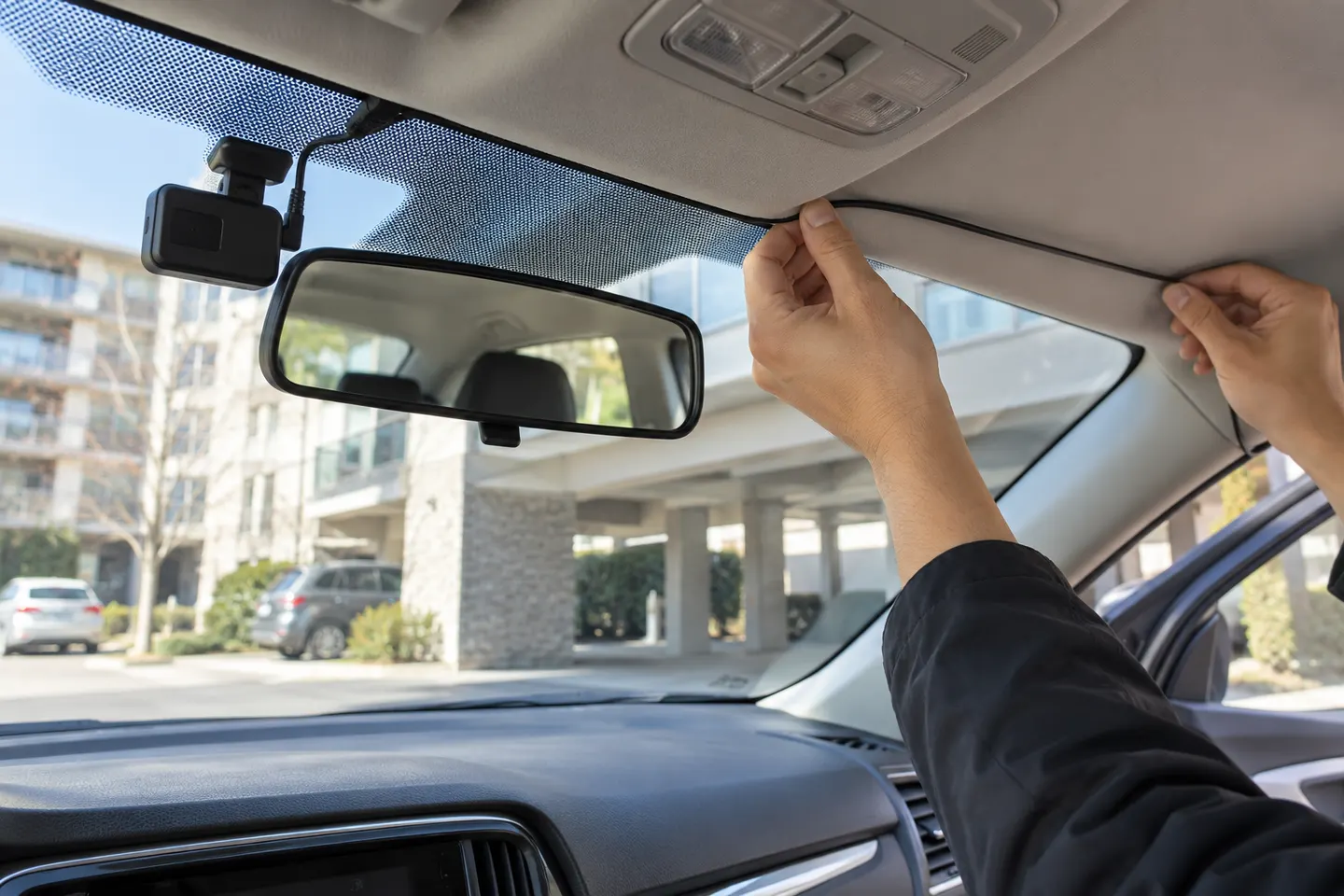
Clean and dry the glass, then place the camera high and close to the rear-view mirror where the lens has a clear road view without intruding into the swept driver's field of vision. Preview the frame before fixing the adhesive mount.
02
How do you attach the mount?
Use only the supplied mount or an approved replacement. Press an adhesive pad onto clean glass for the period stated by the maker; do not attach it over tint film or a dotted area unless the instructions permit it.
03
How should the power cable be routed?
Run the cable along trim without stretching it, trapping it in moving parts or crossing an airbag deployment path. Keep it clear of pedals, steering and gear controls.
04
Can you plug a dash cam into the car socket?
Yes, when the supplied adaptor is intended for that socket. This is the simplest reversible installation, although the cable may remain visible and the socket may switch off with the ignition.
05
When should you hardwire a dash cam?
Hardwire when you need a tidy installation or supported parking mode. Use a model-compatible kit with voltage protection and ask an installer if fuse identification, airbags or vehicle electronics create uncertainty.
06
How do you test a new dash camera?
Format a compatible high-endurance card in the camera, set the time and privacy options, then record a short stationary sample. Confirm the horizon, number-plate area, audio choice and rear-camera orientation.
Common questions
Questions before you buy
How long does dash cam installation take?
A simple plug-in front camera is usually quicker than a concealed dual-camera or hardwired system. Allow time to position, route and test rather than rushing the trim work.
Can I install a dashcam myself?
You can fit many plug-in models if you can route the cable safely. Hardwiring is better left to a competent installer when you lack vehicle-electrical experience.
Does a dash cam need to be behind the mirror?
Not specifically, but a high central position often gives a clear view while minimising obstruction. The exact location must suit the vehicle and legal visibility requirements.
Should I disconnect the battery before hardwiring?
Follow the vehicle and kit instructions. Disconnecting power can affect security codes and vehicle systems, so do not improvise.
The Nextbase 622GW is our balanced UK pick for its detailed recording, stabilisation and accessible touchscreen. Garmin Mini 3 suits a discreet fit, while VIOFO A329S covers the front and rear at high resolution.
A dual-camera kit is the direct choice when you want the road ahead and traffic behind in the same recording system. Check rear resolution and cable length, not just the headline front-camera specification.
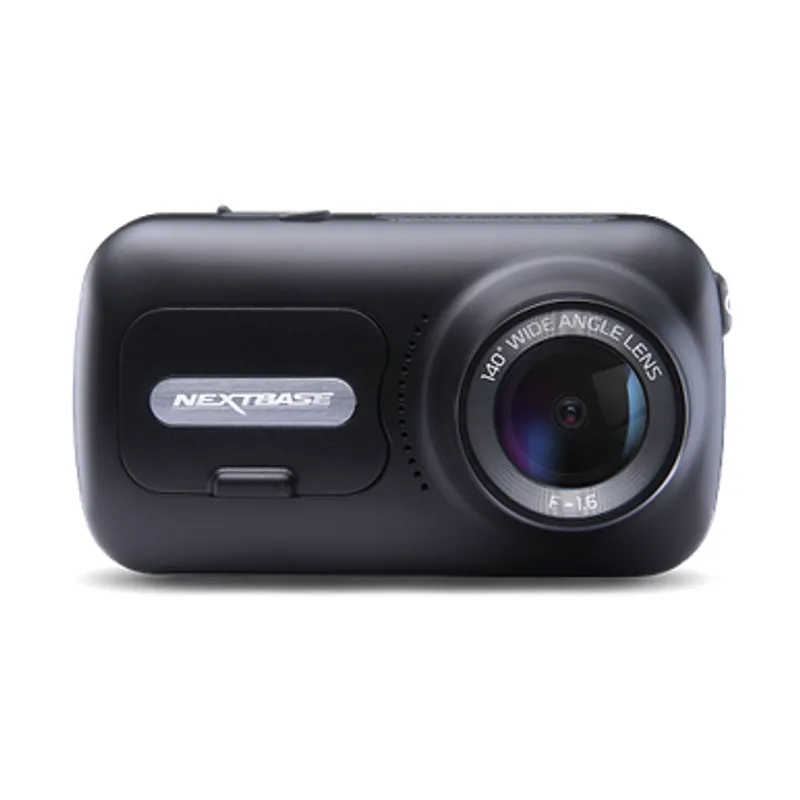
The 622GW has the strongest recording specification in this trio; the 522GW keeps the large touchscreen and polarising filter at 2K, while the 322GW covers the essentials.
Start with the coverage you need: a discreet front camera for the road ahead, or a front-and-rear system for evidence from both directions. Our guides then narrow the choice by installation, connectivity and brand.
Your privacy
We use cookies and similar technologies. Necessary ones keep the site working. With your permission we also use statistics cookies (Google Analytics and Microsoft Clarity) to understand which guides help readers. You can accept all, reject all or choose. You can change your choice at any time from "Cookie settings" at the bottom of every page. Cookie policy